
Developer Tools
[3D] Preview
Open supported 3D files and inspect scenes, hierarchy and rendering/debug views.
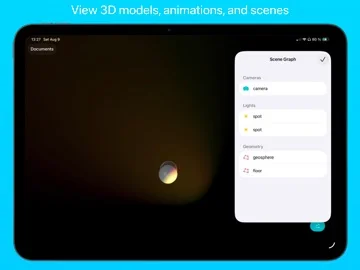
Useful for checking assets on a compatible iPhone/iPad
Free camera and wireframe/bone views expose more than a flat preview.
Keep in mind: Not a modeling editor; format/shader fidelity, large-scene performance and HDR/120fps depend on device/content. Captured iOS27 minimum is unusually high and must be confirmed at purchase.
Inside the app
Official product images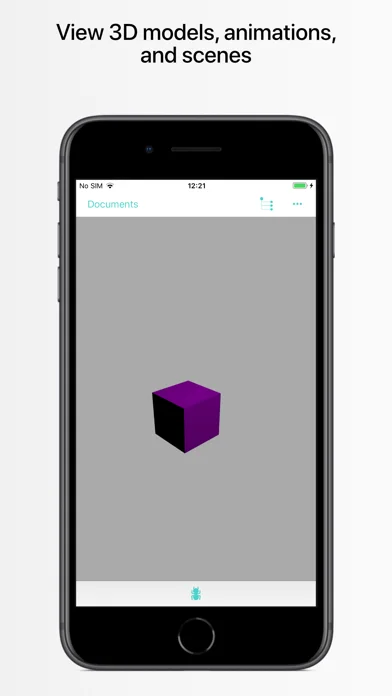
What you can do
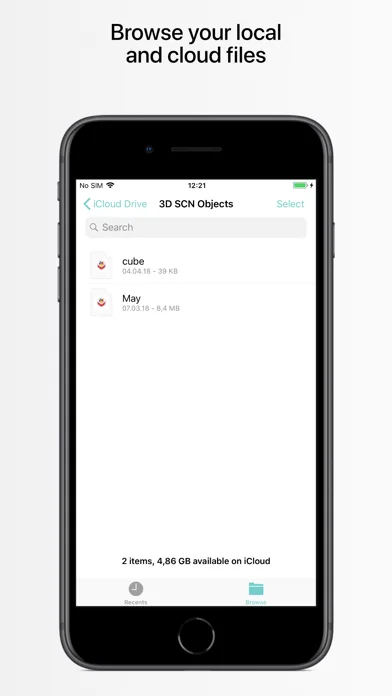
- Local/cloud document opening across listed 3D formats
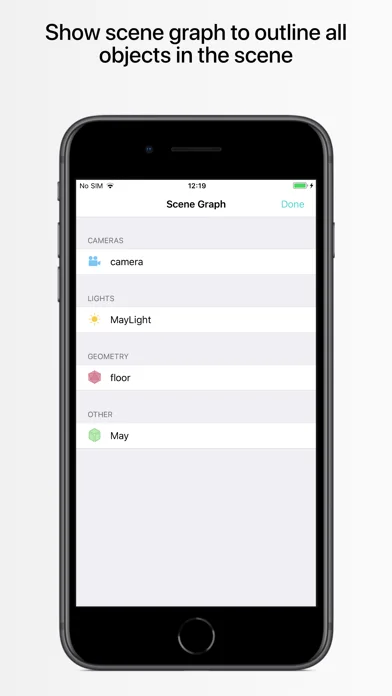
- Touch camera and categorized scene graph
- Wireframe/bone/camera debug and supported Metal shaders
Good for
- Creators testing a representative asset before relying on output
Consider alternatives for
- Guaranteed complete DCC interchange or editable CAD modeling
Limitations & considerations
- Captured minimum: iOS 27.0.
- Not a modeling editor; format/shader fidelity, large-scene performance and HDR/120fps depend on device/content. Captured iOS27 minimum is unusually high and must be confirmed at purchase.
Privacy & permissions
Cloud-opened models may be confidential; verify provider permissions and exported/debug screenshots before sharing.
Sources & review notes Updated Nov 12, 2026
Reviewed by iApp4Me Editorial Team. Recommendations use the linked documentation and attributed accounts; device observations are identified separately.
- US App Store developer description
Complete description, download price and compatibility metadata captured 2026-11-02.
No comments yet. Be the first to share your experience.