PDF & document tools
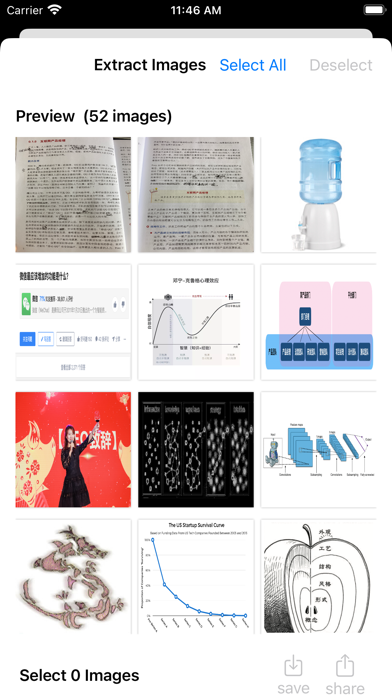
A focused iPhone and iPad utility for extracting text and pictures from PDFs, rather than editing complete documents.
Choose it for a focused picture-selection workflow rather than a full PDF editor. Our small iPhone sample saved four images together to Photos.
Research reviewed
Free download · $2.99 Full Access offer
PDF & document tools
A mainstream PDF reader with free basic document interactions and separately paid editing and conversion capabilities.
Shortlist it when other people already exchange documents through Acrobat, or you need a familiar PDF reader with an upgrade path.
Research reviewed
Free reader · paid Premium offers
Reading & learning
Apple’s reading library and bookstore; a useful baseline before paying for a specialist reader.
Try the included reading app before adding another service for ordinary ebook reading.
Research reviewed
Free reader · books sold separately
Audio, video & subtitles
An open-source desktop route to offline speech transcription and timed subtitle files.
Consider it when inspectable software and subtitle export matter more than a commercial transcript workspace.
Research reviewed
Free open-source software
Audio, video & subtitles
A spoken-word recording and editing candidate for interviews, narration and podcasts on iPhone or iPad.
Shortlist it for podcast editing, reusable templates and keyboard-driven cleanup rather than music production.
Research reviewed
Free tier · Ferrite 3 Pro $29.99
Reading & learning
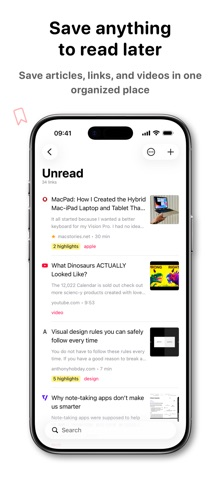
An Apple-device article library with clean reading, tagging and annotation tools.
Choose it for saved web articles, tags, highlights and Shortcuts-based workflows across Apple devices.
Research reviewed
$9.99 app · optional $4.99 annual feature upgrade
PDF & document tools
A PDF toolkit with mobile apps and web tools; document each execution environment explicitly.
Choose it when image extraction sits alongside merging, splitting and conversion. The iPhone follow-up recovered the three unique pictures as JPGs.
Research reviewed
Free tier · Premium $5.49/month or $44.99/year
Audio, video & subtitles
Apple’s video editor is a baseline to try before buying a more complex editing workflow.
Start here for a simple movie project before paying for a more complex timeline editor.
Research reviewed
Free download
Audio, video & subtitles
A multitrack editor to investigate when an iPad project needs more deliberate control over layers and sound.
Consider it when a simple movie editor no longer fits your multitrack editing workflow.
Research reviewed
$29.99 app · optional paid extras
Audio, video & subtitles
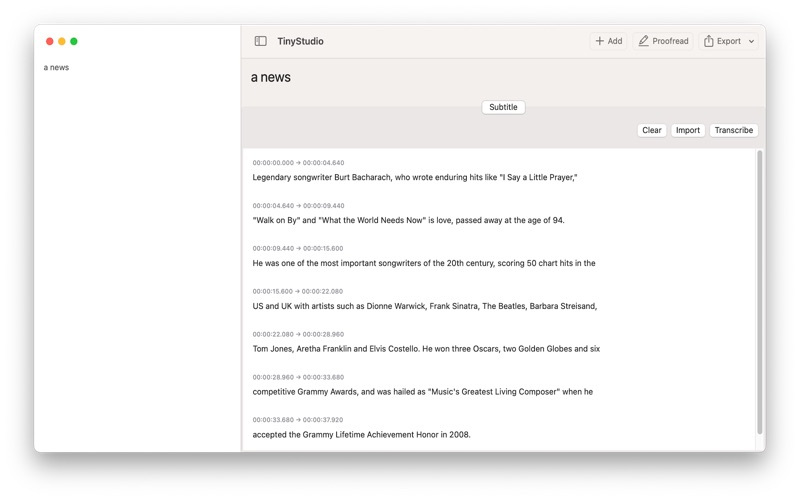
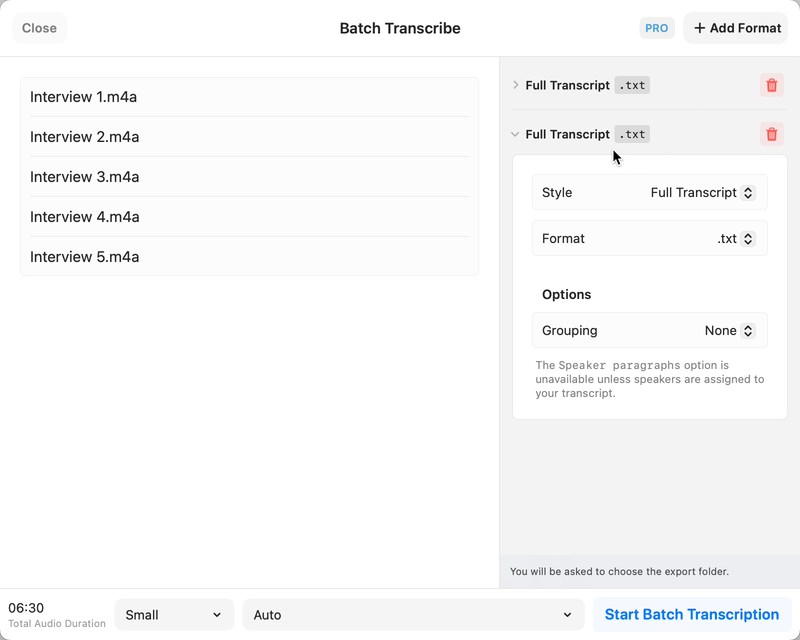
A Mac transcription candidate with a broader workflow than a simple subtitle generator.
Shortlist it when you need transcript editing and exports as well as captions. Pick a local model when the intended workflow is on-device.
Research reviewed
Free edition · Pro €64 one-time

Reading & learning
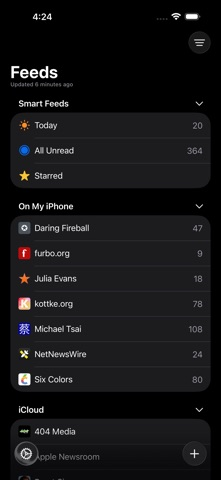
A free, open-source feed reader for a deliberate list of websites.
A practical starting point for following websites in a native Apple RSS client.
Research reviewed
Free open-source reader
PDF & document tools
A focused iPhone and iPad app for combining PDF files in a chosen order, rather than managing an entire PDF editing suite.
Shortlist it for a focused file-merging workflow with control over input order. Compare PDFgear when you also need a broader mobile PDF toolkit; Preview and PdfCraft are separate Mac choices.
Research reviewed
Free download · $2.99 Full Access offer
PDF & document tools
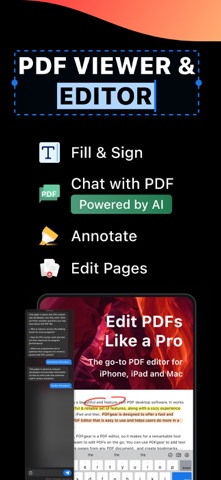
An Apple-focused PDF workspace spanning reading, annotations, signatures and paid document editing.
Shortlist it for a document workspace with reading, markup and paid editing capabilities rather than one isolated conversion.
Research reviewed
Free download · paid editing plans
P
PDF & document tools
An open-source PDF workbench for reading, merging, splitting and organizing pages, with a native Mac download.
A desktop/self-hosted option for document assembly. Its external tutorial makes the page-management workflow easier to assess before installing.
Research reviewed
Free open-source software
PDF & document tools
A broad PDF utility suite worth investigating before paying for routine document operations.
A sensible shortlist for merging, reading and other routine document tasks. Use the platform-specific documentation: desktop and mobile tools are not interchangeable.
Research reviewed
Free iPhone and iPad download
PDF & document tools
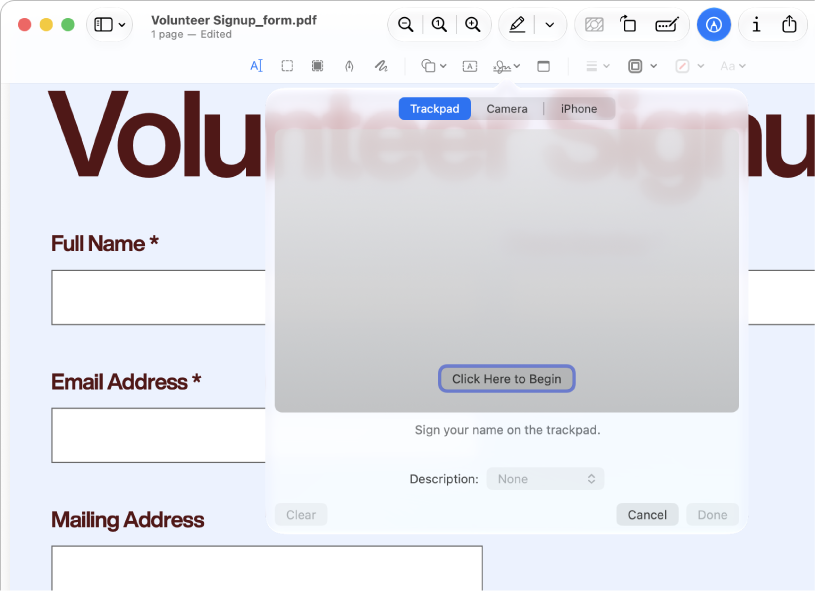
Apple’s built-in PDF and image tool; mobile and Mac versions must be documented separately.
For ordinary viewing, annotation and page operations, start with the tool already on your Mac before installing a larger PDF suite.
Research reviewed
Included with macOS

Reading & learning
A reading workspace that connects saved documents, annotations and downstream notes.
Shortlist it when saved documents and highlights feed an ongoing research or knowledge-management routine.
Research reviewed
30-day trial · Full $9.99/month billed annually

Reading & learning
The current timeline-based Reeder, not the older Reeder Classic RSS client.
Consider it for following feeds and keeping up with sources, rather than managing academic references.
Research reviewed
Free download · $1.99/month or $14.99/year
PDF & document tools
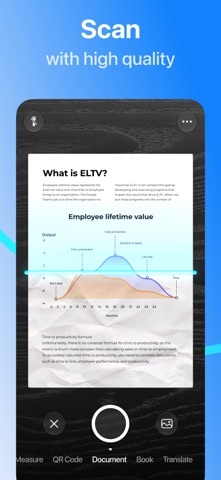
A camera-first scanning workflow with document organization, OCR and multiple export formats.
Look here when scanning, recognizing text and exporting documents are recurring work, not just an occasional camera capture.
Research reviewed
Free download · Plus pricing requires checkout
Audio, video & subtitles
A Mac subtitle-generation candidate for creators who want to turn recorded speech into captions rather than edit a whole movie.
Shortlist it when the deliverable is a subtitle file rather than a multitrack video project. Read the model-setup instructions before getting started.
Research reviewed
Free Mac download
Reading & learning
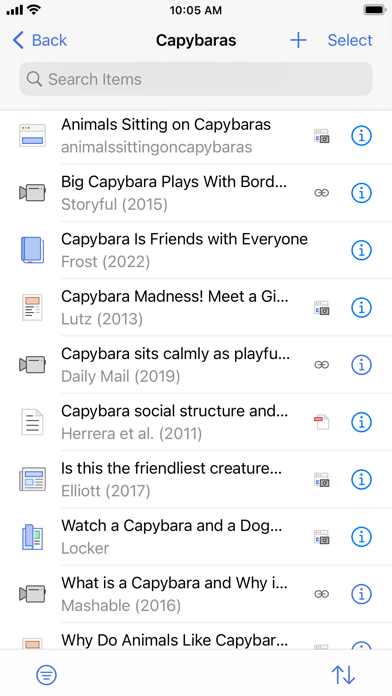
A reference library connecting bibliographic records, attached papers and research annotations.
Choose a reference manager when author, publication and citation metadata matter as much as the PDF itself.
Research reviewed
Free app · optional attachment storage