
Developer Tools
Adaptivity (A)
Inspect adaptive Apple-interface behavior on real devices, including safe areas, text styles, system symbols and layout changes.
Choose for iOS design and development reference.
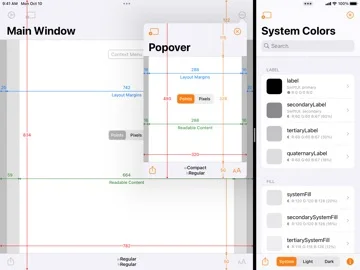
Orientation and multitasking comparisons make abstract layout measurements visible.
Keep in mind: Features depend on OS version and device; it complements testing rather than certifying an app's accessibility.
Inside the app
Official product images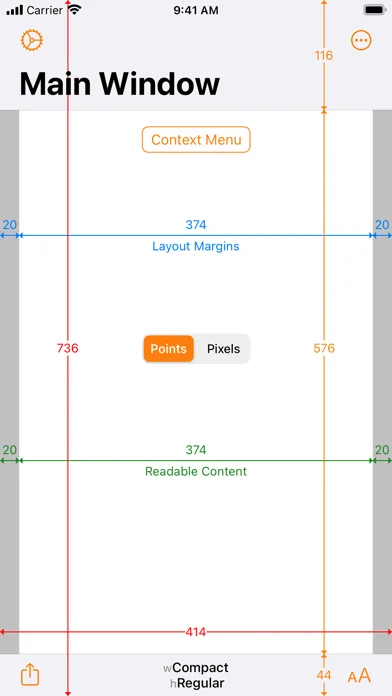
What you can do
- Safe-area and margin visualization
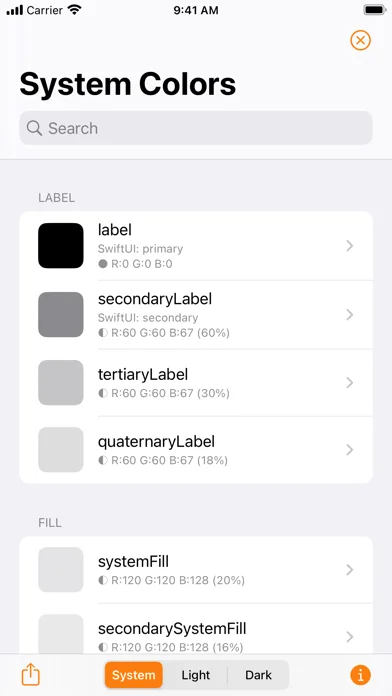
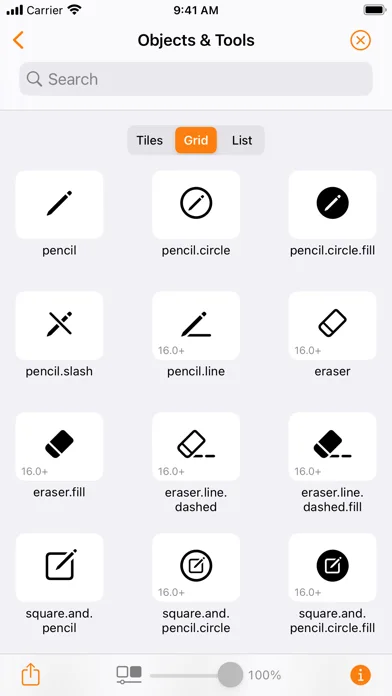
- Dynamic Type and system-resource browsers
- Multitasking, presentation and snapshot views
Good for
- Developers checking adaptive layouts.
Consider alternatives for
- People expecting automatic repair of their own app's interface.
Limitations & considerations
- Captured minimum: iOS 11.0.
- Features depend on OS version and device; it complements testing rather than certifying an app's accessibility.
Privacy & permissions
Shared snapshots can expose device or workspace context; review the store disclosure before sending them.
Sources & review notes Updated Nov 11, 2026
Reviewed by iApp4Me Editorial Team. Recommendations use the linked documentation and attributed accounts; device observations are identified separately.
- US App Store developer description
Complete description, download price and compatibility metadata captured 2026-11-02.
No comments yet. Be the first to share your experience.