
Graphics & Design
Adobe Illustrator: Graphic Art
Adobe Illustrator on iPad creates editable vector paths, shapes, typography and patterns with Apple Pencil and Creative Cloud workflows.
Consider for vector work within a compatible Illustrator plan
Point editing and shared cloud documents support moving a design between iPad and desktop.
Keep in mind: iPad features differ from desktop Illustrator; verify export, fonts and complex files before production. Cloud synchronization requires connectivity.
Inside the app
Official product images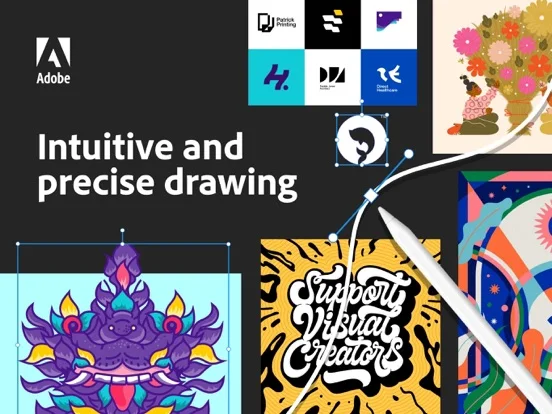
What you can do
- Draw and edit vector paths
- Build repeat patterns and styled type
- Import artwork and export AI, SVG or PDF
Good for
- Designers using iPad and Illustrator workflows
Consider alternatives for
- Users expecting every desktop plugin or feature
Limitations & considerations
- Captured minimum: iOS 14.0.
- iPad features differ from desktop Illustrator; verify export, fonts and complex files before production. Cloud synchronization requires connectivity.
Privacy & permissions
Client artwork and cloud documents need controlled sharing and secure Adobe account access.
Sources & review notes Updated Nov 10, 2026
Reviewed by iApp4Me Editorial Team. Recommendations use the linked documentation and attributed accounts; device observations are identified separately.
- US App Store developer description
Complete description, download price and compatibility metadata captured 2026-11-02.
No comments yet. Be the first to share your experience.