
Adobe Lightroom: Photo Editor
Adobe Lightroom for Mac edits and organizes photos with exposure and color controls, presets, masks and AI-assisted enhancement or removal.
Consider for photographers who want an integrated subscription workflow
Local or cloud storage choices and cross-device editing support larger libraries.
Keep in mind: A qualifying subscription is required after the seven-day trial; cloud capacity, AI availability and device requirements vary, and generated removal can change image content.
Inside the app
Official product images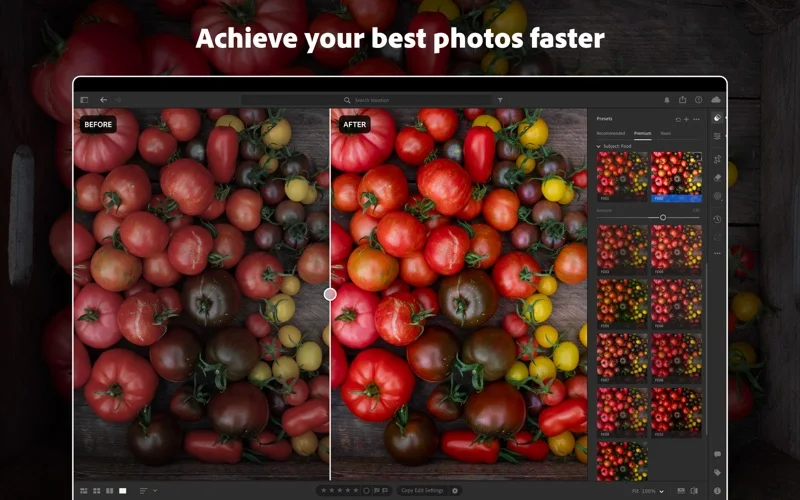
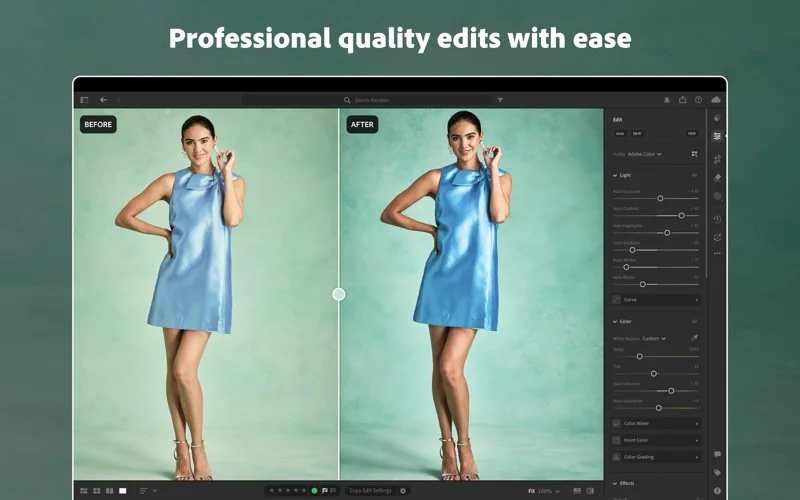
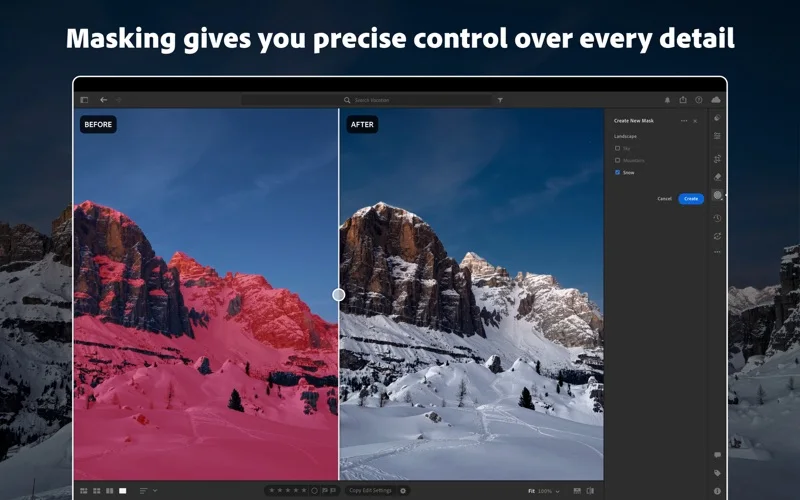
What you can do
- Adjust color, exposure and selective masks
- Apply eligible denoise or removal tools
- Organize and share local or cloud photo libraries
Good for
- Photographers managing repeated editing across supported devices
Consider alternatives for
- Users seeking permanently free editing or unchanged documentary evidence
Limitations & considerations
- Captured minimum: macOS 14.0.
- A qualifying subscription is required after the seven-day trial; cloud capacity, AI availability and device requirements vary, and generated removal can change image content.
Privacy & permissions
Adobe ID registration is required; cloud uploads and public albums need deliberate access choices, especially for client photos.
Sources & review notes Updated Nov 10, 2026
Reviewed by iApp4Me Editorial Team. Recommendations use the linked documentation and attributed accounts; device observations are identified separately.
- US App Store developer description
Complete description, download price and compatibility metadata captured 2026-11-02.
No comments yet. Be the first to share your experience.