
Social Networking
Aegis
Attempt removable-storage access control using a trusted-device/partition list.
A Mac owner evaluating an extra device-control layer.
Attempt removable-storage access control using a trusted-device/partition list.
Keep in mind: Absolute no-bypass claims were not audited. Test on nonessential disks; app-level controls are not a verified enterprise security boundary.
Inside the app
Official product images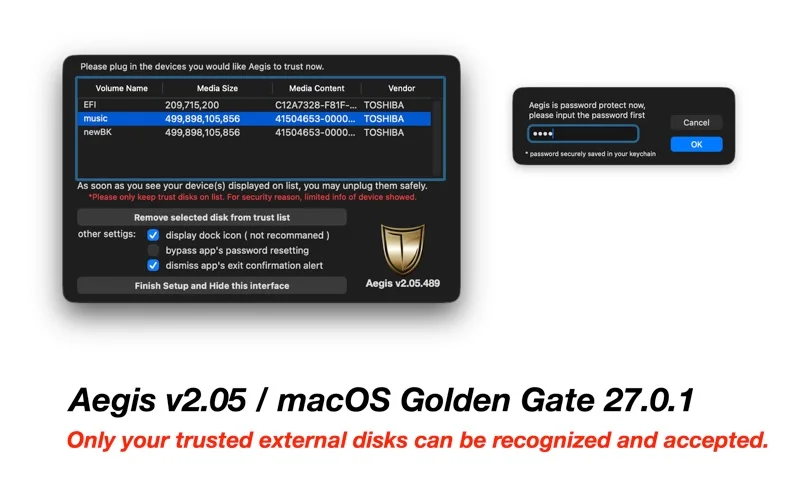
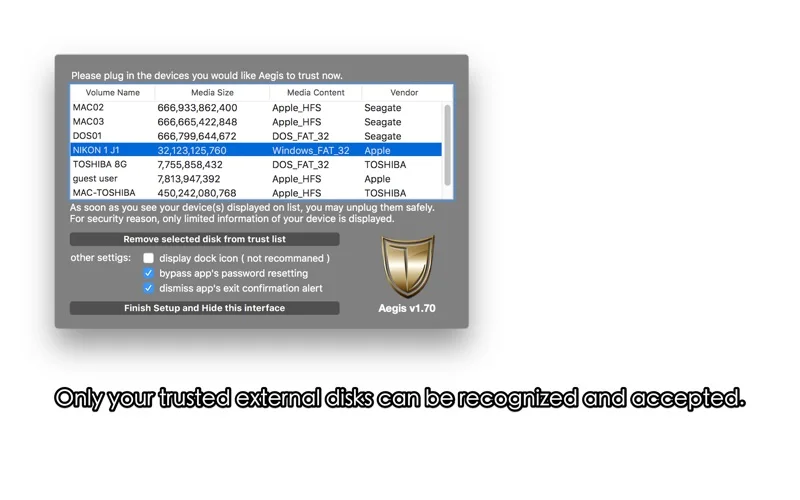
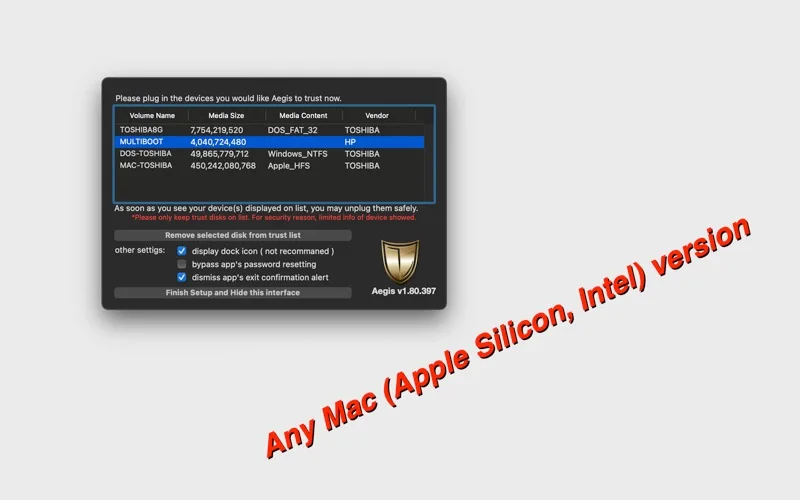
What you can do
- Add/remove listed trusted disks.
- Allow selected partitions and block other mounts as described.
- Use password and list-reset controls.
Good for
- A Mac owner evaluating an extra device-control layer.
Consider alternatives for
- Guaranteed clone-proof protection or administrator/physical-access resistance.
Limitations & considerations
- Absolute no-bypass claims were not audited. Test on nonessential disks; app-level controls are not a verified enterprise security boundary.
Privacy & permissions
Device identifiers/trust lists can be sensitive. Protect the password and review required permissions.
Sources & review notes Updated Nov 19, 2026
Reviewed by iApp4Me Editorial Team. Recommendations use the linked documentation and attributed accounts; device observations are identified separately.
- US App Store listing
Full publisher description, version and US download price captured 2026-11-02; source-based coverage, not a device test.
No comments yet. Be the first to share your experience.