
Business
Air Printer App: Smart Print
Air Printer Smart Print scans, annotates and sends supported documents through compatible AirPrint workflows.
Consider after testing the exact printer/network
Scanning and email-to-print combine several document input routes.
Keep in mind: 9000printers/anywhere/clarity claims are untested; AirPrint needs a compatible reachable printer, and server email forwarding has a different data path.
Inside the app
Official product images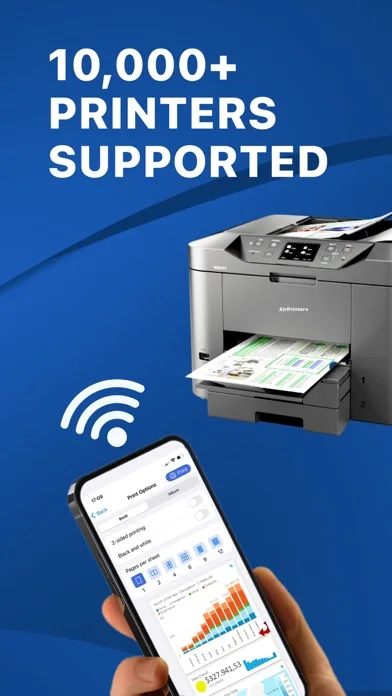
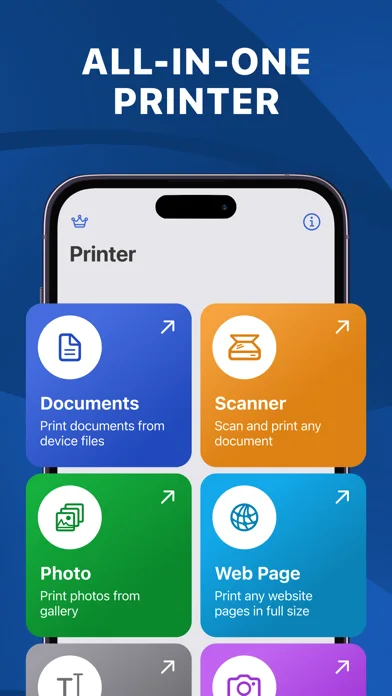
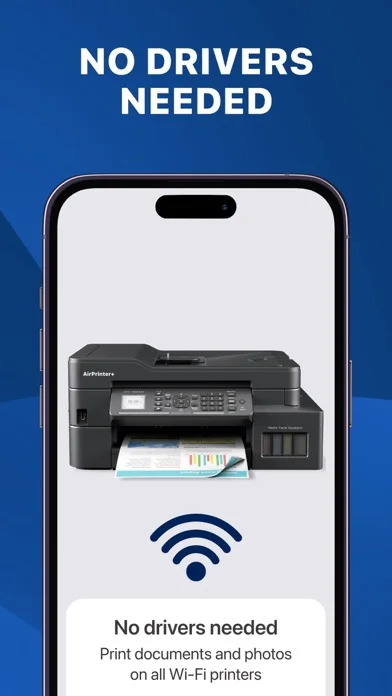
What you can do
- Scan/adjust supported pages
- Print eligible files/photos
- Use configured email-to-print only after verification
Good for
- Users with tested compatible printers
Consider alternatives for
- Users expecting every printer supported or confidential email forwarding by default
Limitations & considerations
- Captured minimum: iOS 17.4.
- 9000printers/anywhere/clarity claims are untested; AirPrint needs a compatible reachable printer, and server email forwarding has a different data path.
Privacy & permissions
Scans/contracts/attachments may leave device through a personalized email service; inspect retention, recipients and printer queues before sensitive use.
Sources & review notes Updated Nov 11, 2026
Reviewed by iApp4Me Editorial Team. Recommendations use the linked documentation and attributed accounts; device observations are identified separately.
- US App Store developer description
Complete description, download price and compatibility metadata captured 2026-11-02.
No comments yet. Be the first to share your experience.