AirDroid Cast-screen mirroring
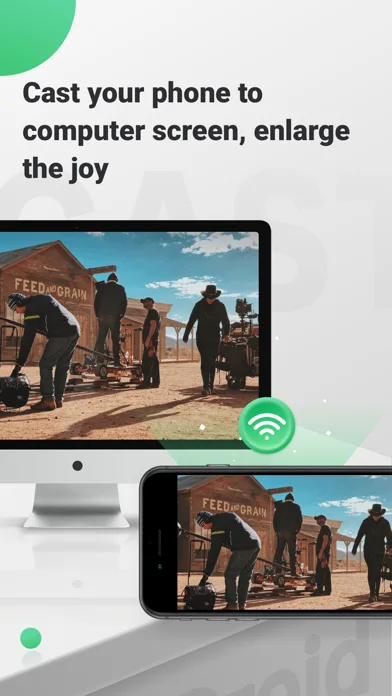
AirDroid Cast shares screens across supported computers, mobile devices and browsers over selected connection modes.
Consider after testing the exact sender and receiver combination
USB, AirPlay, local wireless and remote options address different screen-sharing settings.
Keep in mind: Publisher remote-control and five-screen claims depend on platform, configuration and entitlements; protected media, latency and control support are not independently verified.
Inside the app
Official product images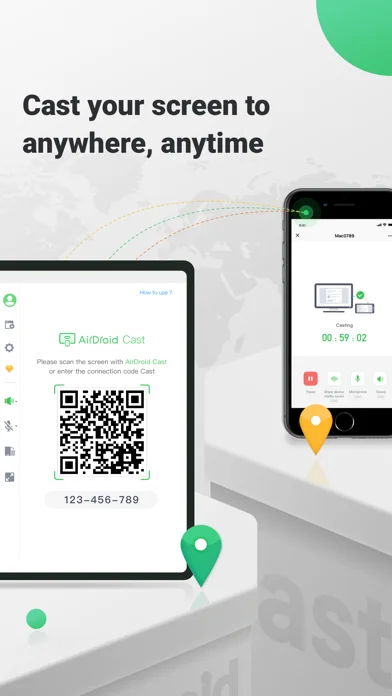
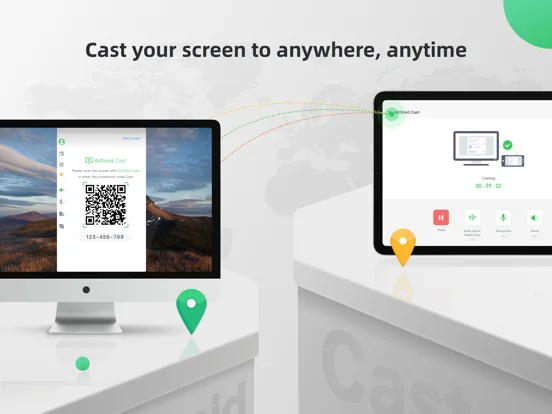
What you can do
- Mirror between supported devices
- Use the available browser receiver
- Try entitled remote sharing or control on authorized devices
Good for
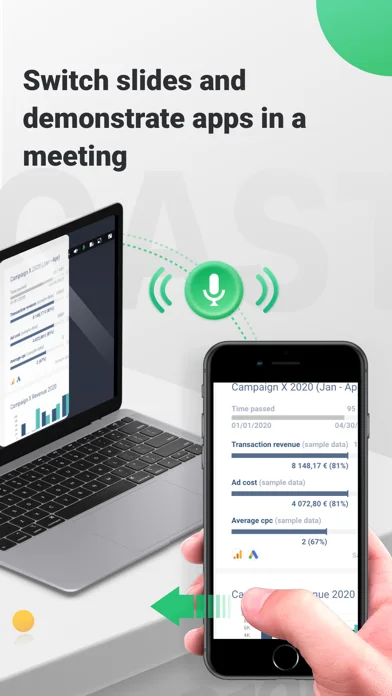
- Users with compatible devices for presentations or support
Consider alternatives for
- Users expecting every device to allow full remote control or protected-media casting
Limitations & considerations
- Captured minimum: iOS 12.0.
- Publisher remote-control and five-screen claims depend on platform, configuration and entitlements; protected media, latency and control support are not independently verified.
Privacy & permissions
Shared screens can expose messages, credentials and personal media; verify recipients and stop sharing before entering secrets.
Sources & review notes Updated Nov 11, 2026
Reviewed by iApp4Me Editorial Team. Recommendations use the linked documentation and attributed accounts; device observations are identified separately.
- US App Store developer description
Complete description, download price and compatibility metadata captured 2026-11-02.
No comments yet. Be the first to share your experience.