
Utilities
AnyFont
AnyFont installs supported font files for compatible document and design apps.
Consider for preserving document typography on iPhone or iPad
Imported fonts can reduce substitutions in supported presentations and documents.
Keep in mind: It cannot replace the iOS system font; recipient apps must use installed fonts, and configuration profiles have a stated 20 MB limit.
Inside the app
Official product images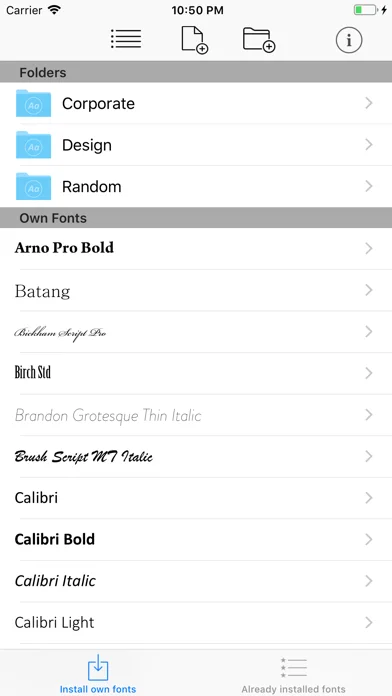
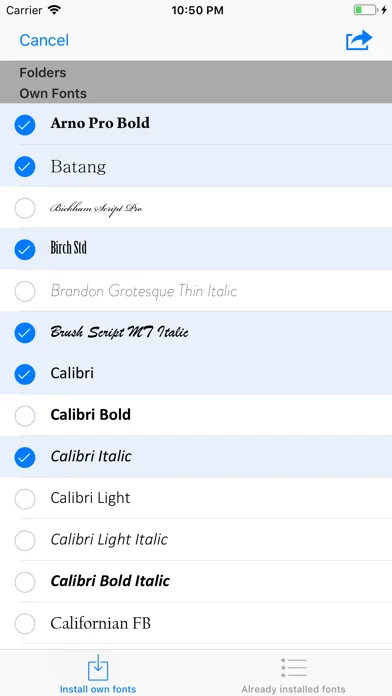
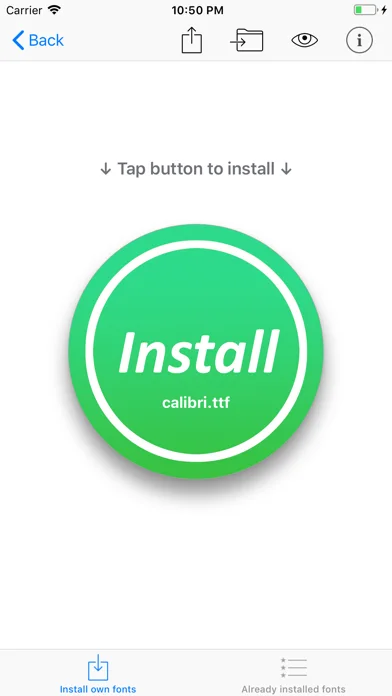
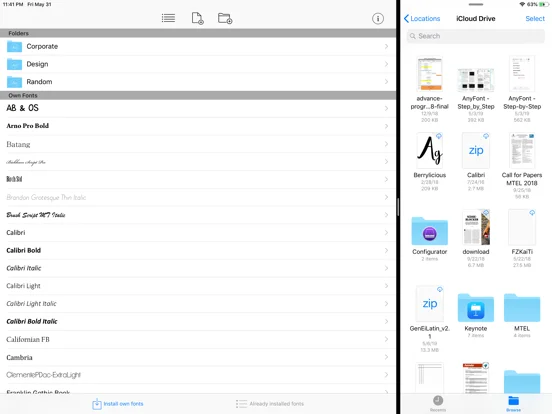
What you can do
- Import TTF, OTF, TTC or ZIP font files
- Preview and install supported fonts in batches
- Review the installed font list
Good for
- Users with licensed fonts and compatible document apps
Consider alternatives for
- Users wanting a different system-wide interface font
Limitations & considerations
- Captured minimum: iOS 12.0.
- It cannot replace the iOS system font; recipient apps must use installed fonts, and configuration profiles have a stated 20 MB limit.
Privacy & permissions
Install only trusted font profiles and observe font licenses; imported files may contain proprietary assets.
Sources & review notes Updated Nov 10, 2026
Reviewed by iApp4Me Editorial Team. Recommendations use the linked documentation and attributed accounts; device observations are identified separately.
- US App Store developer description
Complete description, download price and compatibility metadata captured 2026-11-02.
No comments yet. Be the first to share your experience.