AnyStitch
Join overlapping screenshots into a single long image and adjust the seams before sharing or exporting.
People sharing conversations, instructions or tall pages as a single image
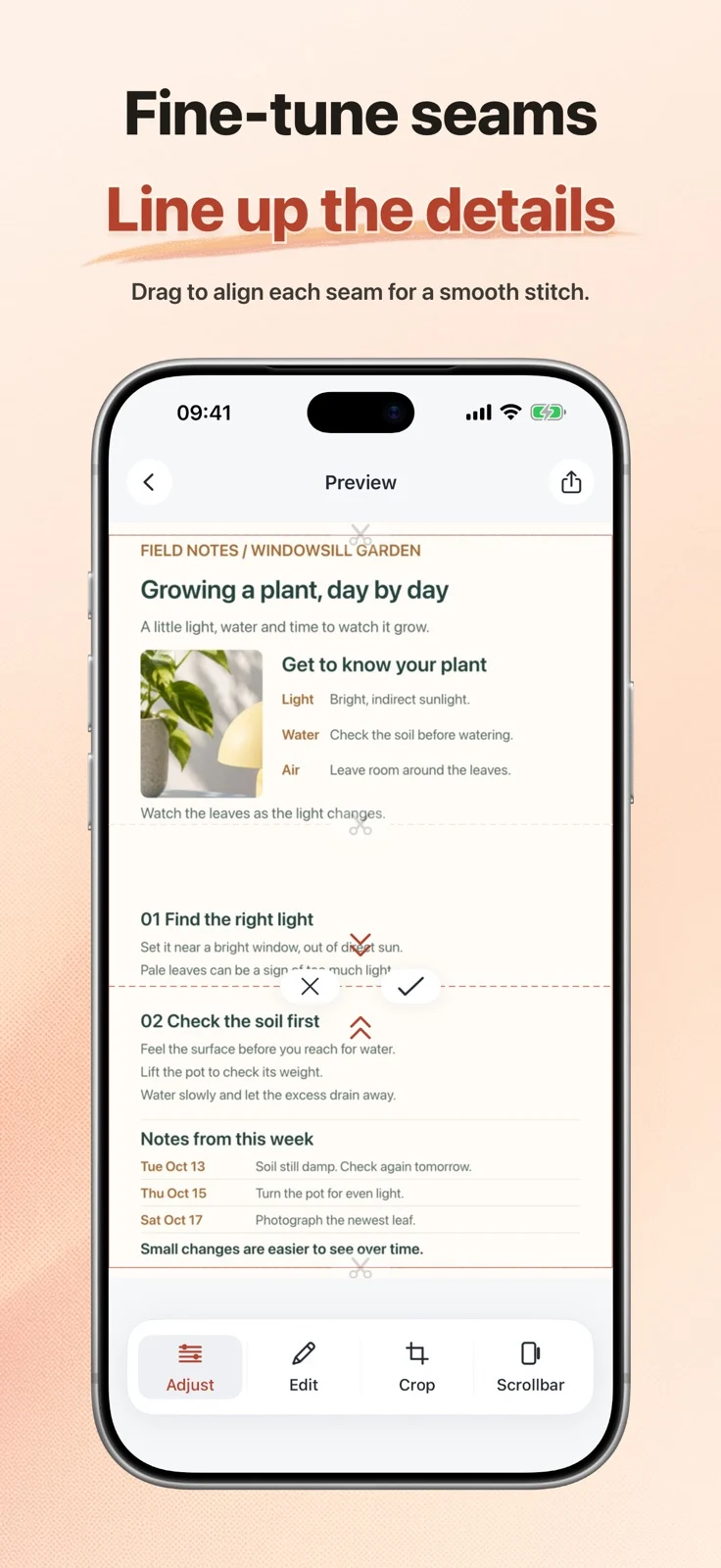
Start with screenshots that overlap around a line of text. Inspect the preview at each join, fix any repeated lines and review the finished image for information you want to cover.
Keep in mind: A typical screenshot set can be exported as a standard PNG for free. Screen-recording capture, smart sorting and additional exports require Pro.
Inside the app
Official product images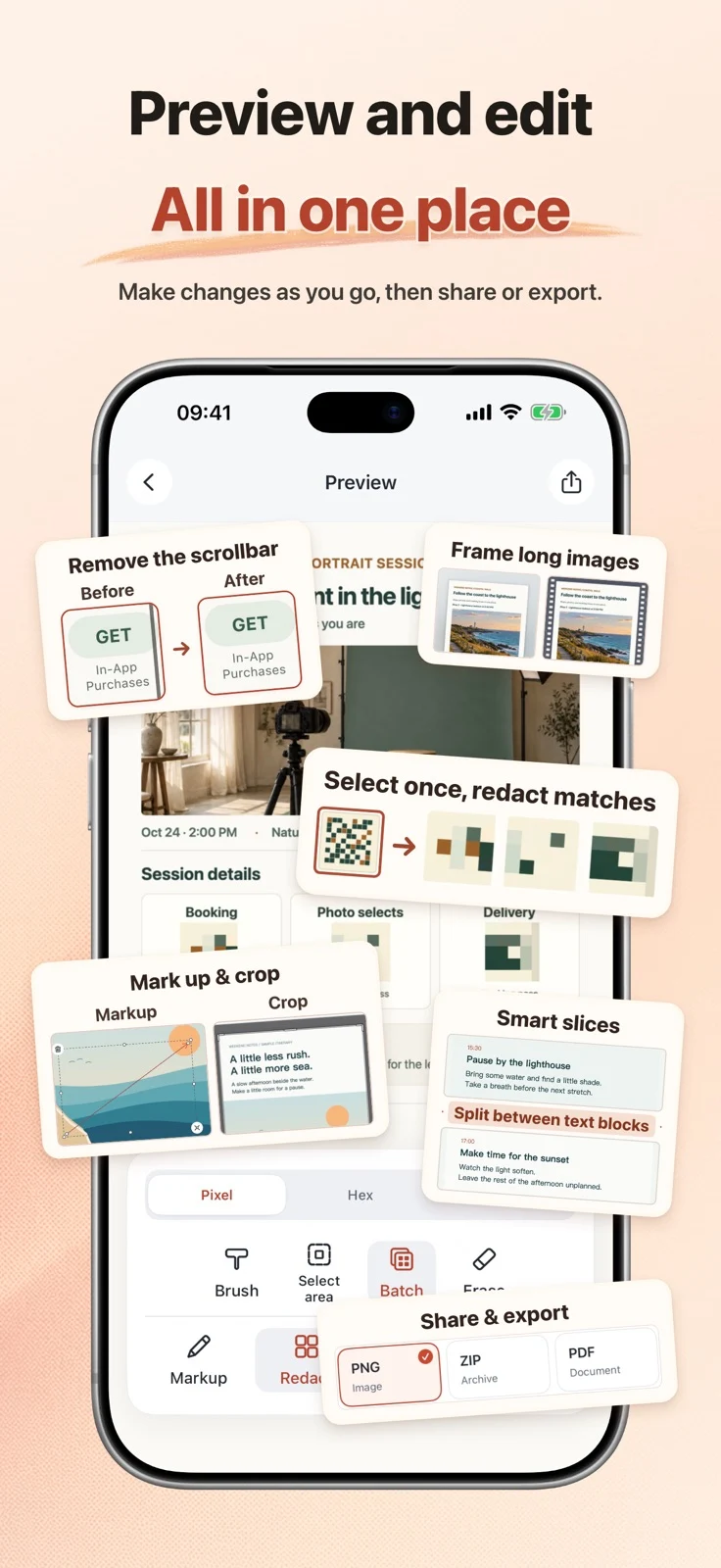



What you can do
- Stitch overlapping screenshots and fine-tune seams
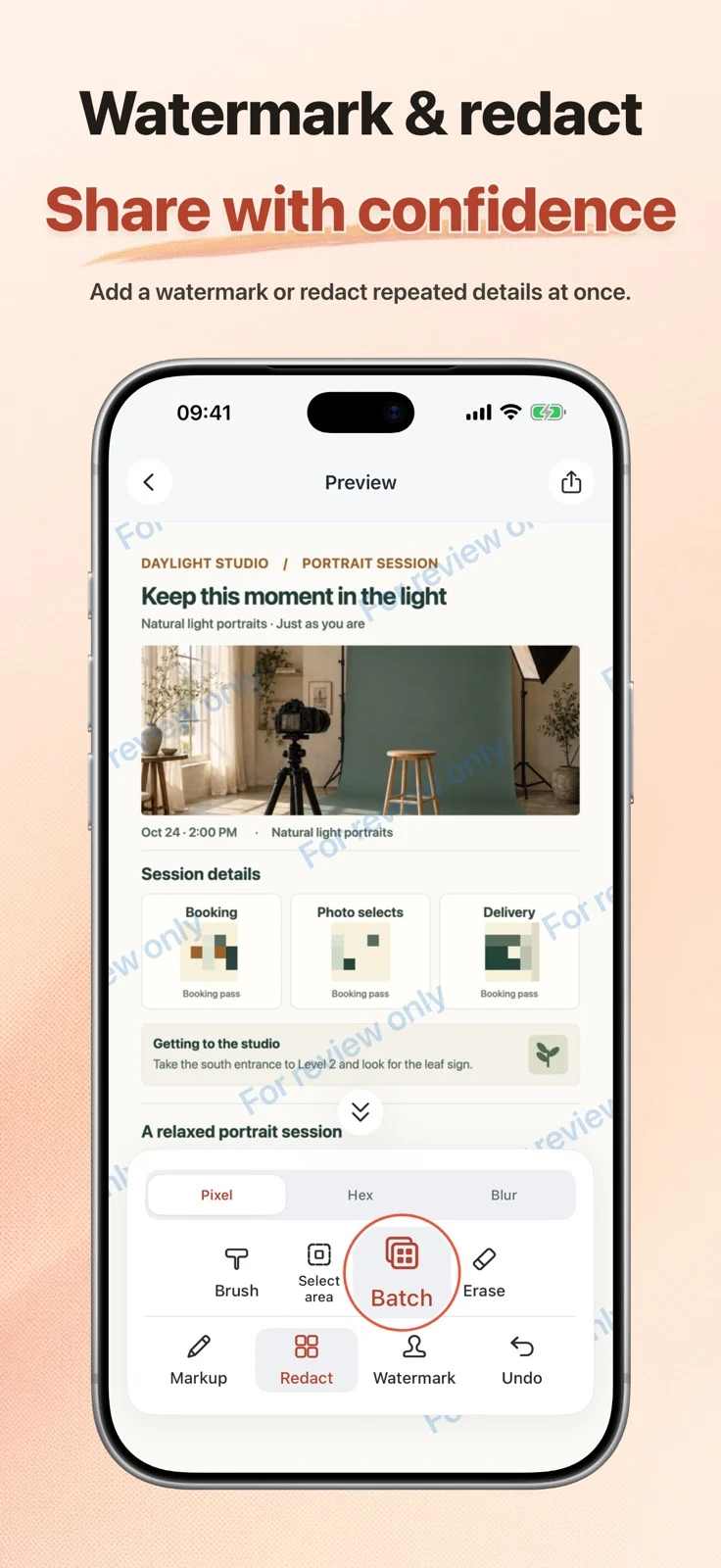
- Crop, annotate and redact the result
- Create long images from screen recordings and use additional Pro export options
Good for
- People sharing conversations, instructions or tall pages as a single image
Consider alternatives for
- A typical screenshot set can be exported as a standard PNG for free. Screen-recording capture, smart sorting and additional exports require Pro.
Where it fits
Start with screenshots that overlap around a line of text. Inspect the preview at each join, fix any repeated lines and review the finished image for information you want to cover.
Limitations & considerations
- A typical screenshot set can be exported as a standard PNG for free. Screen-recording capture, smart sorting and additional exports require Pro.
Privacy & permissions
The developer describes screenshot processing as on-device. Review exports for names, identifiers and other details before sharing.
Sources & review notes Updated Nov 28, 2026
Reviewed by iApp4Me Editorial Team. Recommendations use the linked documentation and attributed accounts; device observations are identified separately.
- US App Store
Regional availability, version 1.0.5, compatibility and published in-app purchase details.
- Official product website
Developer documentation and workflow.
No comments yet. Be the first to share your experience.