
ApowerMirror- Screen Mirroring
ApowerMirror shares screens between supported phones, computers and TVs.
Confirm the exact device/control combination
Local-network mirroring and eligible AirCast cover different connections.
Keep in mind: Delay-free/full-control claims depend on OS, hardware and setup; protected media may block display.
Inside the app
Official product images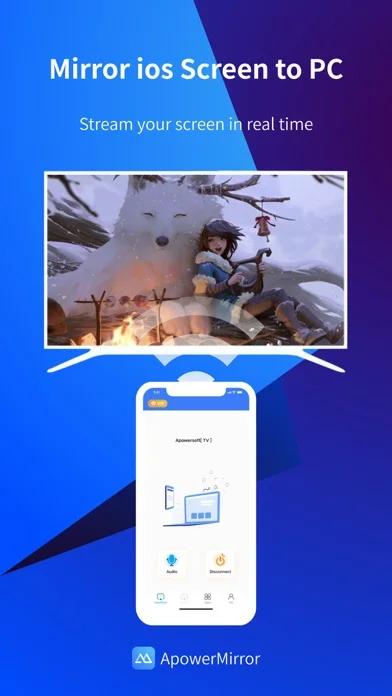
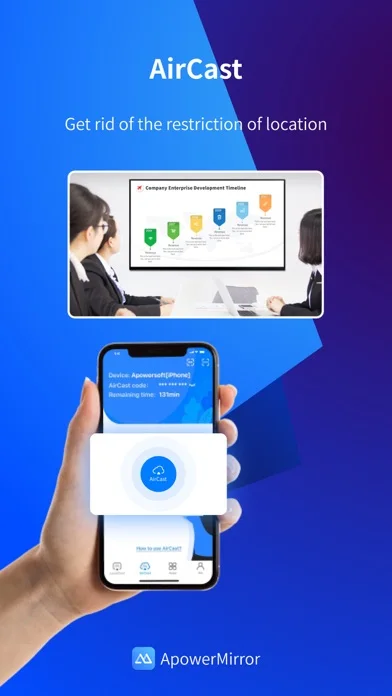
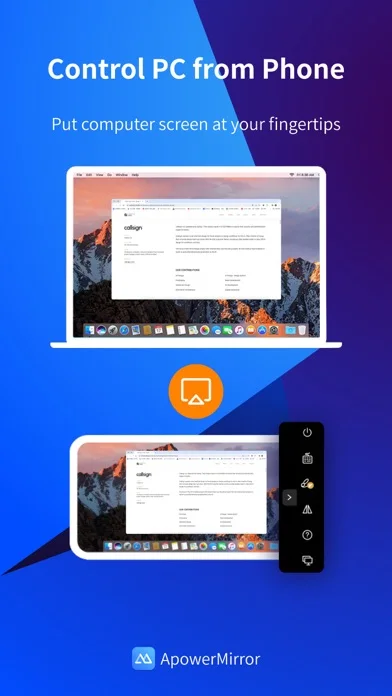
What you can do
- Mirror supported device screens.
- Cast compatible media/presentations.
- Use eligible remote-control/AirCast features.
App Store review themes
Recurring praise and complaints, grouped by topic.
30 reviews · US App Store · Written feedback; review platforms are not identified
What reviewers like
Screen mirroring
3 reviewsReviewers praise screen mirroring.
See 2 review examples
The reviewer praises the screen-sharing experience; their explanation of other ratings is speculation.
Original excerpt“This is by far the best screen share app out there”Apple source · Review 14638714360
The reviewer values mirroring the iPhone camera preview to an iPad over Wi-Fi while recording video.
Original excerpt“mirror my camera from iphone to my ipad via wifi”Apple source · Review 14309068270
What reviewers dislike
Screen mirroring
6 reviewsReviewers raise concerns or requests about screen mirroring.
See 2 review examples
The reviewer cannot mirror Crunchyroll on an older iPad and suspects content restrictions; the cause is not verified.
Original excerpt“Anyway mirror won’t mirror, it’s probably Crunchyroll’s rules.”Apple source · Review 14344356734
The reviewer reports a connection failure.
Original excerpt“Does not connect”Apple source · Review 14206332536
Workflow and interface friction
6 reviewsReviewers raise concerns or requests about ease of use.
See 2 review examples
The reviewer says setting up iPad-to-PC mirroring took an hour.
Original excerpt“Took an hour to finally get this set up to mirror iPad display to a PC laptop.”Apple source · Review 14209846082
The reviewer finds the software difficult to use.
Original excerpt“Software is incredibly hard to use.”Apple source · Review 14098810448
Free access and limits
5 reviewsReviewers raise concerns or requests about free access and limits.
See 2 review examples
The reviewer wants an ad-supported way to continue using the app instead of purchasing access.
Original excerpt“At least make it to where you can watch ads to continue using the app”Apple source · Review 14285417498
The reviewer objects to a reported ten-minute limit, explicitly based on hearsay rather than personally reaching it.
Original excerpt“I heard that it also has a 10 minute timer. That just makes the app useless.”Apple source · Review 14031199923
Show fewer negative themes
Remote screen control
3 reviewsReviewers raise concerns or requests about remote screen control.
See 2 review examples
The reviewer reports unusable mouse and trackpad control from the PC.
Original excerpt“the mouse would glitch and get stuck up in a corner of the screen, mouse pad on the laptop wouldn’t transfer over either.”Apple source · Review 14209846082
The reviewer wants touch interaction on the receiving screen, rather than viewing alone.
Original excerpt“I would really like if it was touchscreen when I share”Apple source · Review 14105109669
Good for
- People presenting screens across devices.
Consider alternatives for
- Anyone expecting universal remote control without setup.
Limitations & considerations
- Captured minimum: iOS 15.0.
- Delay-free/full-control claims depend on OS, hardware and setup; protected media may block display.
Privacy & permissions
Screen sharing can expose notifications, credentials and private media; trust every receiver.
Sources & review notes Updated Nov 9, 2026
Reviewed by iApp4Me Editorial Team. Recommendations use the linked documentation and attributed accounts; device observations are identified separately.
- US App Store developer description
Complete description, download price and compatibility metadata captured 2026-11-02.
No comments yet. Be the first to share your experience.