
Developer Tools
App Maker.
Sketch app interfaces, write Swift and work from templates on an iPhone, then export a project for further development.
Choose for mobile design and code experiments.
Drag-and-drop SwiftUI views connect a visual start with editable source.
Keep in mind: The developer explicitly says it is not a compiler, so export is not a completed build or App Store release.
Inside the app
Official product images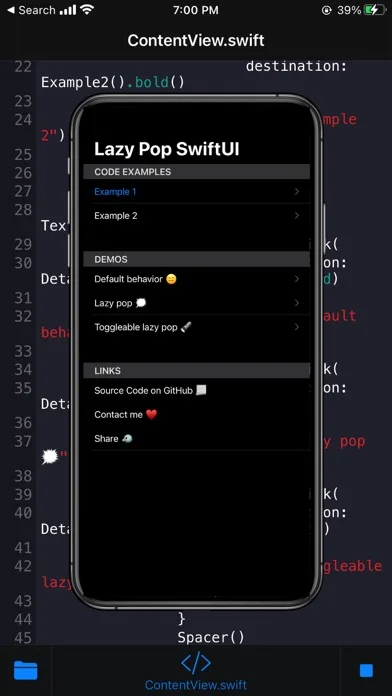
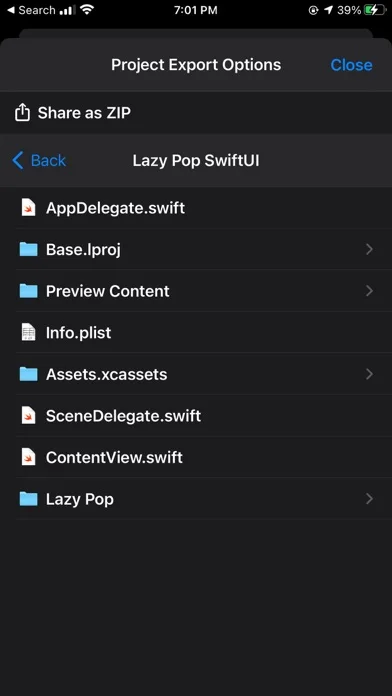
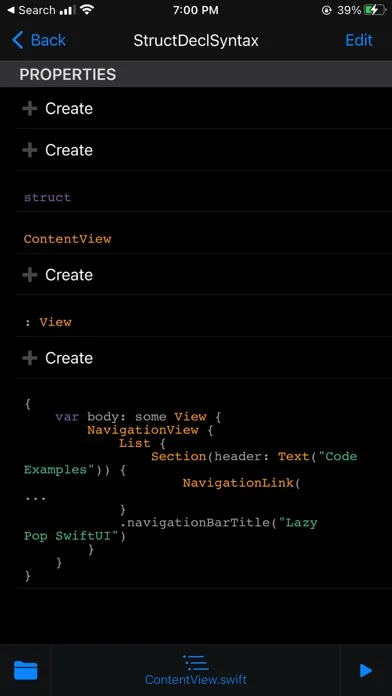
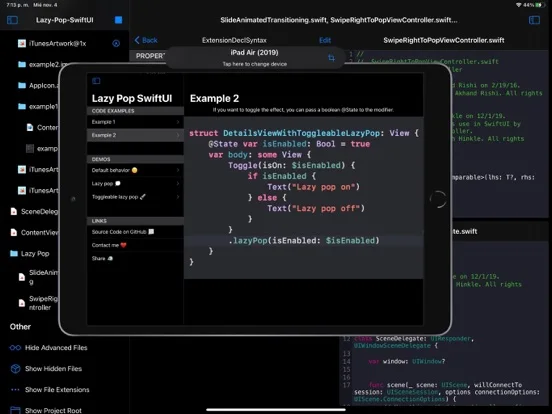
What you can do
- Swift and SwiftUI editing
- Templates and visual view placement
- Git-related workflow and Xcode project export
Good for
- Learners prototyping ideas before a full development setup.
Consider alternatives for
- People expecting to compile and publish a production app entirely here.
Limitations & considerations
- Captured minimum: iOS 14.0.
- The developer explicitly says it is not a compiler, so export is not a completed build or App Store release.
Privacy & permissions
Source code and shared prototypes may contain private ideas; inspect Git and testing-link visibility.
Sources & review notes Updated Nov 11, 2026
Reviewed by iApp4Me Editorial Team. Recommendations use the linked documentation and attributed accounts; device observations are identified separately.
- US App Store developer description
Complete description, download price and compatibility metadata captured 2026-11-02.
No comments yet. Be the first to share your experience.