
Productivity
Astropad Slate Pen Tablet
Astropad Slate turns an iPad and Apple Pencil into a Mac input surface for cursor, drawing and handwriting input.
Choose for a pen-tablet-style workflow without mirroring the Mac screen onto the iPad.
Relative mouse mode and absolute screen mapping let the input behavior suit different tasks.
Keep in mind: It requires the Mac companion and compatible hardware; network quality affects wireless responsiveness and hover varies by iPad.
Inside the app
Official product images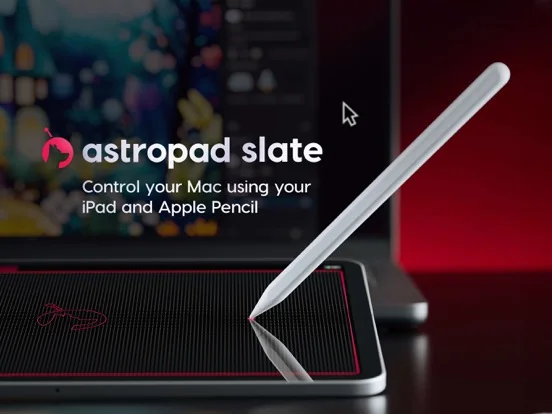
What you can do
- Control the Mac cursor with Pencil
- Draw into desktop apps
- Convert handwriting to typed Mac input
- Use scrolling and zoom gestures
- Choose mapping modes
- Connect by supported USB or wireless methods
Good for
- Mac users wanting to reuse an iPad as a pen-input device
Consider alternatives for
- Users expecting a standalone drawing editor or a second-display product
Limitations & considerations
- Captured minimum: iOS 15.0.
- It requires the Mac companion and compatible hardware; network quality affects wireless responsiveness and hover varies by iPad.
Privacy & permissions
The connection forwards input to a Mac; pair only authorized devices and consider confidential desktop content when using shared equipment.
Sources & review notes Updated Nov 11, 2026
Reviewed by iApp4Me Editorial Team. Recommendations use the linked documentation and attributed accounts; device observations are identified separately.
- US App Store developer description
Complete description, download price and compatibility metadata captured 2026-11-02.
No comments yet. Be the first to share your experience.