
Attic: Photo Cleaner Swipe
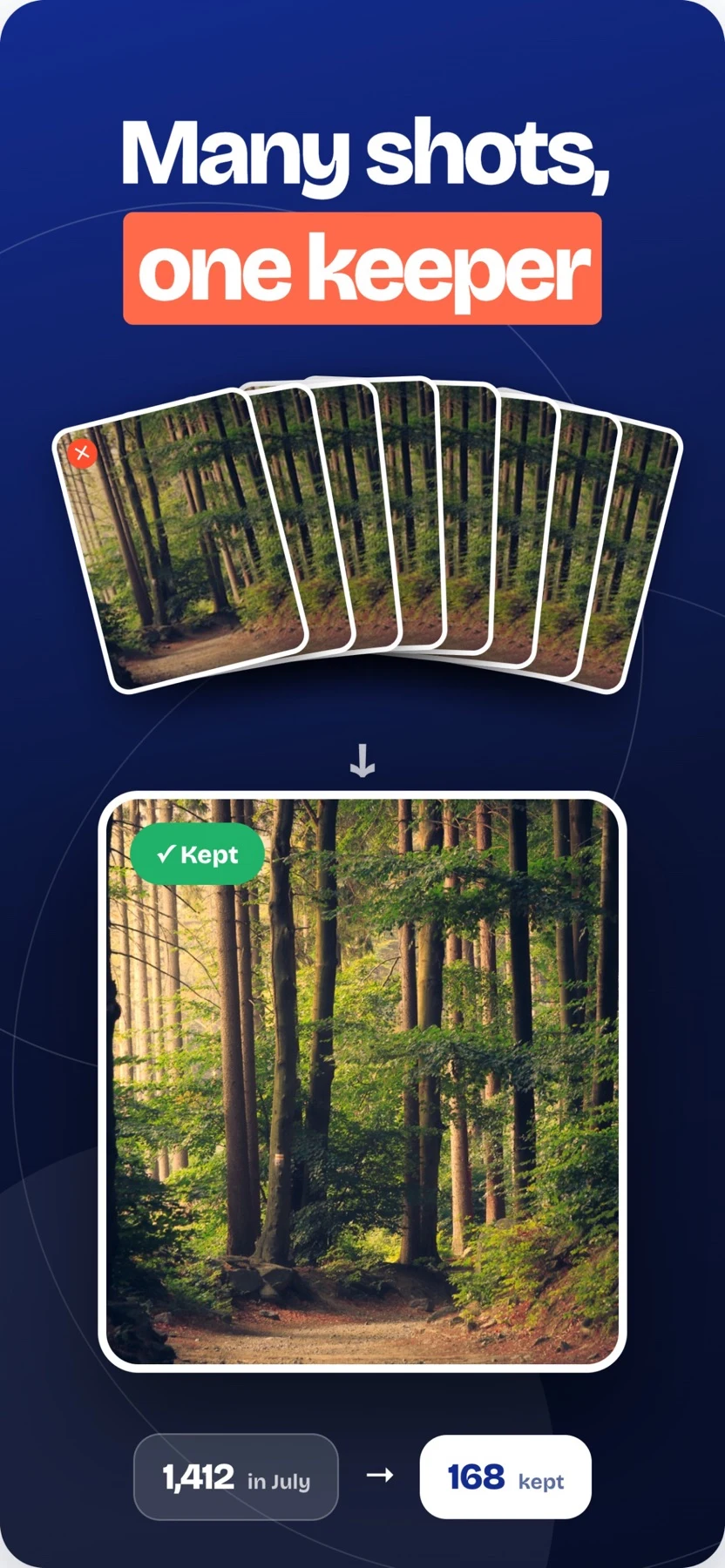
Attic groups a camera roll by month. Swipe to keep a photo or move it to an in-app archive, then review the archive before confirming deletion.
Sort a camera roll a month at a time
Attic groups a camera roll by month. Swipe to keep a photo or move it to an in-app archive, then review the archive before confirming deletion.
Keep in mind: The Attic archive is a staging area. Review it before confirming deletion, especially if the library is synced to other devices.
Inside the app
Official product images




What you can do
- Review photos by month in short swipe sessions
- Compare similar photos and burst sequences before choosing what to keep
- Retrieve a photo from the in-app archive before confirming deletion
Good for
- Sort a camera roll a month at a time
Consider alternatives for
- The Attic archive is a staging area. Review it before confirming deletion, especially if the library is synced to other devices.
Start with a small example
Start with a month that has a manageable number of photos. Compare the keep and archive actions on a few items.
Open the archive to check what was set aside. Restore anything you want to keep before clearing it.
Release and access
US App Store version 1.3.0. iOS 15.0 or later.
Limitations & considerations
- The Attic archive is a staging area. Review it before confirming deletion, especially if the library is synced to other devices.
Privacy & permissions
The publisher says photo sorting runs on the device and does not require an account or photo upload. The free tier can show rewarded ads.
Sources & review notes Updated Nov 22, 2026
Reviewed by iApp4Me Editorial Team. Recommendations use the linked documentation and attributed accounts; device observations are identified separately.
- App Store listing
Publisher information checked November 22, 2026.
- Official product information
Publisher information checked November 22, 2026.
- Google Play listing
Publisher information checked November 22, 2026.
No comments yet. Be the first to share your experience.