Business
AudioNote™
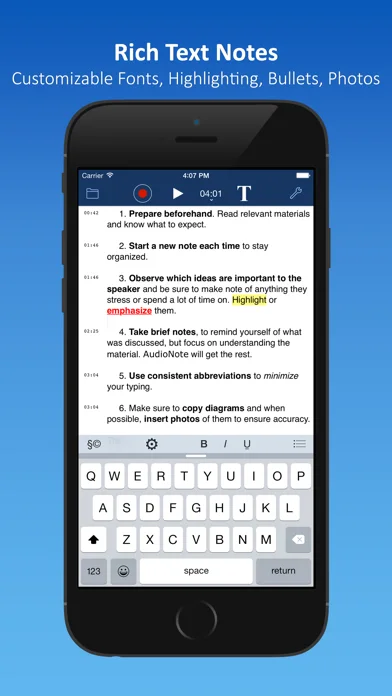
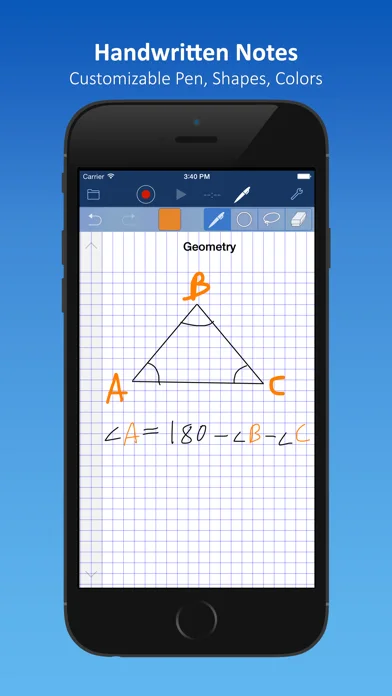
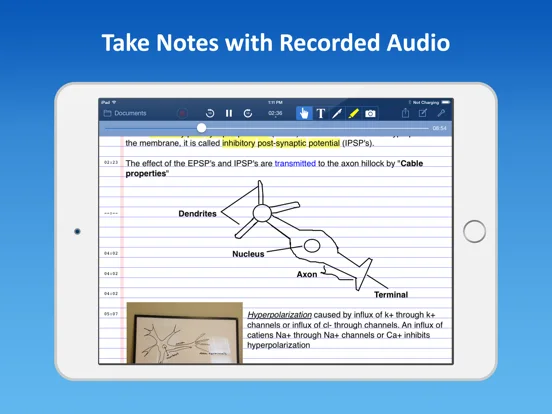
AudioNote links typed, drawn or photo notes to positions in a recorded conversation or lecture.
Pick it for reviewing a specific moment without scrubbing the whole file
Tapping a note and seeing highlights during playback can reconnect an outline with its spoken context.
Keep in mind: It does not guarantee clear recording in a noisy room, and iPad-only PDF annotation should not be assumed on iPhone.
Inside the app
Official product images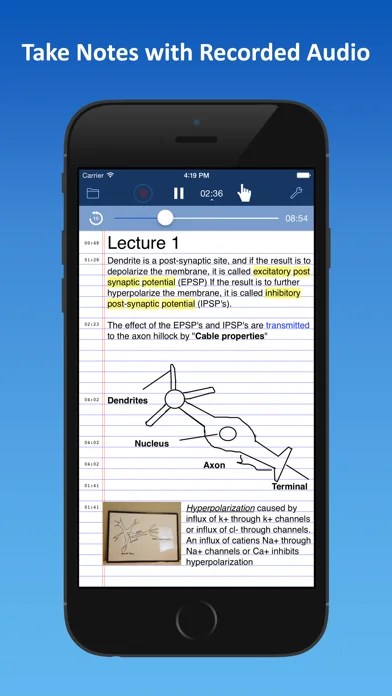
What you can do
- Synchronized notes and audio
- Note-linked playback and highlighting
- Photos drawings and supported file sharing
Good for
- Students or professionals recording with appropriate permission
Consider alternatives for
- Users seeking automatic verified transcription or secret surveillance
Limitations & considerations
- Captured minimum: iOS 15.0.
- It does not guarantee clear recording in a noisy room, and iPad-only PDF annotation should not be assumed on iPhone.
Privacy & permissions
Recordings and notes can reveal other people’s information; obtain consent and check iCloud, Dropbox or network sharing destinations.
Sources & review notes Updated Nov 11, 2026
Reviewed by iApp4Me Editorial Team. Recommendations use the linked documentation and attributed accounts; device observations are identified separately.
- US App Store developer description
Complete description, download price and compatibility metadata captured 2026-11-02.
No comments yet. Be the first to share your experience.