
AutoCut | AI Video Editor
Turn a raw talking-head take into an editable timeline with suggested cuts and captions.
Review an Automatic Cut Before Exporting a Talking Head Video
Turn a raw talking-head take into an editable timeline with suggested cuts and captions. Editing, speech recognition and export were not tested. The website and current store description list different numbers of supported editing languages.
Keep in mind: Editing, speech recognition and export were not tested. The website and current store description list different numbers of supported editing languages.
Inside the app
Official product images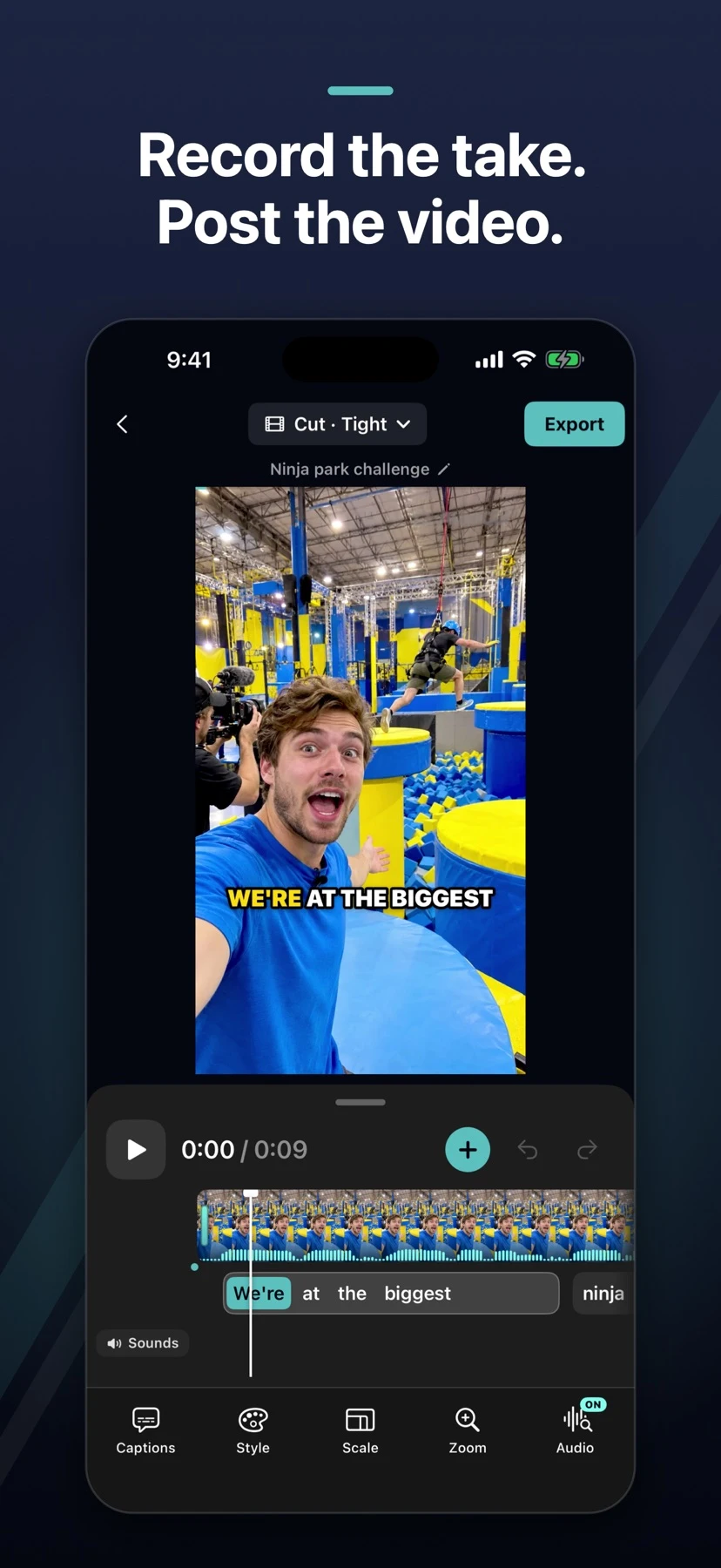

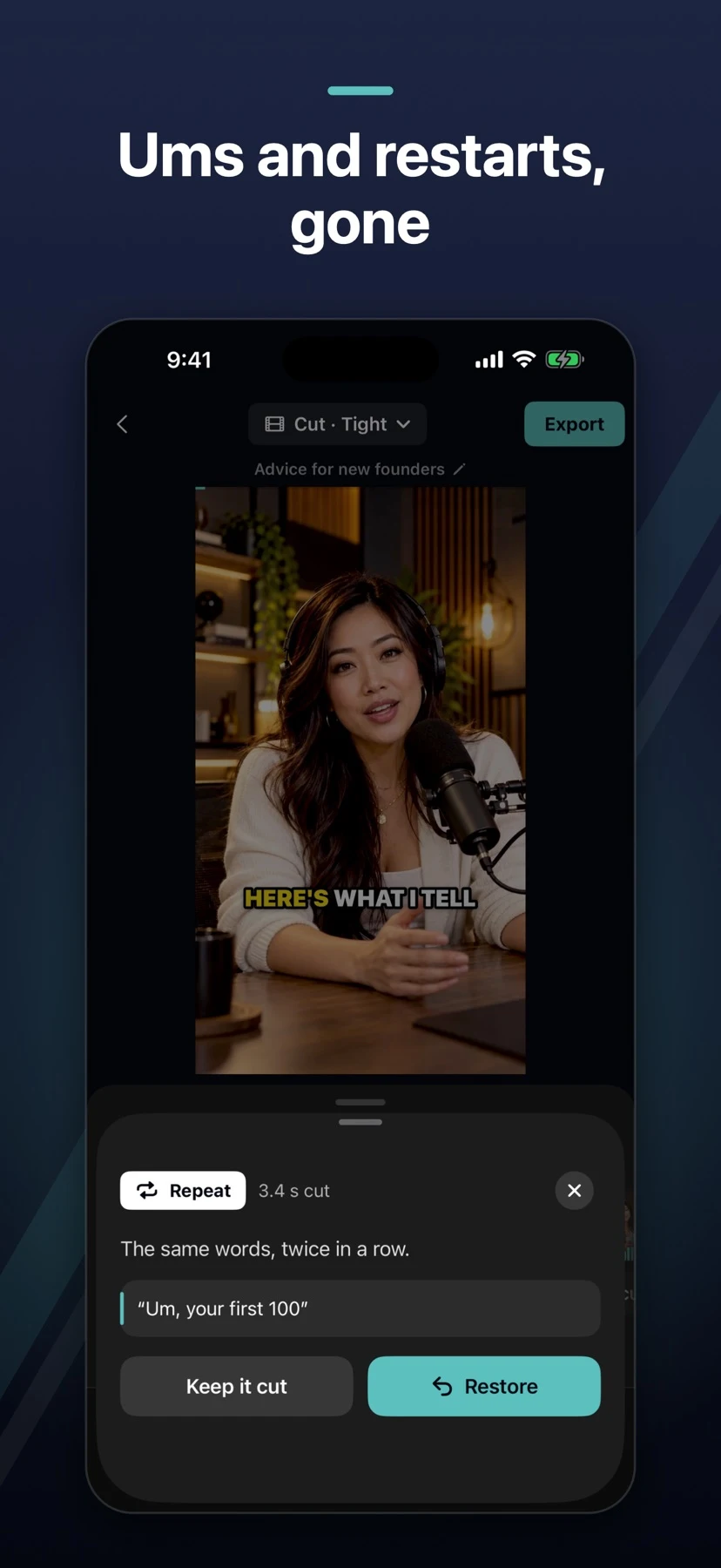

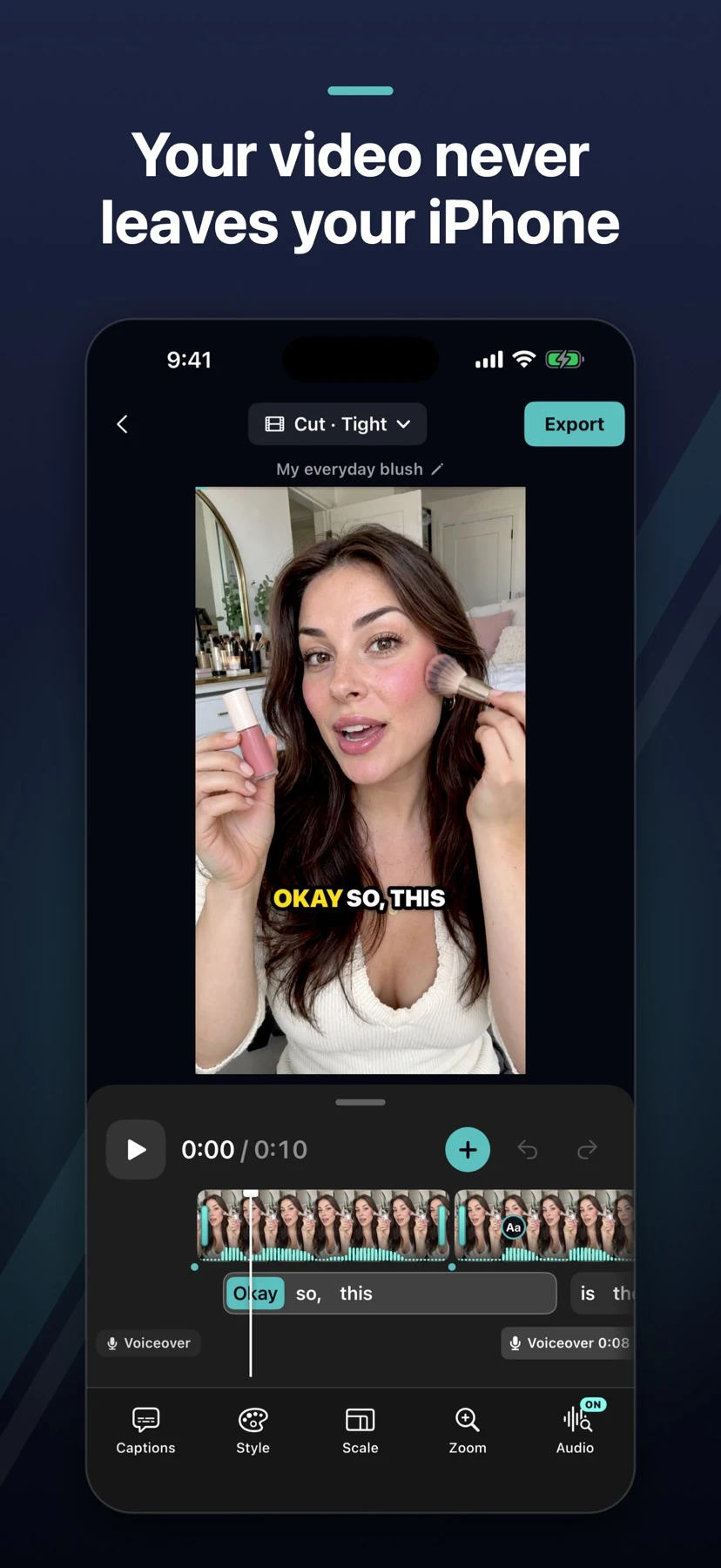

What you can do
- Find proposed cuts for pauses, filler words and restarts
- Preview and restore individual cuts, then fix caption text
- Export video up to 4K or share a subtitle file
Good for
- Review an Automatic Cut Before Exporting a Talking Head Video
Consider alternatives for
- Editing, speech recognition and export were not tested. The website and current store description list different numbers of supported editing languages.
Start with a small comparison
Use a short sample with a deliberate pause. Compare the proposed edit with the original, restore any pause needed for meaning, and check the captions before you export.
Release and requirements
US · App Store: 1.3.3. Requirements: iOS 18.0 or later. Product images are from the attributed publisher sources.
Limitations & considerations
- Editing, speech recognition and export were not tested. The website and current store description list different numbers of supported editing languages.
Privacy & permissions
The publisher says originals stay on the phone. AI editing may send analysis audio and a teleprompter script with permission. Some other tools send caption text.
Use it for
Sources & review notes Updated Nov 19, 2026
Reviewed by iApp4Me Editorial Team. Recommendations use the linked documentation and attributed accounts; device observations are identified separately.
- App Store release
Official product information checked November 19, 2026.
- Publisher documentation
Official product information checked November 19, 2026.
No comments yet. Be the first to share your experience.