
AutoMounter
AutoMounter keeps configured network shares mounted on Mac using discovery, reconnection and rules tied to network or computer state.
Pick for a Mac that repeatedly reconnects to NAS or work shares.
Rule-based mounting and server discovery reduce repeated manual Finder connections.
Keep in mind: It cannot make an unavailable server reliable. Pro Settings and the Helper App have edition-specific requirements, and AFP is disabled on macOS 27 or later.
Inside the app
Official product images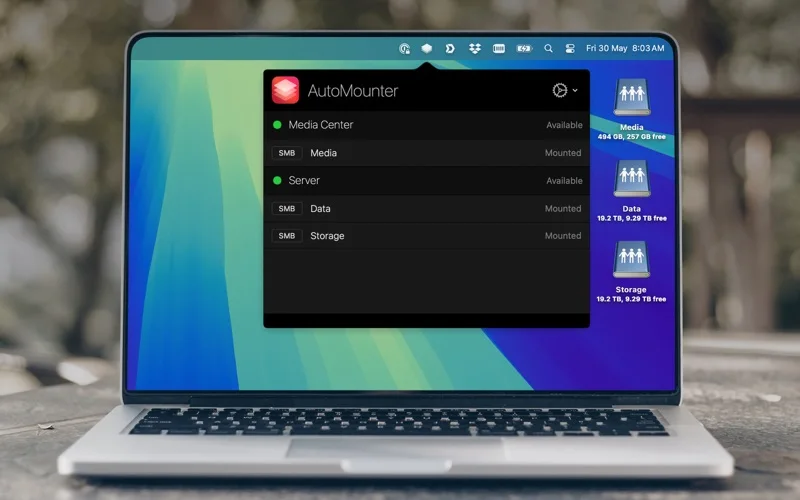
What you can do
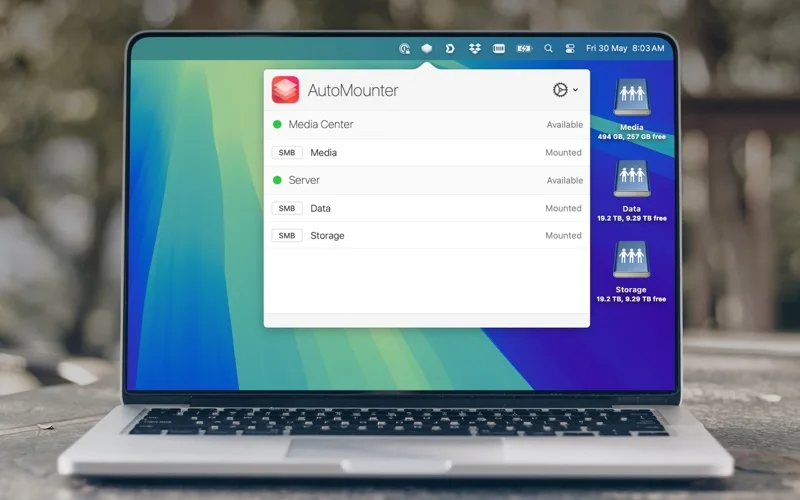
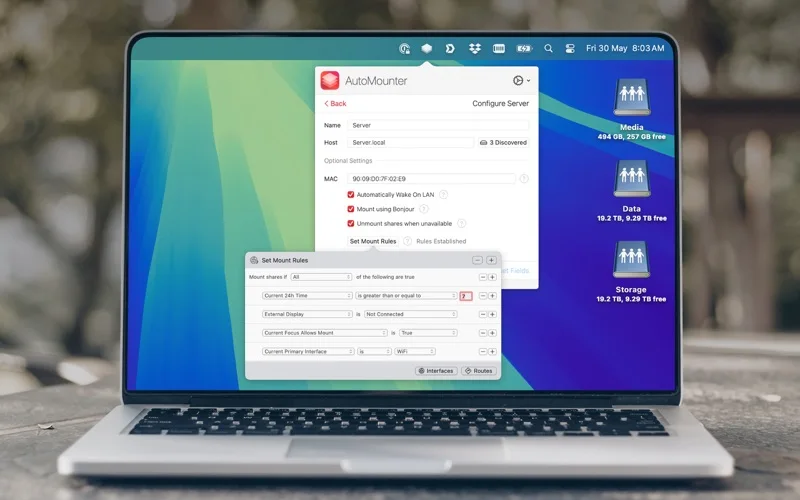
- Discover and configure network servers and shares
- Mount or remount shares under defined rules
- Use optional scripts, custom paths and managed configuration
Good for
- Users with recurring authorized NAS or network-share workflows.
Consider alternatives for
- People expecting network storage, server permissions or backup service to be included.
Limitations & considerations
- Captured minimum: macOS 13.5.
- It cannot make an unavailable server reliable. Pro Settings and the Helper App have edition-specific requirements, and AFP is disabled on macOS 27 or later.
Privacy & permissions
Server addresses, authentication and scripts are sensitive. Review rule conditions and event commands; automatic mounting exposes only what the connected account is authorized to access.
Sources & review notes Updated Nov 15, 2026
Reviewed by iApp4Me Editorial Team. Recommendations use the linked documentation and attributed accounts; device observations are identified separately.
- US App Store developer description
Complete description, release notes, download price and compatibility metadata captured 2026-11-02.
- Official developer disclosure
Full cached official product text reviewed; captured 2026-11-12. Edition-specific requirements and offer boundaries retained.
No comments yet. Be the first to share your experience.