
beacon: Photo & Screenshots
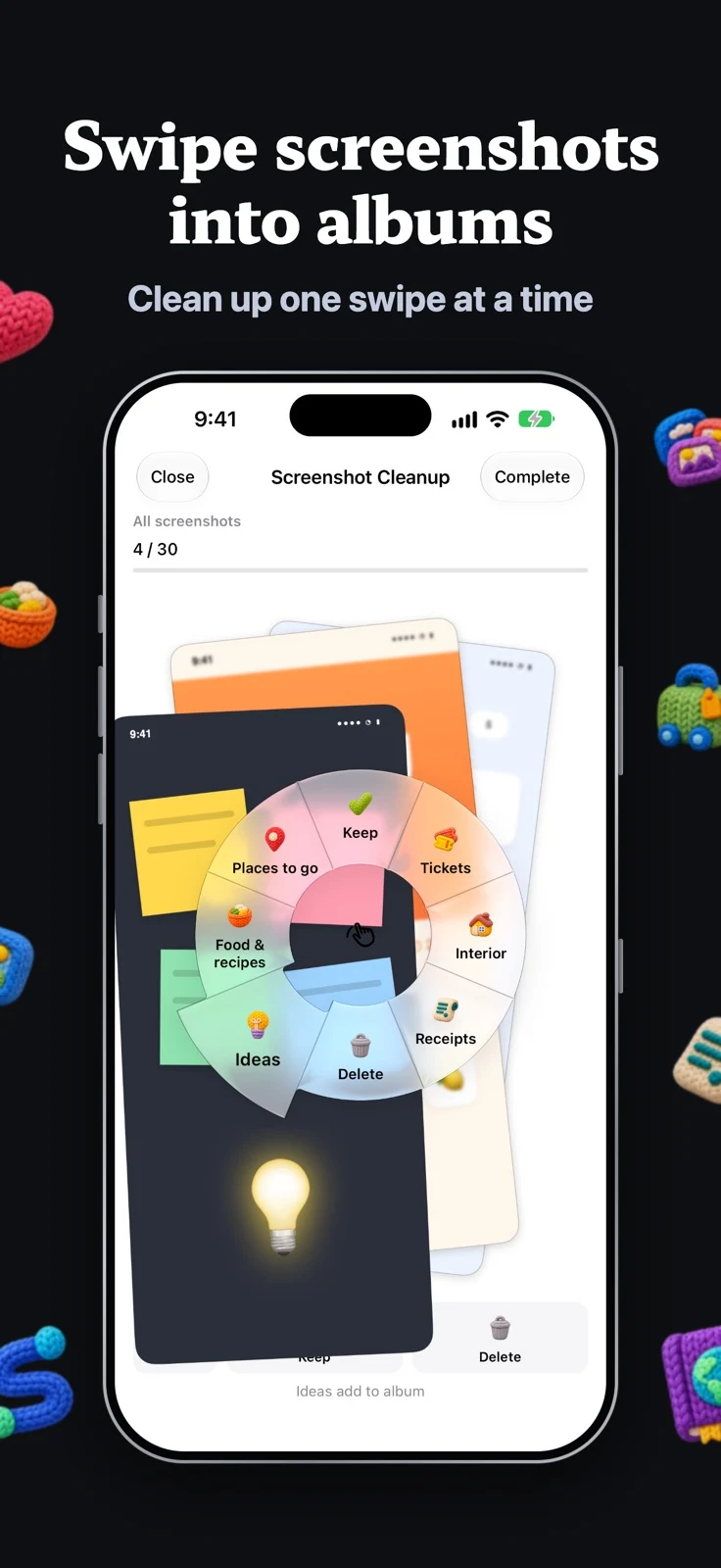
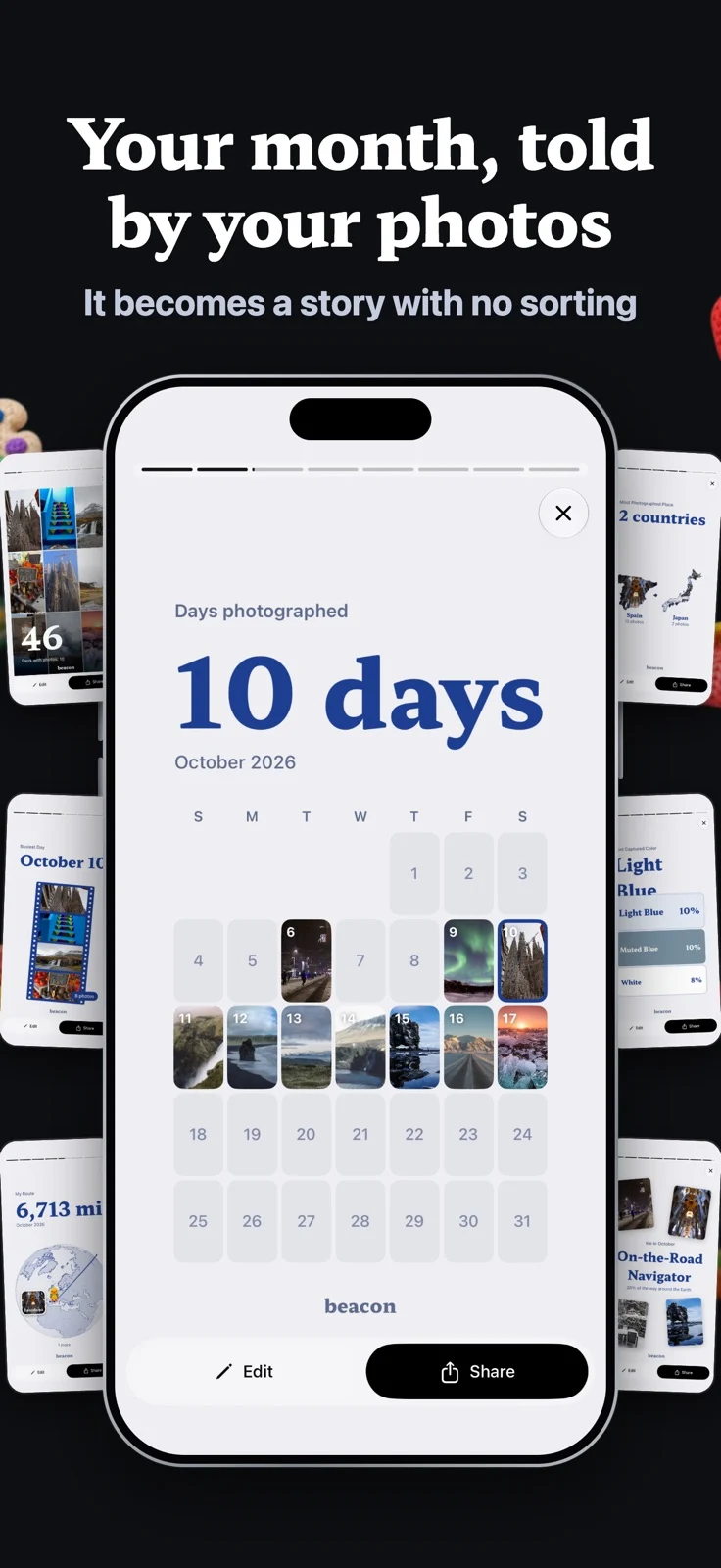
Browse photos by location or colour, revisit a month or a year, and sort screenshots into albums.
People revisiting a large photo library or tidying screenshots on an iPhone or iPad
Choose a small set of photos for your first recap, or open Screenshot Cleanup and sort a batch into albums. Review marked screenshots before removing anything.
Keep in mind: A photo map is most useful when images carry location information. The exact boundary between free and Pro recap controls is not fully documented.
Inside the app
Official product images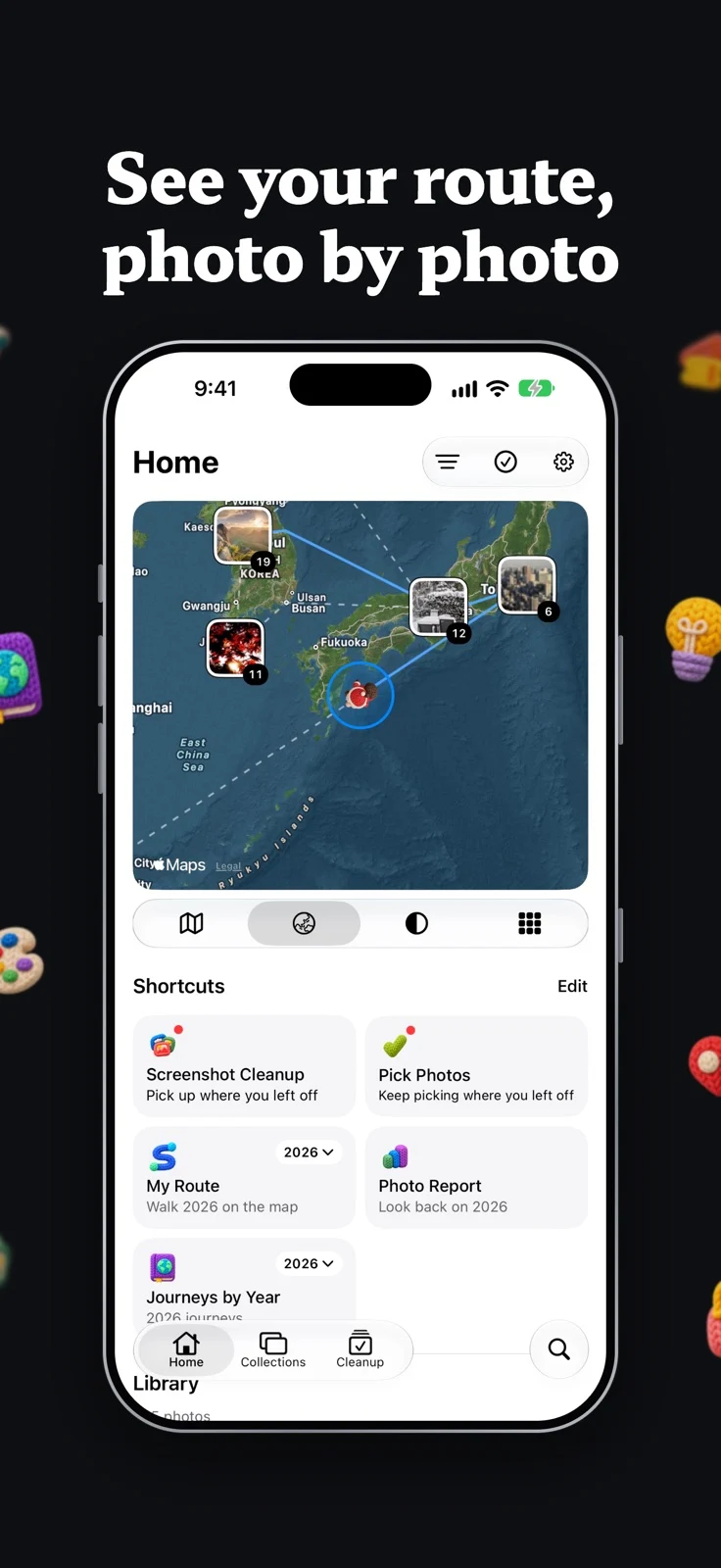



What you can do
- Explore photos on a map or by colour
- Sort screenshots into albums or mark them for deletion
- Build photo recaps and travel videos from selected images
Good for
- People revisiting a large photo library or tidying screenshots on an iPhone or iPad
Consider alternatives for
- A photo map is most useful when images carry location information. The exact boundary between free and Pro recap controls is not fully documented.
Where it fits
Choose a small set of photos for your first recap, or open Screenshot Cleanup and sort a batch into albums. Review marked screenshots before removing anything.
Limitations & considerations
- A photo map is most useful when images carry location information. The exact boundary between free and Pro recap controls is not fully documented.
Privacy & permissions
The product depends on photo-library access. Review the library permission and the specific images you choose before exporting a report.
Sources & review notes Updated Nov 28, 2026
Reviewed by iApp4Me Editorial Team. Recommendations use the linked documentation and attributed accounts; device observations are identified separately.
- US App Store
Regional availability, version 2.0, compatibility and published in-app purchase details.
- Official product website
Developer documentation and workflow.
- Fiji App Store, in-app purchase prices in USD
Public product information from the publisher.
No comments yet. Be the first to share your experience.