Big Countdown Timer
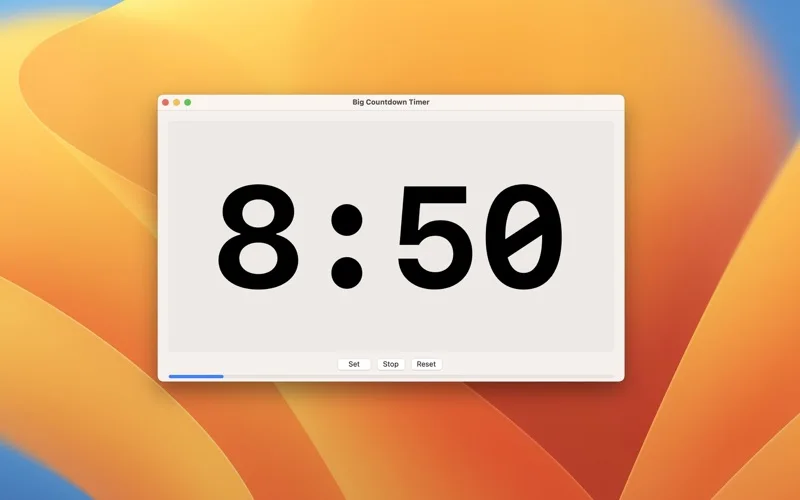
Show a large resizable countdown over a presentation to time workshops and group activities.
Facilitators timeboxing workshops, training sessions and Lean Coffee discussions.
Show a large resizable countdown over a presentation to time workshops and group activities.
Keep in mind: The always-on-top timer is a visual aid; sound output, presentation-window behavior and sleep prevention should be checked in the actual meeting setup.
Inside the app
Official product images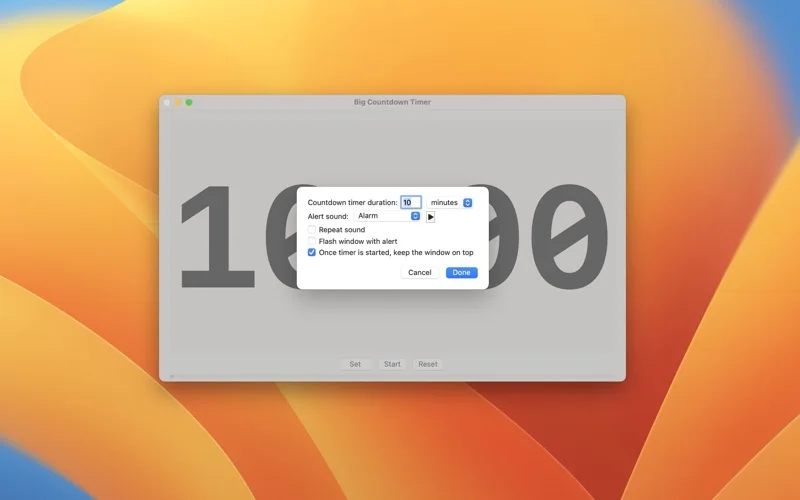
What you can do
- Set countdowns from one second to ten hours and start, stop or reset them.
- Resize the timer and keep it above Keynote or PowerPoint.
- Choose alarm sounds, flash the window on completion and prevent sleep while counting.
Good for
- Facilitators timeboxing workshops, training sessions and Lean Coffee discussions.
Consider alternatives for
- A multi-project scheduling system or audience-response platform.
Limitations & considerations
- The always-on-top timer is a visual aid; sound output, presentation-window behavior and sleep prevention should be checked in the actual meeting setup.
Privacy & permissions
The described timer needs no participant roster or audience responses. Check the store disclosure before assuming it has no analytics; avoid placing sensitive meeting details in any screen that will be shared.
Sources & review notes Updated Nov 17, 2026
Reviewed by iApp4Me Editorial Team. Recommendations use the linked documentation and attributed accounts; device observations are identified separately.
- US App Store listing
Publisher description and US download price captured 2026-11-02; source-based coverage, not a device test.
No comments yet. Be the first to share your experience.