BitDecay
Add evolving digital wear, bit crushing and unstable-clock textures to audio in an AUv3 workflow.
Useful for experimental lo-fi sound design
Movement and erosion controls extend simple static bit reduction.
Keep in mind: Hardware-aging character is a creative simulation; test the exact iPad/Mac host and gain levels before use. No restoration or measured analog equivalence implied.
Inside the app
Official product images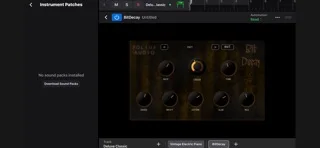
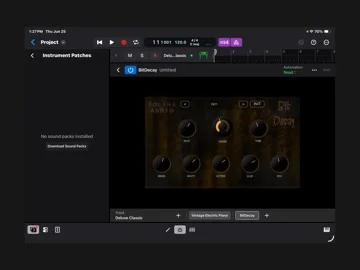
What you can do
- Bit-depth and sample-rate degradation
- Clock-style instability and progressive erosion
- Single-page tone controls and stated AUv3 hosting
Good for
- Producers testing degradation on copied tracks
Consider alternatives for
- Repairing recordings or included recording software
Limitations & considerations
- Captured minimum: iOS 12.0.
- Hardware-aging character is a creative simulation; test the exact iPad/Mac host and gain levels before use. No restoration or measured analog equivalence implied.
Privacy & permissions
Folina's cached legal page states no personal-data transmission/tracking; email support and Apple purchases have separate processing.
Sources & review notes Updated Nov 15, 2026
Reviewed by iApp4Me Editorial Team. Recommendations use the linked documentation and attributed accounts; device observations are identified separately.
- US App Store developer description
Complete description, release notes, download price and compatibility metadata captured 2026-11-02.
- Official developer disclosure
Full cached legal/privacy disclosure captured 2026-11-12; read during editorial review on 2026-11-15.
No comments yet. Be the first to share your experience.