
Developer Tools
Blink Shell, Build & Code
Blink Shell connects an iPhone or iPad to remote hosts using SSH or Mosh and offers an optional coding workspace.
Consider it if you already administer remote systems and want terminal and file access on mobile.
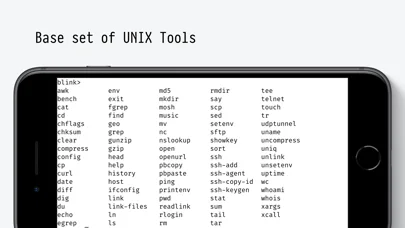
SSH configuration, SFTP and keyboard support cover more of a remote workflow than simple command entry.
Keep in mind: Mosh and remote development need compatible hosts. Blink Build is a separate paid cloud runtime option.
Inside the app
Official product images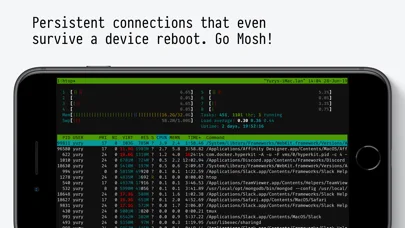
What you can do
- Connect to existing hosts through SSH or Mosh
- Manage remote files with SFTP
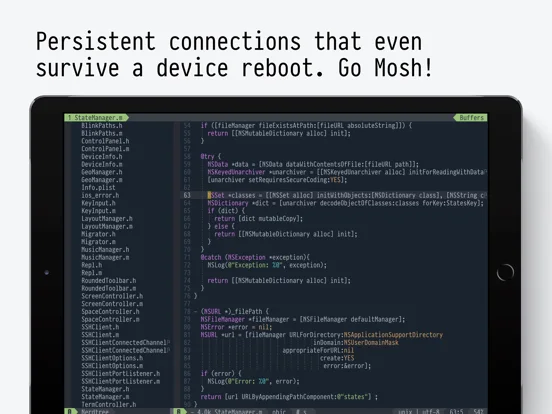
- Use Blink Code with a compatible editor workflow
Good for
- Developers and administrators using authorized remote systems
Consider alternatives for
- Anyone who needs a managed development server included with a free client
Limitations & considerations
- Captured minimum: iOS 17.6.
- Mosh and remote development need compatible hosts. Blink Build is a separate paid cloud runtime option.
Privacy & permissions
SSH keys, host records and transfers can be sensitive. Review optional iCloud sync and cloud runtime use.
Sources & review notes Updated Nov 11, 2026
Reviewed by iApp4Me Editorial Team. Recommendations use the linked documentation and attributed accounts; device observations are identified separately.
- US App Store developer description
Complete description, download price and compatibility metadata captured 2026-11-02.
- Blink official quick start
Distinguishes Blink+ and Blink+Build trial and purchase paths.
No comments yet. Be the first to share your experience.