Braintoss
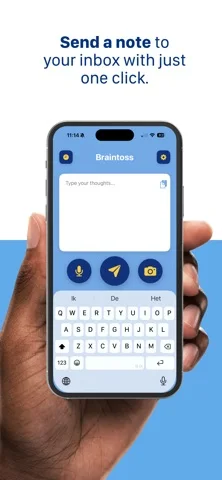
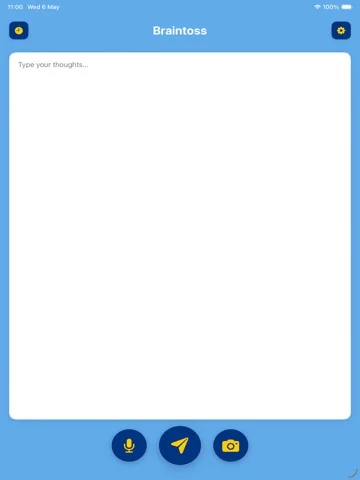
Braintoss captures typed, spoken or photographed thoughts and sends them to configured email or webhook destinations.
Choose for a quick capture-to-inbox workflow.
Destination choice, subject editing and undo-send support moving a short reminder without maintaining another large notebook.
Keep in mind: Transcription and delivery can fail; local-first wording does not mean no network processing or a guaranteed private recipient.
Inside the app
Official product images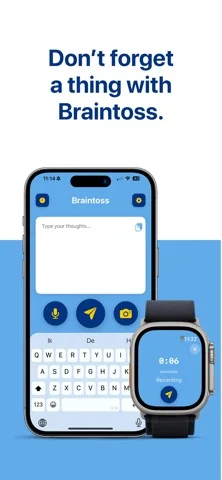
What you can do
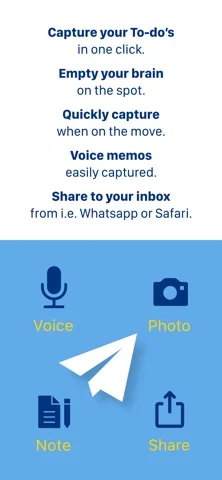
- Capture text, voice or photos
- Share content from other apps
- Choose email or webhook destinations
- Edit a subject before sending
- Use supported Watch capture
- Undo within the configured send window
Good for
- People who already organize work through an inbox
Consider alternatives for
- Users expecting a complete offline archive or guaranteed verbatim transcription
Limitations & considerations
- Captured minimum: iOS 16.6.
- Transcription and delivery can fail; local-first wording does not mean no network processing or a guaranteed private recipient.
Privacy & permissions
Sending uses Braintoss's delivery service, while optional analysis can be on-device; notes and photos reach the destinations you configure, and telemetry is described as off by default.
Sources & review notes Updated Nov 11, 2026
Reviewed by iApp4Me Editorial Team. Recommendations use the linked documentation and attributed accounts; device observations are identified separately.
- US App Store developer description
Complete description, download price and compatibility metadata captured 2026-11-02.
No comments yet. Be the first to share your experience.