
Brick - Ditch Distractions
Brick pairs a physical device with app-blocking modes, schedules and focus tracking to add friction before reopening selected distractions.
Consider only if the physical blocking workflow fits the user
Moving the hardware away can create a deliberate pause before changing a session.
Keep in mind: Compatible Brick or Brick Night hardware is part of the system; blocking has system limits, five emergency unbricks are described, and wellness or HSA eligibility claims do not guarantee clinical benefit or tax savings.
Inside the app
Official product images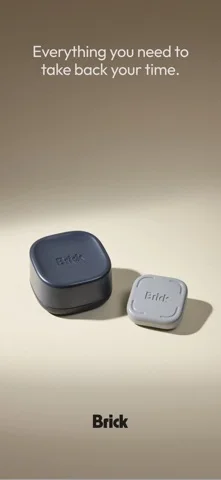
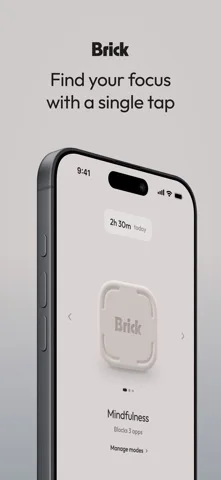
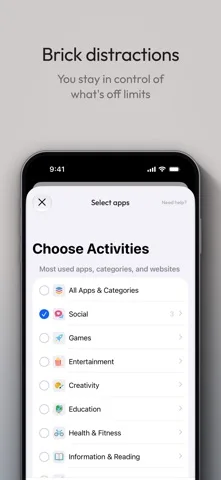
What you can do
- Select supported blocked apps and websites
- Create modes or schedules
- Review focus history and eligible physical unblocking
Good for
- Users deliberately choosing hardware-assisted distraction control
Consider alternatives for
- Users expecting a standalone free app or a medical treatment
Limitations & considerations
- Captured minimum: iOS 18.0.
- Compatible Brick or Brick Night hardware is part of the system; blocking has system limits, five emergency unbricks are described, and wellness or HSA eligibility claims do not guarantee clinical benefit or tax savings.
Privacy & permissions
Screen-use history and Bluetooth bedroom detection can reveal habits; review system permissions and household access.
Sources & review notes Updated Nov 10, 2026
Reviewed by iApp4Me Editorial Team. Recommendations use the linked documentation and attributed accounts; device observations are identified separately.
- US App Store developer description
Complete description, download price and compatibility metadata captured 2026-11-02.
No comments yet. Be the first to share your experience.