Calendar for Google Calendar
Manage multiple Google Calendar accounts through an independent Mac client with meeting notifications.
A Google Calendar user comparing a desktop access utility.
Manage multiple Google Calendar accounts through an independent Mac client with meeting notifications.
Keep in mind: A paid license is explicitly required. Current Google authorization and Zoom/Teams/Webex-style integrations were not tested; notification delivery is not guaranteed.
Inside the app
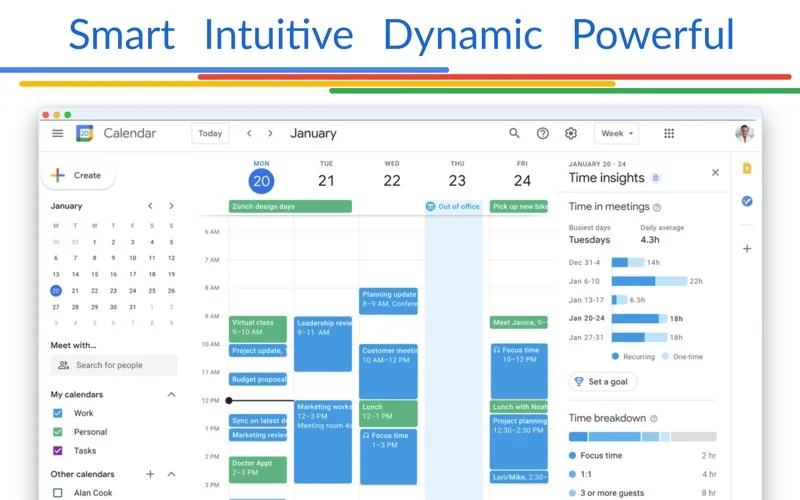
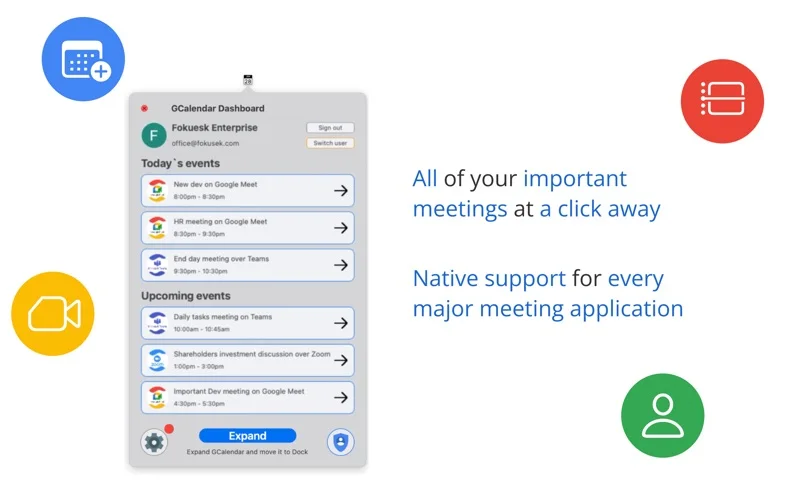
Official product images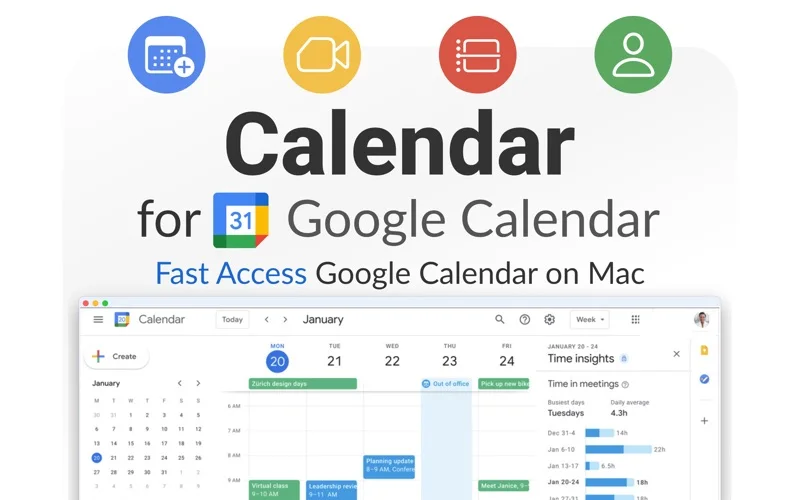
What you can do
- Access the described Google Calendar manager.
- Switch among multiple accounts.
- Use notifications and advertised meeting-service links.
Good for
- A Google Calendar user comparing a desktop access utility.
Consider alternatives for
- A free unlocked app or a Google-endorsed calendar client.
Limitations & considerations
- A paid license is explicitly required. Current Google authorization and Zoom/Teams/Webex-style integrations were not tested; notification delivery is not guaranteed.
Privacy & permissions
Calendar events may contain private agendas, attendees and meeting credentials. Review requested account scopes and the third-party privacy policy before authorizing access.
Sources & review notes Updated Nov 18, 2026
Reviewed by iApp4Me Editorial Team. Recommendations use the linked documentation and attributed accounts; device observations are identified separately.
- US App Store listing
Publisher description, version and US download price captured 2026-11-02; source-based coverage, not a device test.
No comments yet. Be the first to share your experience.