CameraVision
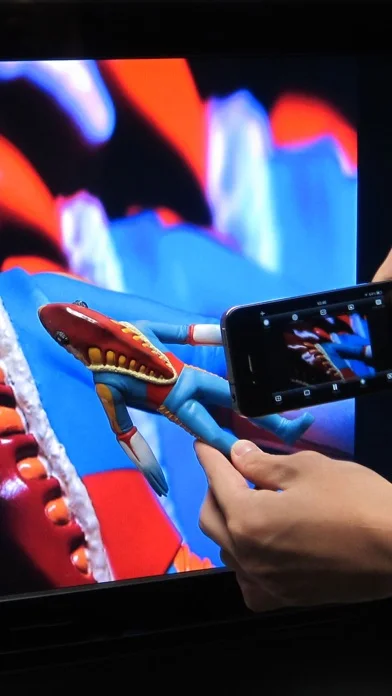
A document-camera and live-projection utility routing the device camera, microphone or a selected photo to a supported external screen.
Consider for a tested classroom or presentation setup
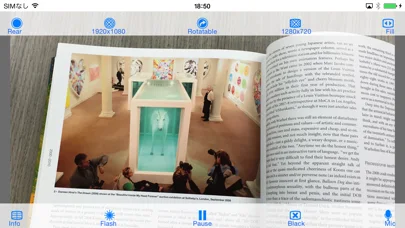
Pointer, pause, orientation and focus controls support showing a physical object without a dedicated overhead camera.
Keep in mind: Output resolution, sound routing and connection support depend on the actual device, cable or AirPlay setup.
Inside the app
Official product images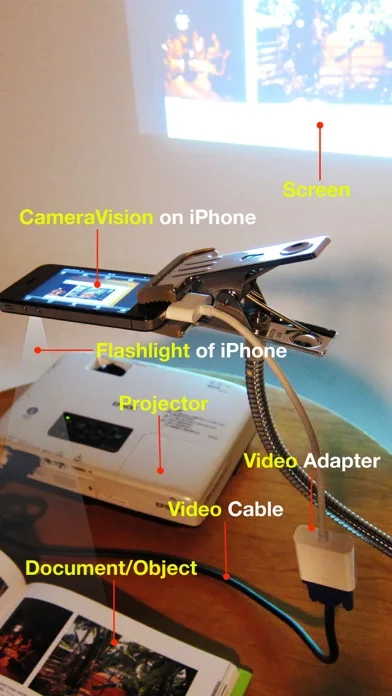
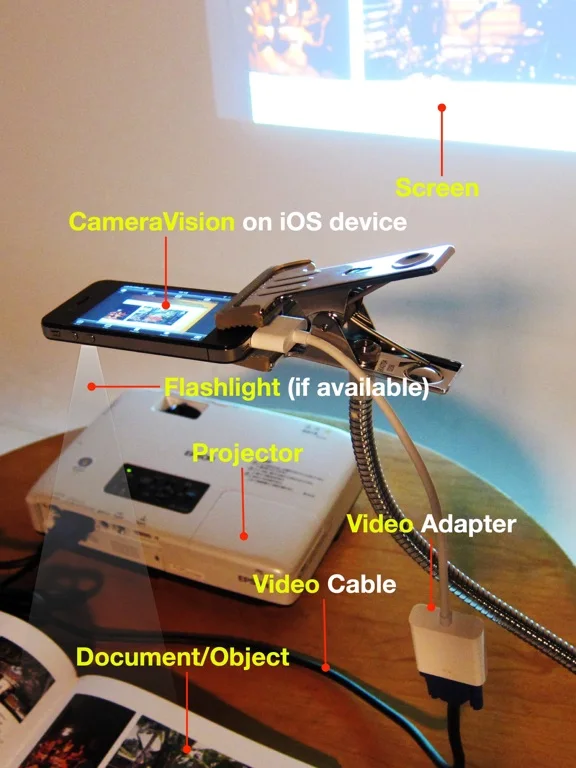
What you can do
- Switch front or rear cameras and output resolution
- Pause a frame or show a library photo
- Display a pointer or grid
- Use supported AirPlay or wired projection and microphone output
Good for
- Presenters who can rehearse the complete device-to-display connection.
Consider alternatives for
- People expecting a projector, guaranteed zero-latency wireless video or every listed legacy adapter to work on current hardware.
Limitations & considerations
- Captured minimum: iOS 15.6.
- Output resolution, sound routing and connection support depend on the actual device, cable or AirPlay setup.
Privacy & permissions
Camera, microphone and photo access can expose documents and nearby people on the projected screen. Check the selected feed and obtain appropriate consent.
Sources & review notes Updated Nov 11, 2026
Reviewed by iApp4Me Editorial Team. Recommendations use the linked documentation and attributed accounts; device observations are identified separately.
- US App Store developer description
Complete description, download price and compatibility metadata captured 2026-11-02.
No comments yet. Be the first to share your experience.