
CamScanner - PDF Scanner App
Scan paper into multipage files, extract text and process PDFs, with optional cloud synchronization, sharing and paid document tools.
Scan, check the text, then choose where the file goes
CamScanner suits people who need recurring receipt, ID or multipage document capture and want OCR, organization and conversion in the same workflow.
Keep in mind: Free scanning is useful, but OCR allowances and advanced tools differ by tier. Cloud, conversion and AI workflows can involve uploads, so the app should not be described as keeping every document exclusively on the device.
Inside the app
Official product images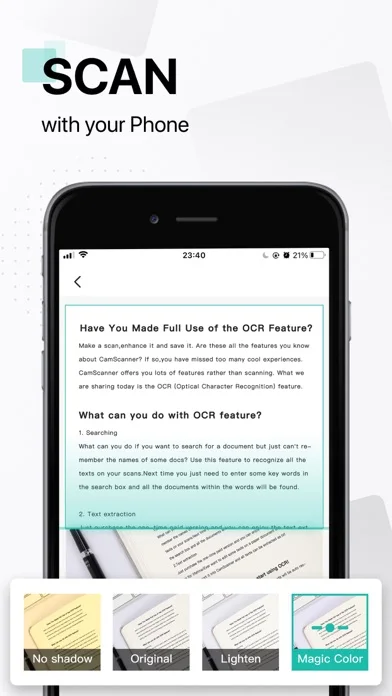
What you can do
- Capture multipage documents, books and ID cards with edge detection and image enhancement.
- Extract supported text with OCR and check it before reuse.
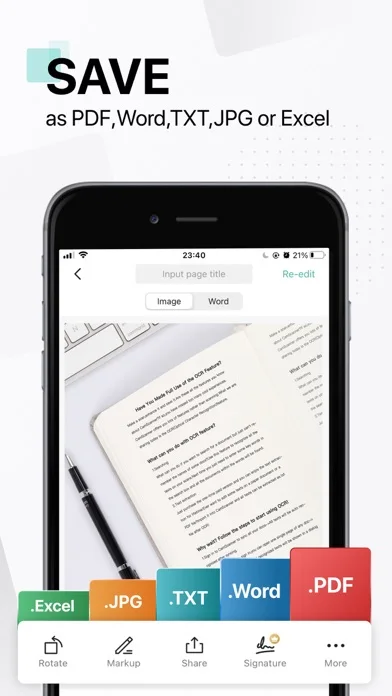
- Create PDF or image files and convert supported document formats.
- Organize files and reorder pages, with supported password protection.
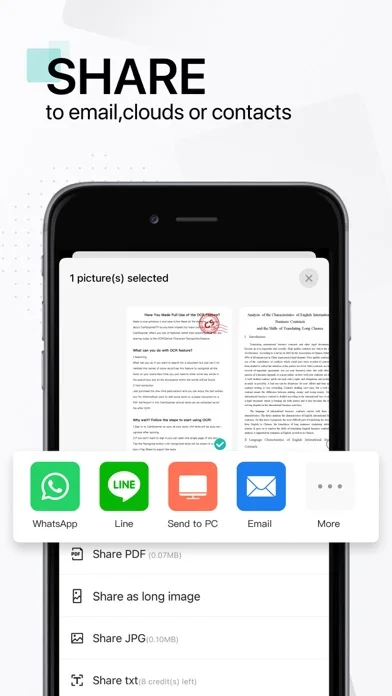
- Add a signature, share files or links, and use supported cloud integrations.
- Sync selected files across supported devices through an account.
Good for
- Digitizing receipts, applications and recurring paperwork.
- Combining camera scanning with OCR and document sharing.
Consider alternatives for
- Requiring a guarantee that no chosen processing or synchronization feature uploads documents.
- Assuming unlimited OCR and every PDF or AI feature is free.
Limitations & considerations
- Captured version 7.28.5 requires iOS 15.0 or later.
- The official homepage distinguishes limited free mobile OCR from Premium features; web basic tools and mobile entitlements are not identical.
- OCR and format-conversion output should be checked against the original, especially names, amounts and layouts.
- A placed e-signature is not by itself evidence of a full signature-request and audit-trail workflow.
- Enterprise-account files and activity can be controlled by the organization’s administrator under the published policy.
Privacy & permissions
The published policy effective August 19, 2026 describes account, device, transaction and uploaded document data, plus content supplied to AI features. Sync replicates selected files to servers, and processing or third-party storage integrations can involve sharing with providers. The policy also describes advertising identifiers and contact-derived identifiers for advertising. Review upload, sharing, tracking and deletion choices before scanning sensitive records; do not treat a password-protected folder as a promise of local-only processing.
Privacy policySources & review notes Updated Nov 6, 2026
Reviewed by iApp4Me Editorial Team. Recommendations use the linked documentation and attributed accounts; device observations are identified separately.
- US App Store listing
Complete developer description and version metadata captured 2026-11-02; official images cached locally.
- CamScanner official features and free-access FAQ
Official source consulted 2026-11-06.
- CamScanner published privacy policy
Official source consulted 2026-11-06.
- CamScanner membership entry
Official source consulted 2026-11-06.
No comments yet. Be the first to share your experience.