Photo & Video
Canon Camera Connect
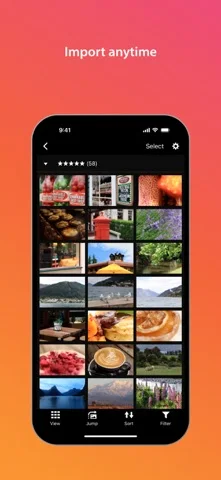
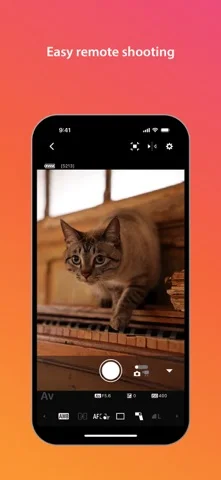
Canon Camera Connect transfers supported camera images and offers remote live-view shooting, Bluetooth shutter control and eligible firmware transfer.
Consider after matching the exact Canon model and phone requirements
Wireless transfer and remote capture can reduce repeated camera handling.
Keep in mind: Features and file support vary by camera: EOS MOV or 8K movies, RAW movies and AVCHD cannot be saved as described, and RAW bursts require extracting frames first.
Inside the app
Official product images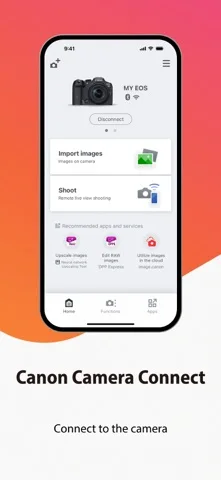
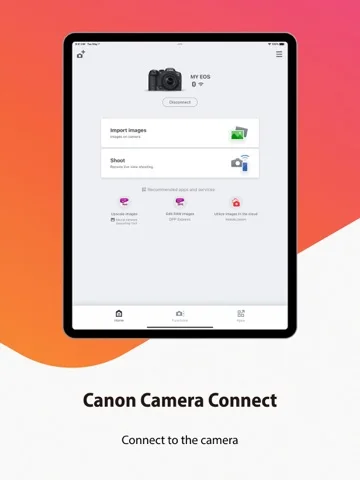
What you can do
- Transfer supported camera photos
- Use eligible live-view or Bluetooth remote capture
- Add phone location or transfer supported firmware
Good for
- Owners of explicitly compatible Canon cameras
Consider alternatives for
- Users expecting every Canon model and video format supported
Limitations & considerations
- Captured minimum: iOS 18.0.
- Features and file support vary by camera: EOS MOV or 8K movies, RAW movies and AVCHD cannot be saved as described, and RAW bursts require extracting frames first.
Privacy & permissions
Location tagging can embed GPS in photos; manage location and photo permissions before public sharing.
Sources & review notes Updated Nov 10, 2026
Reviewed by iApp4Me Editorial Team. Recommendations use the linked documentation and attributed accounts; device observations are identified separately.
- US App Store developer description
Complete description, download price and compatibility metadata captured 2026-11-02.
No comments yet. Be the first to share your experience.