Canvas by Instructure
Use your Canvas learning account to follow courses, submit work, discuss class material and access supported downloaded study content.
Use the account and course your school provides
Canvas suits learners whose school or course provider uses Canvas and who want assignments, grades, messages and class content available on a phone or tablet.
Keep in mind: The app is a learner interface to the provider’s courses, rather than a promise of access to every class. Course configuration and connected classroom tools affect what is available.
Inside the app
Official product images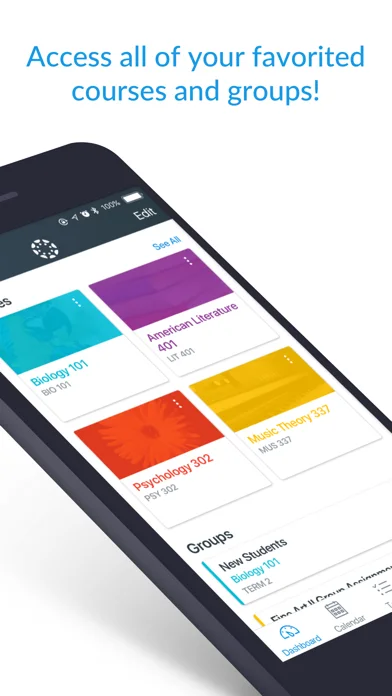
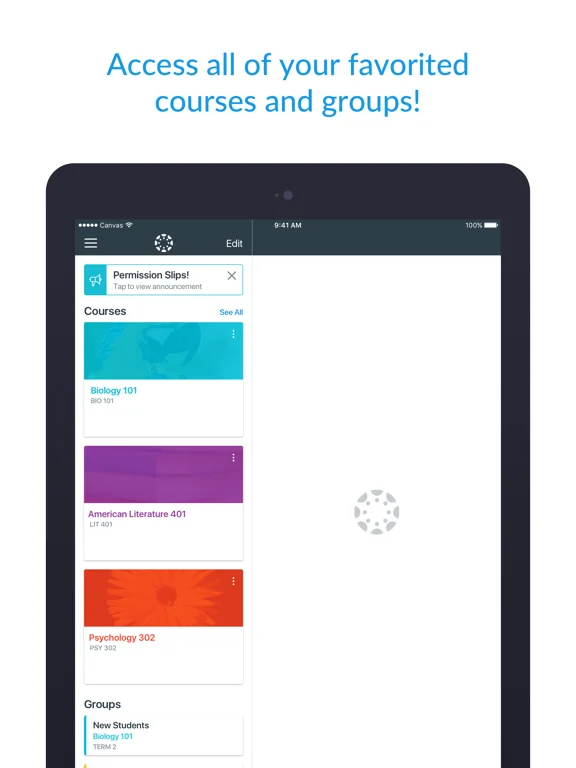
What you can do
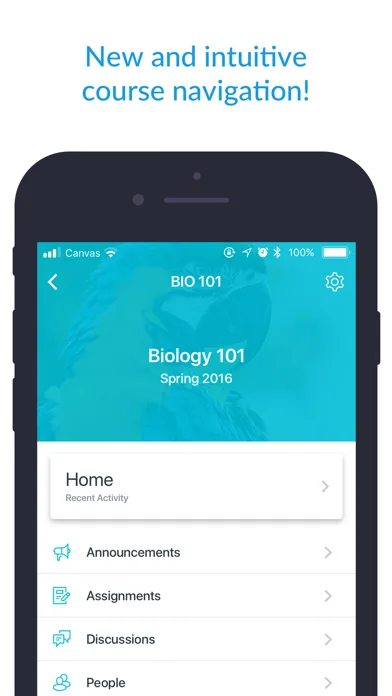
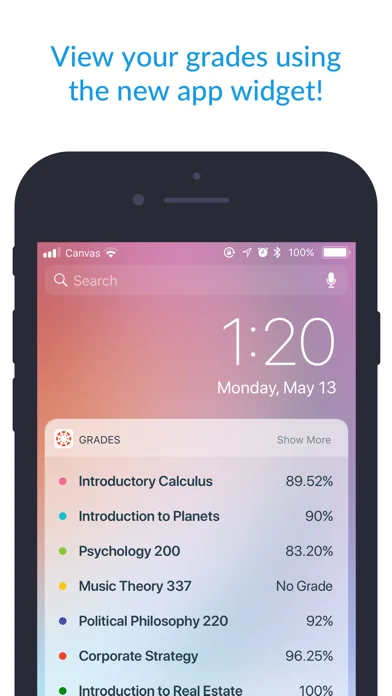
- View grades, assignments and course reminders.
- Submit supported documents, PDFs and media for coursework.
- Participate in class discussions and messages.
- Take supported quizzes and watch course video.
- Download available courses for offline study.
- Use supported classroom integrations and customizable widgets.
Good for
- Students already enrolled in a course delivered through Canvas.
- Learners keeping coursework and class communication accessible while away from a computer.
Consider alternatives for
- Expecting teacher grading and administration tools in the learner app.
- Assuming every online class interaction works without connectivity.
Limitations & considerations
- The developer directs instructors to the separate Canvas Teacher app for teaching and grading.
- Your institution or course provider controls course access and configuration; connected tools may have their own requirements.
- Download the relevant content before studying offline. The version notes add offline Notebook support, but do not establish that every assessment or integration works offline.
Privacy & permissions
Instructure’s notice describes identity and school details, coursework, submissions, messages, device identifiers and usage logs. It explains that a school or company determines how learner information is used when it supplies access. Data can be shared with that institution and authorized providers; inspect third-party classroom tools and the school’s own privacy notice.
Sources & review notes Updated Nov 6, 2026
Reviewed by iApp4Me Editorial Team. Recommendations use the linked documentation and attributed accounts; device observations are identified separately.
- US App Store listing
Complete developer description and version metadata captured 2026-11-02; official images cached locally.
- Instructure product privacy notice
Official source consulted 2026-11-06.
No comments yet. Be the first to share your experience.