
CapCut: Photo & Video Editor
A mobile video editor with multitrack editing, captions, effects and eligible AI or Pro features.
Check paid assets before building a project around them
Trimming, keyframes, captions and background tools cover a broad short-video workflow.
Keep in mind: A free download does not include every premium effect, AI allowance or cross-platform entitlement; export support also depends on the project/device.
Inside the app
Official product images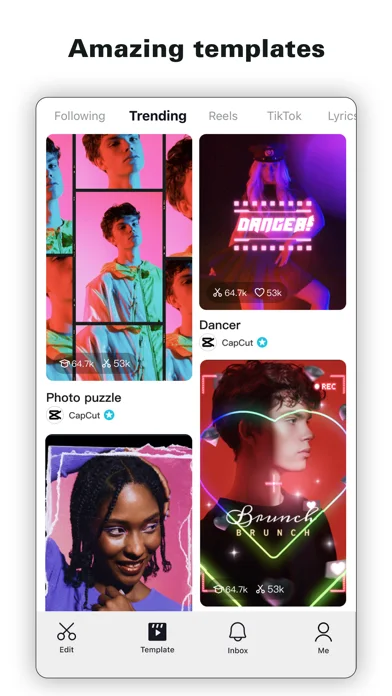
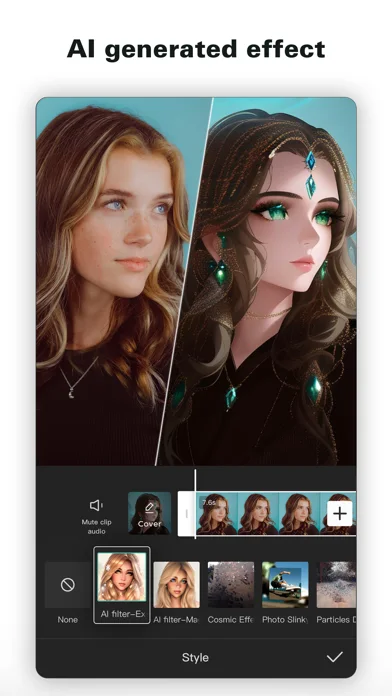
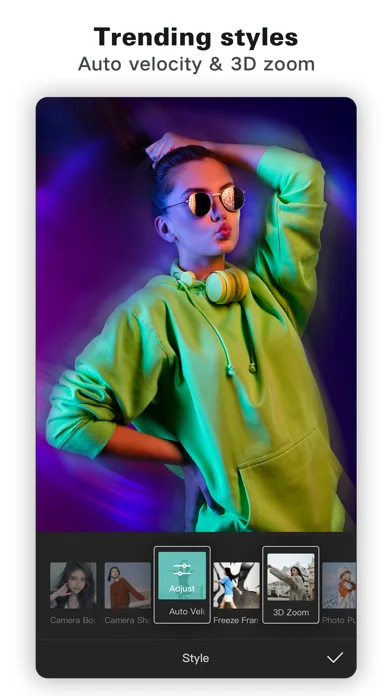
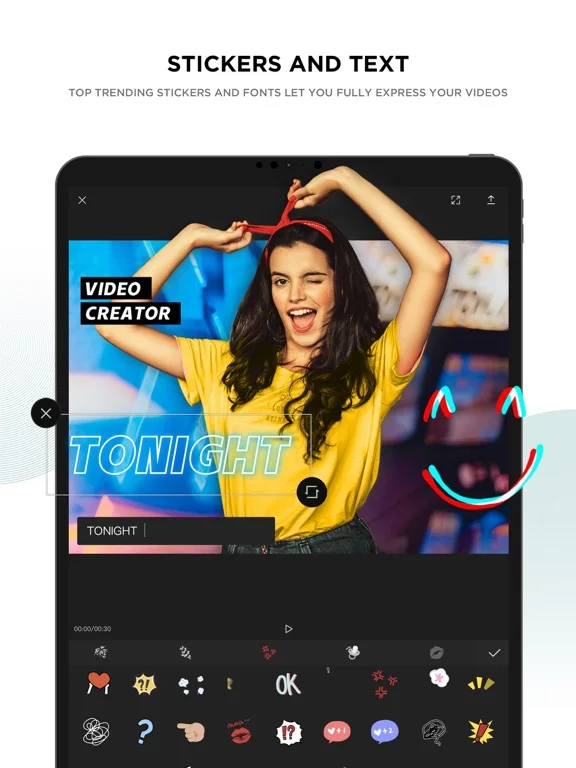
What you can do
- Trim, split and arrange clips on a timeline.
- Add keyframes, transitions and speed curves.
- Generate captions and use eligible background tools.
- Choose export resolution and frame rate.
Good for
- Creators editing social and short-form videos on a phone.
Consider alternatives for
- Anyone expecting every music asset commercially licensed or all AI tools unlimited free.
Limitations & considerations
- Captured minimum: iOS 15.0.
- Check captions and generated speech for errors before publishing.
- Test an intended export early when using paid assets or a demanding format.
Privacy & permissions
Video, audio, faces and uploaded project material can be sensitive. Review cloud/AI settings separately from local timeline editing.
Privacy policySources & review notes Updated Nov 8, 2026
Reviewed by iApp4Me Editorial Team. Recommendations use the linked documentation and attributed accounts; device observations are identified separately.
- US App Store developer description
Complete description, download price and compatibility metadata captured 2026-11-02.
- CapCut Pro guidance
Official paid/free boundary consulted 2026-11-08.
- CapCut plan comparison
Official Standard/Pro distinction consulted 2026-11-08.
- CapCut privacy reference
Developer-linked reference.
No comments yet. Be the first to share your experience.