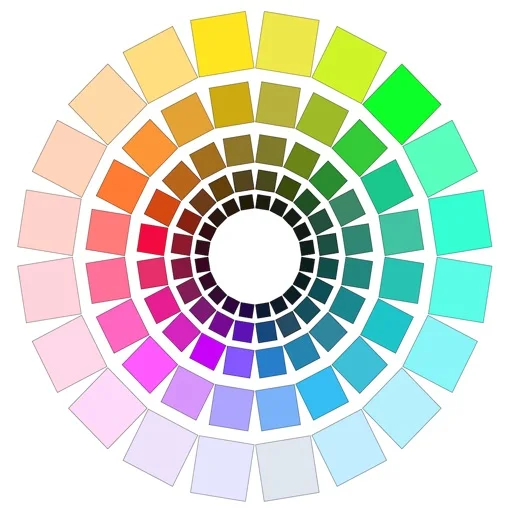
Graphics & Design
ChromaMagic
ChromaMagic analyzes reference-image colors through hue, value and chroma views, with tools aimed at painters.
Choose for comparing what appears in a photo with intended paint choices.
Value reduction, grayscale and color distributions can make a reference's structure easier to inspect.
Keep in mind: Camera capture, display calibration, lighting and physical paint behavior limit exact matching; this is not a guaranteed color-measurement instrument.
Inside the app
Official product images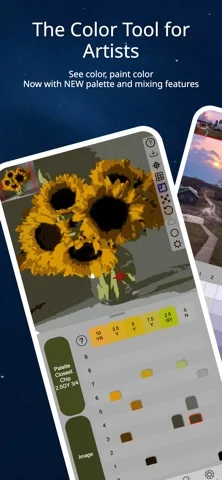
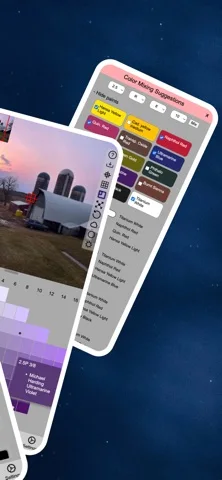
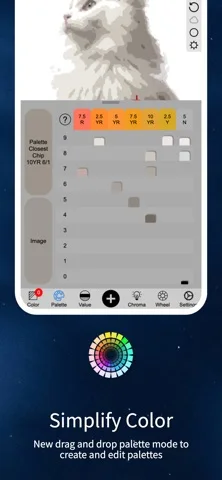
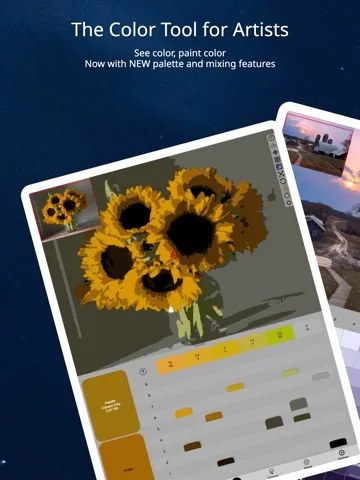
What you can do
- Inspect reference colors and Munsell-style values
- Use grayscale and value-step views
- View saturation and color distributions
- Average multiple pixels
- Explore paint references and mixing swatches
- Use supported live camera views
Good for
- Artists comparing reference colors and painting choices
Consider alternatives for
- Users requiring certified colorimetry or guaranteed pigment matches
Limitations & considerations
- Captured minimum: iOS 15.0.
- Camera capture, display calibration, lighting and physical paint behavior limit exact matching; this is not a guaranteed color-measurement instrument.
Privacy & permissions
Reference photos can contain personal subjects or private interiors; review camera access and any shared output.
Sources & review notes Updated Nov 11, 2026
Reviewed by iApp4Me Editorial Team. Recommendations use the linked documentation and attributed accounts; device observations are identified separately.
- US App Store developer description
Complete description, download price and compatibility metadata captured 2026-11-02.
No comments yet. Be the first to share your experience.