Classroom
Guide a nearby Apple-device class by opening resources, managing groups and viewing student screens.
A teacher working with supported school-managed or teacher-created Apple-device classes.
Guide a nearby Apple-device class by opening resources, managing groups and viewing student screens.
Keep in mind: The saved requirements include teacher macOS 11.3+, student iOS 14.4+, enabled Bluetooth/Wi-Fi and nearby devices. Setup and management policy determine available actions; a minimum OS is not a guarantee of every feature.
Inside the app
Official product images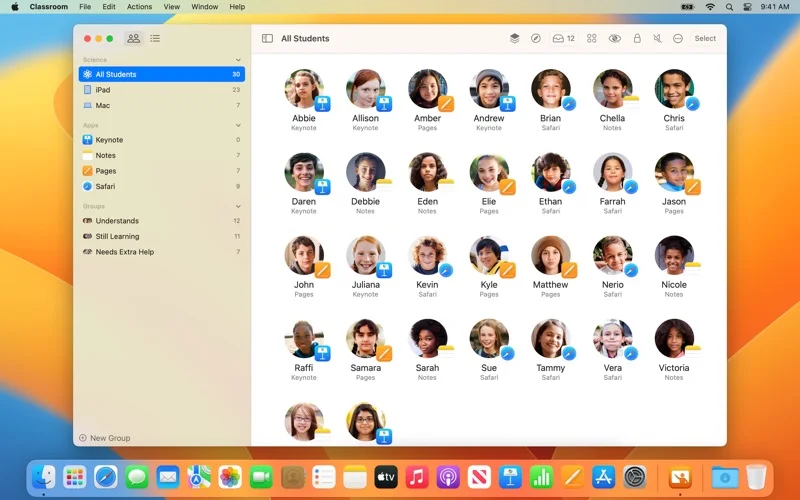
What you can do
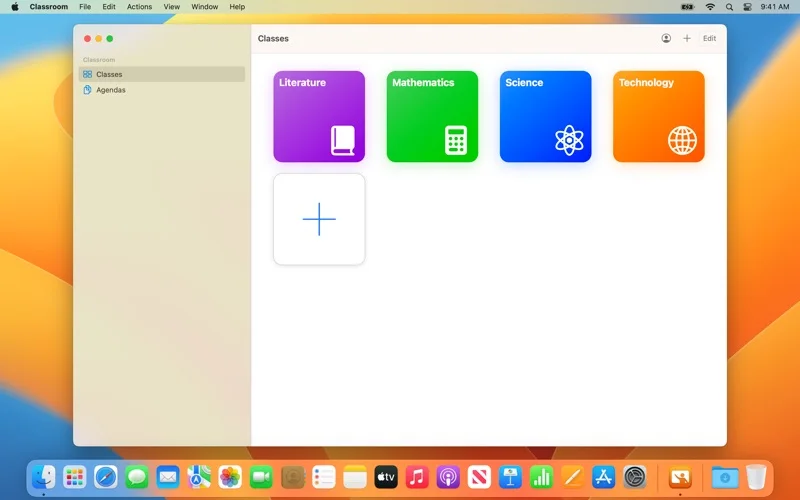
- Launch apps, sites or books for a class or selected groups.
- Use screen viewing, app/screen locking and audio controls under the configured class.
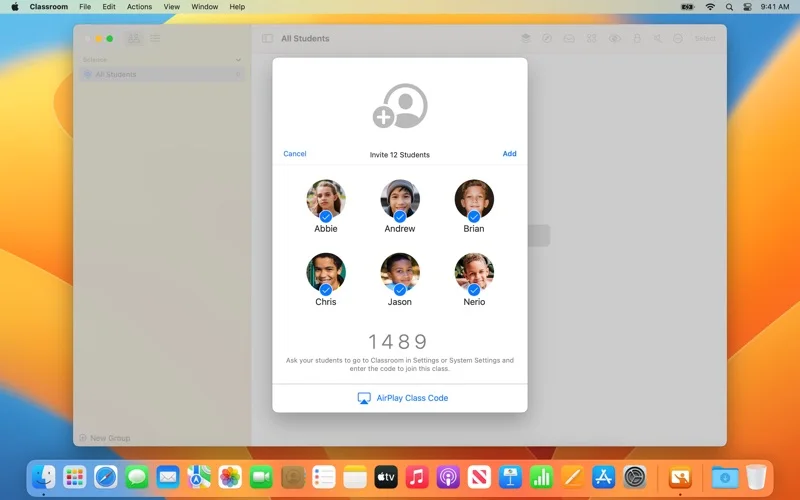
- Share work with AirDrop or AirPlay and manage supported Shared iPad sessions.
Good for
- A teacher working with supported school-managed or teacher-created Apple-device classes.
Consider alternatives for
- Unconsented remote surveillance or arbitrary control of devices outside the configured classroom.
Limitations & considerations
- The saved requirements include teacher macOS 11.3+, student iOS 14.4+, enabled Bluetooth/Wi-Fi and nearby devices. Setup and management policy determine available actions; a minimum OS is not a guarantee of every feature.
Privacy & permissions
Classroom screen viewing and presentation are sensitive educational activities; the description says students are informed and actions occur over the local network. Follow school consent, device-management and display-sharing policies.
Sources & review notes Updated Nov 17, 2026
Reviewed by iApp4Me Editorial Team. Recommendations use the linked documentation and attributed accounts; device observations are identified separately.
- US App Store listing
Publisher description and US download price captured 2026-11-02; source-based coverage, not a device test.
No comments yet. Be the first to share your experience.