
CleanMyMac by MacPaw
CleanMyMac combines storage review, app management and described malware or cleanup tools in a guided Mac maintenance interface.
Pick for reviewing clutter deliberately with a current backup.
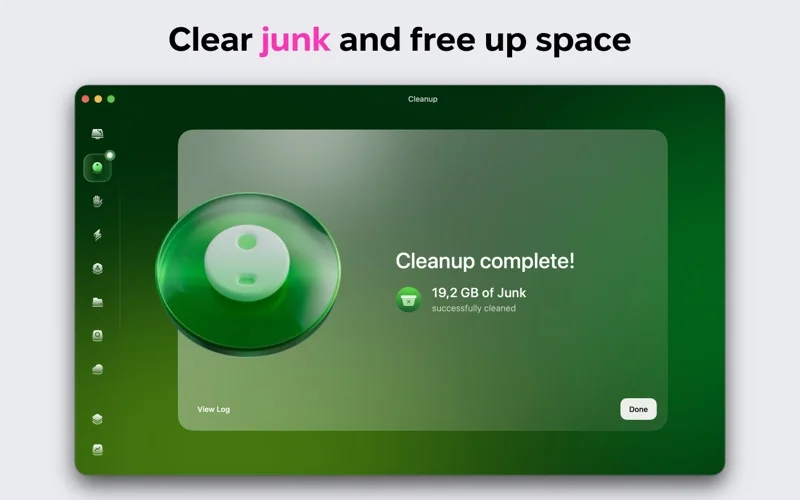
Storage maps and grouped cleanup categories can make space usage easier to inspect.
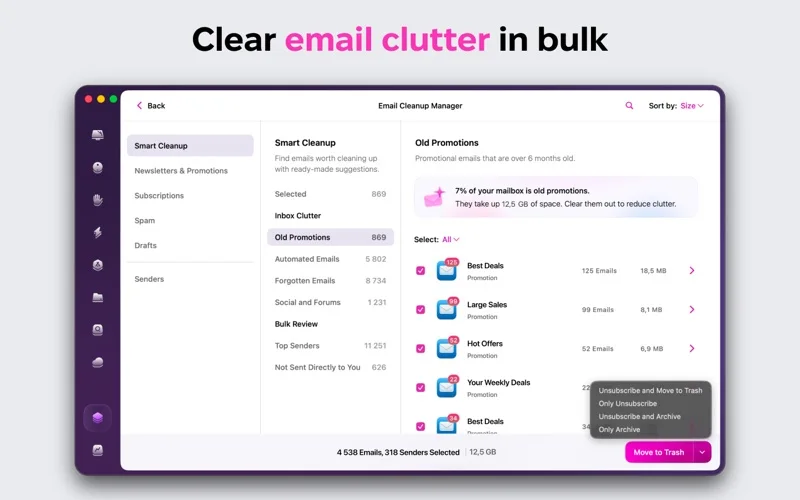
Keep in mind: Review every deletion, especially cloud-synced files and mail. Speed and malware-detection claims are not guarantees; Apple notarization does not independently validate every cleanup decision.
Inside the app
Official product images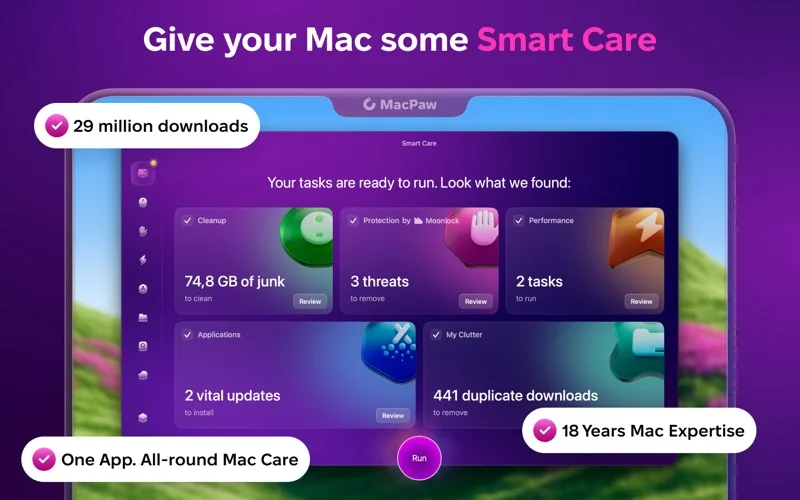
What you can do
- Inspect storage and large or duplicate files
- Review app leftovers and background activity
- Use described malware scans and plan-dependent cleanup
Good for
- Mac users who want a guided review of storage and installed apps.
Consider alternatives for
- People expecting risk-free unattended deletion or guaranteed malware removal.
Limitations & considerations
- Captured minimum: macOS 11.0.
- Review every deletion, especially cloud-synced files and mail. Speed and malware-detection claims are not guarantees; Apple notarization does not independently validate every cleanup decision.
Privacy & permissions
File scanning can expose paths and app inventories, while cloud or inbox cleanup requires additional access. Review permissions and effects on synchronized copies before removal.
Sources & review notes Updated Nov 15, 2026
Reviewed by iApp4Me Editorial Team. Recommendations use the linked documentation and attributed accounts; device observations are identified separately.
- US App Store developer description
Complete description, release notes, download price and compatibility metadata captured 2026-11-02.
No comments yet. Be the first to share your experience.