Developer Tools
Code App
Code App is an iPad editor with a local file workspace, embedded runtimes and remote development tools.
Choose it for editing and running supported projects on an iPad without a full desktop IDE.
Monaco, a terminal and Git fit a code-first workflow, with SSH or FTP available for remote files.
Keep in mind: Check language, package and Files limitations for your project; embedded runtimes are not a complete desktop environment.
Inside the app
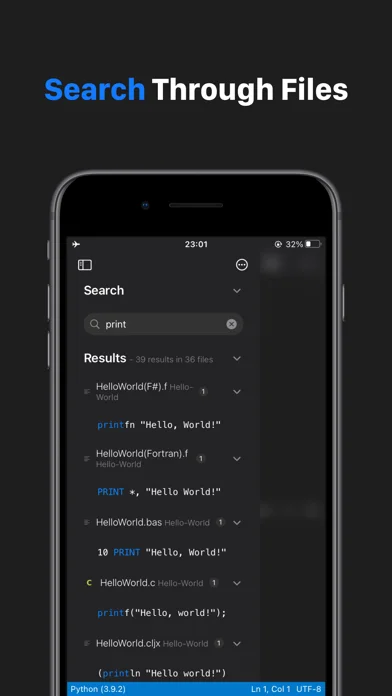
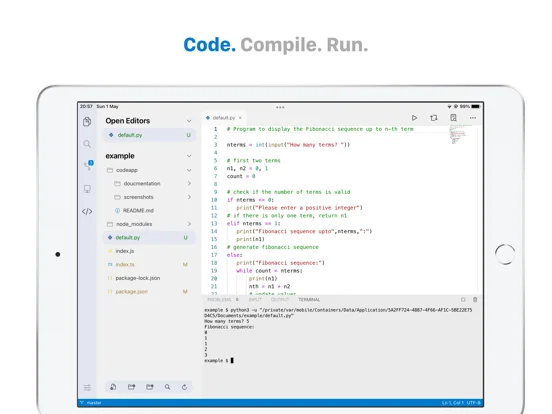
Official product images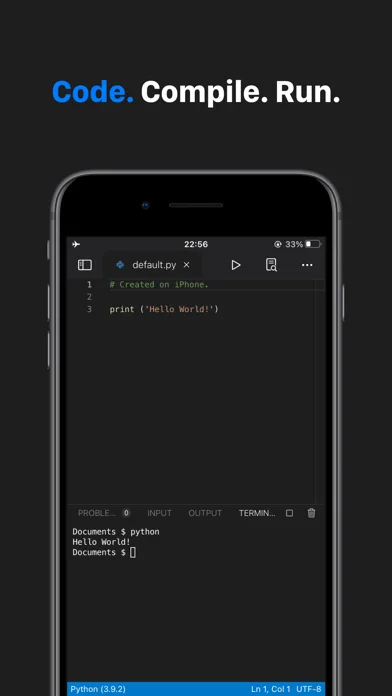
What you can do
- Edit code and Markdown
- Use supported runtimes and package managers
- Manage Git or connect to a remote system
Good for
- Someone who wants an iPad editor for local scripts or occasional remote work.
Consider alternatives for
- Someone who needs unrestricted compilers, containers or desktop extensions.
Limitations & considerations
- Captured minimum: iOS 16.0.
- Check language, package and Files limitations for your project; embedded runtimes are not a complete desktop environment.
Privacy & permissions
Remote connections can send credentials and project data to systems you select; some execution is local.
Sources & review notes Updated Nov 11, 2026
Reviewed by iApp4Me Editorial Team. Recommendations use the linked documentation and attributed accounts; device observations are identified separately.
- US App Store developer description
Complete description, download price and compatibility metadata captured 2026-11-02.
- Code App documentation
Describes the editor, runtimes, terminal and supported development tools.
No comments yet. Be the first to share your experience.