
Color Folder Master
Change a Finder folder’s appearance by assigning a different color.
Someone wanting to distinguish a small set of folders visually.
Change a Finder folder’s appearance by assigning a different color.
Keep in mind: The app changes appearance, not the folder’s organizational meaning or access rights. Color persistence across copy, sync or different Macs was not tested.
Inside the app
Official product images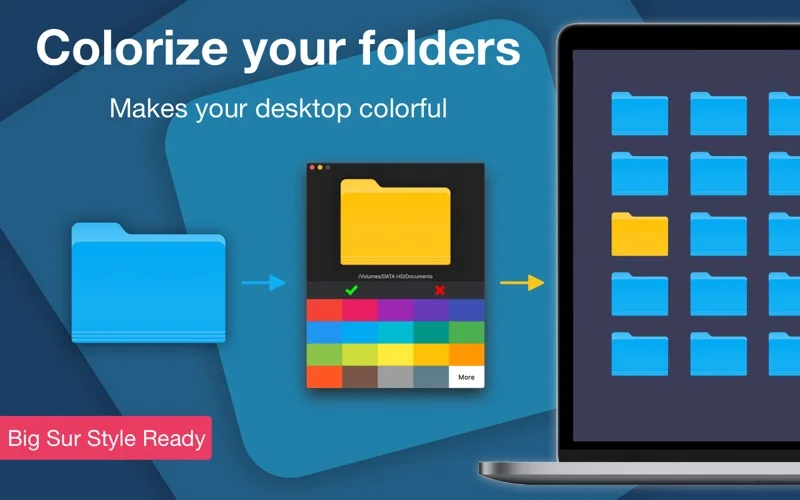
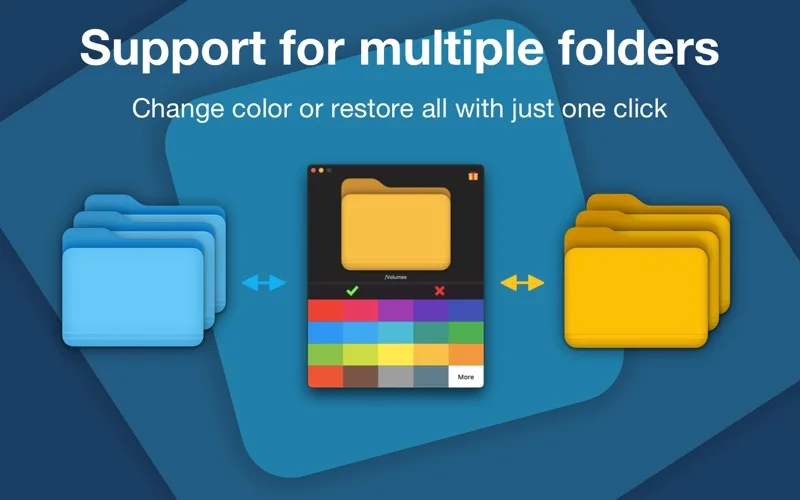
What you can do
- Drag a folder from Finder into the app.
- Choose a distinguishing folder color.
- Use colored folders as visual organization cues.
Good for
- Someone wanting to distinguish a small set of folders visually.
Consider alternatives for
- Automatic file categorization or changing filesystem permissions.
Limitations & considerations
- The app changes appearance, not the folder’s organizational meaning or access rights. Color persistence across copy, sync or different Macs was not tested.
Privacy & permissions
The utility accesses selected folders. Review file permissions and the store disclosure before applying changes to shared or protected locations; retain a way to restore the original appearance.
Sources & review notes Updated Nov 17, 2026
Reviewed by iApp4Me Editorial Team. Recommendations use the linked documentation and attributed accounts; device observations are identified separately.
- US App Store listing
Publisher description and US download price captured 2026-11-02; source-based coverage, not a device test.
No comments yet. Be the first to share your experience.