Productivity
Control Panel for YouTube
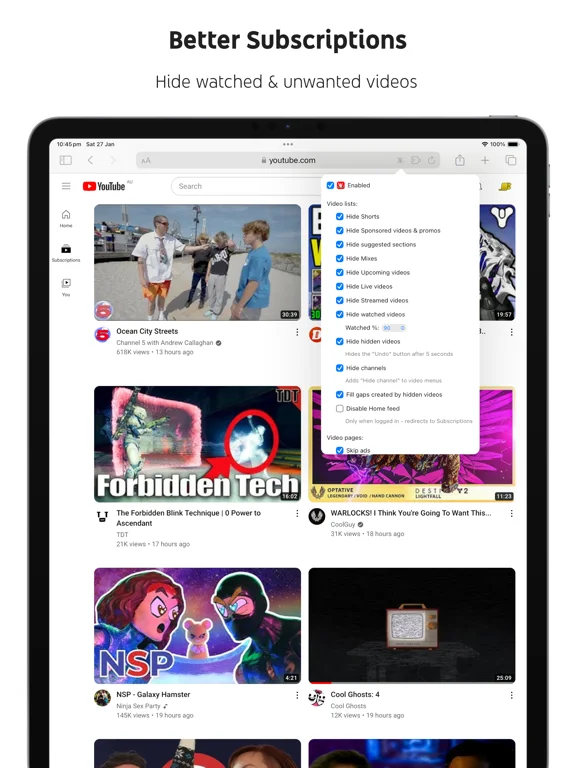
Customize YouTube's web interface by hiding distractions and changing feed behavior.
Useful for a more focused browser viewing setup
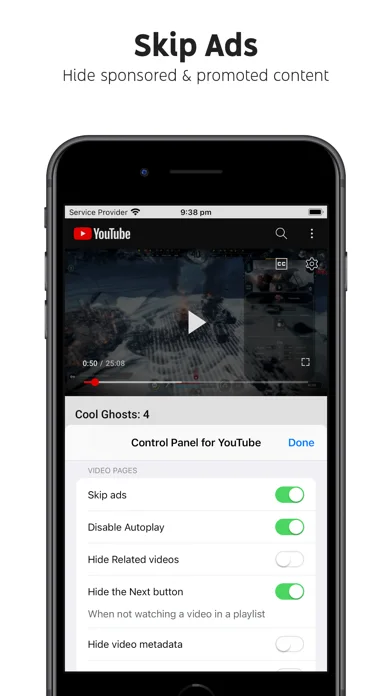
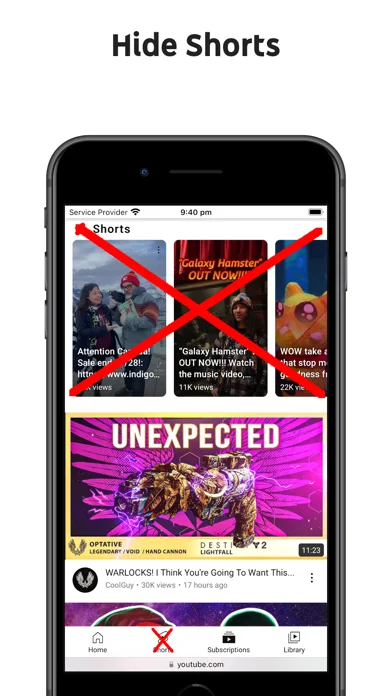
Channel hiding, Shorts controls and autoplay settings offer specific choices.
Keep in mind: Desktop-only features do not apply everywhere, and YouTube changes can break controls.
Inside the app
Official product images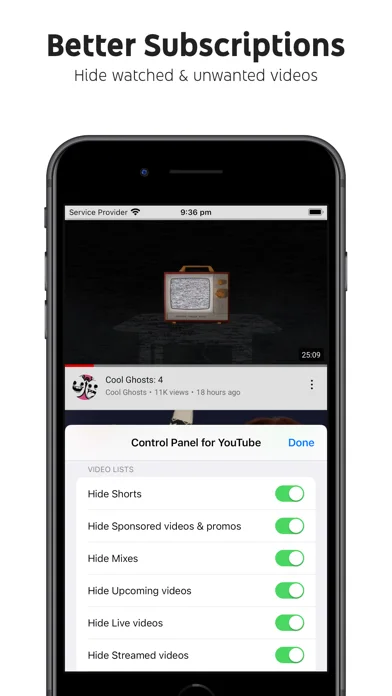
What you can do
- Hide channels and watched videos
- Shorts and autoplay controls
- Browser-interface cleanup
Good for
- People watching YouTube through a compatible browser
Consider alternatives for
- Native YouTube app customization
Limitations & considerations
- Captured minimum: iOS 15.0.
- Desktop-only features do not apply everywhere, and YouTube changes can break controls.
Privacy & permissions
A browser extension may need access to YouTube pages; inspect granted permissions and the official disclosure.
Sources & review notes Updated Nov 11, 2026
Reviewed by iApp4Me Editorial Team. Recommendations use the linked documentation and attributed accounts; device observations are identified separately.
- US App Store developer description
Complete description, download price and compatibility metadata captured 2026-11-02.
No comments yet. Be the first to share your experience.