Graphics & Design
Convertui - Pixel to Inch
Calculate relationships between image pixels, physical print size and resolution.
Useful for checking design dimensions before export
Three conversion directions connect source size with a target output.
Keep in mind: The listing uses dpi terminology for pixel density; calculation does not add image detail, calibrate a printer or guarantee a good physical print.
Inside the app
Official product images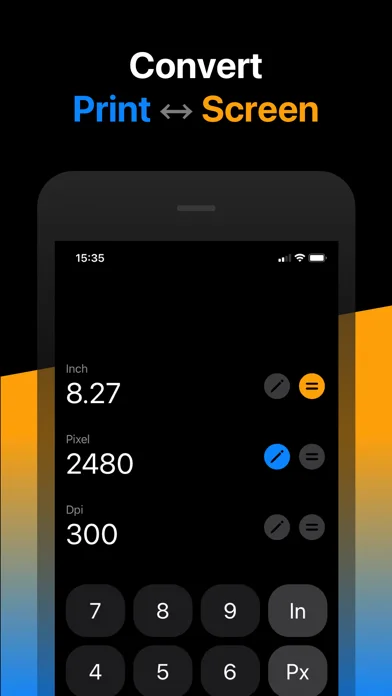
What you can do
- Density from pixels and print size
- Print size from pixels/resolution
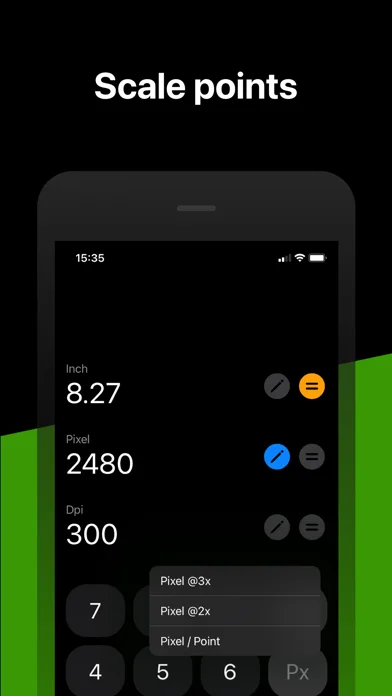
- Required pixels from size with @2x/@3x options
Good for
- Designers verifying basic output dimensions
Consider alternatives for
- Image upscaling or certified print calibration
Limitations & considerations
- Captured minimum: iOS 14.0.
- The listing uses dpi terminology for pixel density; calculation does not add image detail, calibrate a printer or guarantee a good physical print.
Privacy & permissions
The described calculations do not require personal data; review actual permissions and omit private project content from support screenshots.
Sources & review notes Updated Nov 12, 2026
Reviewed by iApp4Me Editorial Team. Recommendations use the linked documentation and attributed accounts; device observations are identified separately.
- US App Store developer description
Complete description, download price and compatibility metadata captured 2026-11-02.
No comments yet. Be the first to share your experience.