
Graphics & Design
Cricut Design Space
Cricut’s design companion for preparing images, text and projects for compatible cutting machines.
Check machine compatibility before preparing a project
Custom imports, fonts and SnapMat can help place designs and use scrap material.
Keep in mind: A free design app does not include a cutting machine, materials or every licensed design.
Inside the app
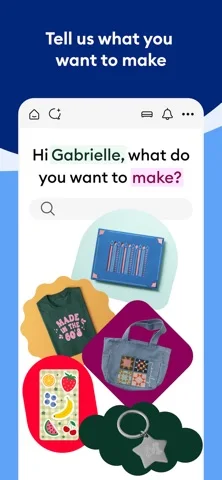
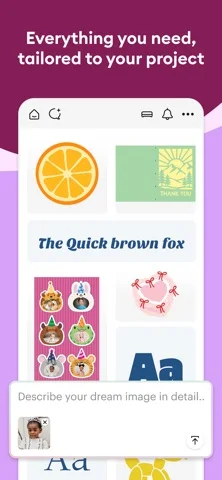
Official product images

What you can do
- Import supported images and SVG/DXF files.
- Resize, rotate and adjust text.
- Use ready-made projects and material settings.
- Sync projects and connect compatible machines over Bluetooth.
Good for
- Owners of compatible Cricut hardware.
Consider alternatives for
- People expecting the phone alone to physically cut a project.
Limitations & considerations
- Captured minimum: iOS 17.0.
- The captured metadata requires iOS 17 despite an older iOS 14 feature sentence.
- Machine activation and possibly an additional Bluetooth adapter are required.
Privacy & permissions
A Cricut ID and cloud sync can place designs in an online account. Consider the rights and sensitivity of uploaded artwork.
Sources & review notes Updated Nov 8, 2026
Reviewed by iApp4Me Editorial Team. Recommendations use the linked documentation and attributed accounts; device observations are identified separately.
- US App Store developer description
Complete description, download price and compatibility metadata captured 2026-11-02.
- Cricut Access terms reference
Developer-linked reference.
No comments yet. Be the first to share your experience.