
Cursor Pro
A Mac cursor highlighter and magnifier for screen presentations and tutorials.
Useful when viewers lose track of your pointer on a shared display.
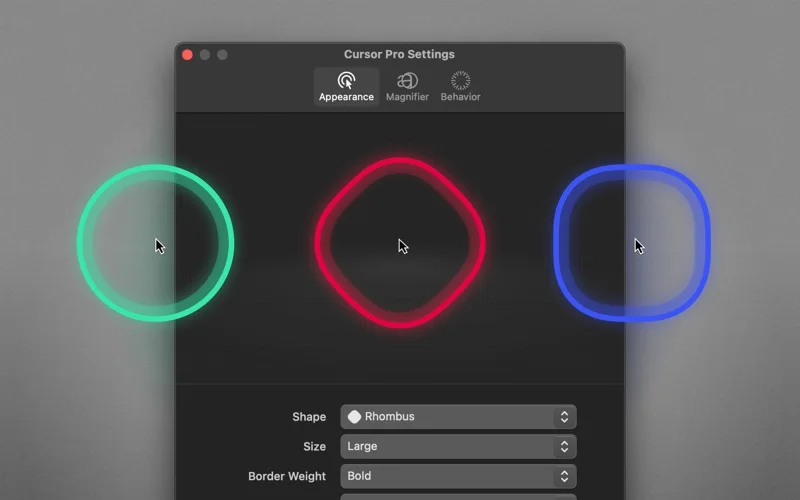
Custom shapes, click animations and a quick magnifier make demonstrations easier to follow.
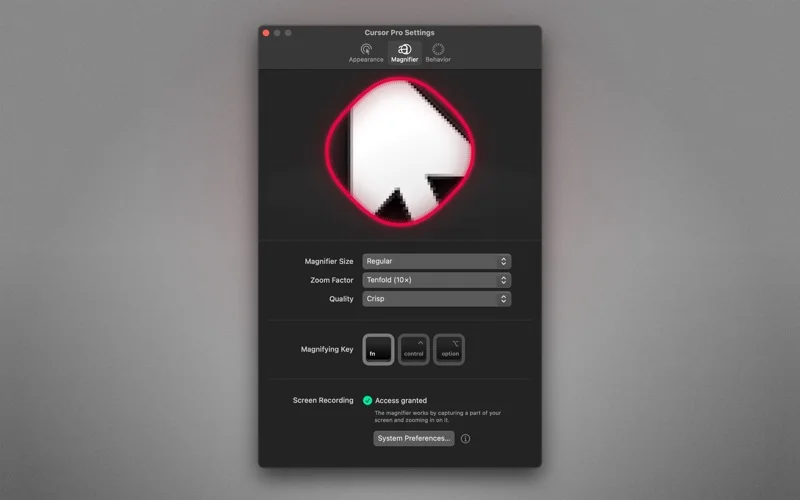
Keep in mind: For the overlay to appear remotely, the developer says to share the entire screen rather than only an application window. Magnification requires Screen Recording permission.
Inside the app
Official product images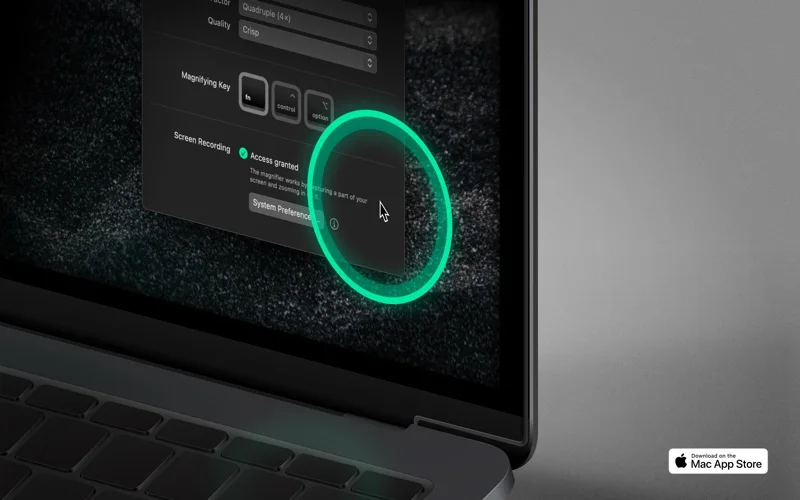
What you can do
- Custom cursor highlight appearance
- Interaction animations and idle behavior
- Keyboard-triggered magnifier and Shortcuts support
App Store review themes
Recurring praise and complaints, grouped by topic.
5 reviews · US App Store · Written feedback; review platforms are not identified
What reviewers like
No recurring positive theme has at least three supporting reviews.
What reviewers dislike
No recurring negative theme has at least three supporting reviews.
Good for
- Teachers and presenters demonstrating a Mac workflow.
Consider alternatives for
- People needing a screen recorder, remote-control tool or automatic accessible redesign of an app.
Limitations & considerations
- Captured minimum: macOS 11.5.
- For the overlay to appear remotely, the developer says to share the entire screen rather than only an application window. Magnification requires Screen Recording permission.
Privacy & permissions
The developer says mouse and screen data stay offline. Screen Recording permission is needed for magnification; full-screen sharing can still reveal private windows to meeting participants.
Sources & review notes Updated Nov 15, 2026
Reviewed by iApp4Me Editorial Team. Recommendations use the linked documentation and attributed accounts; device observations are identified separately.
- US App Store developer description
Complete description, release notes, download price and compatibility metadata captured 2026-11-02.
- Official developer disclosure
Cached official product text read; capture date 2026-11-12. Separate products, platform features and regional offers not conflated.
No comments yet. Be the first to share your experience.