Daily List Planner
Keep short task lists and reusable checklists offline, with optional account sync across supported phones and computers.
People with repeating checklists who also use both a phone and a desktop
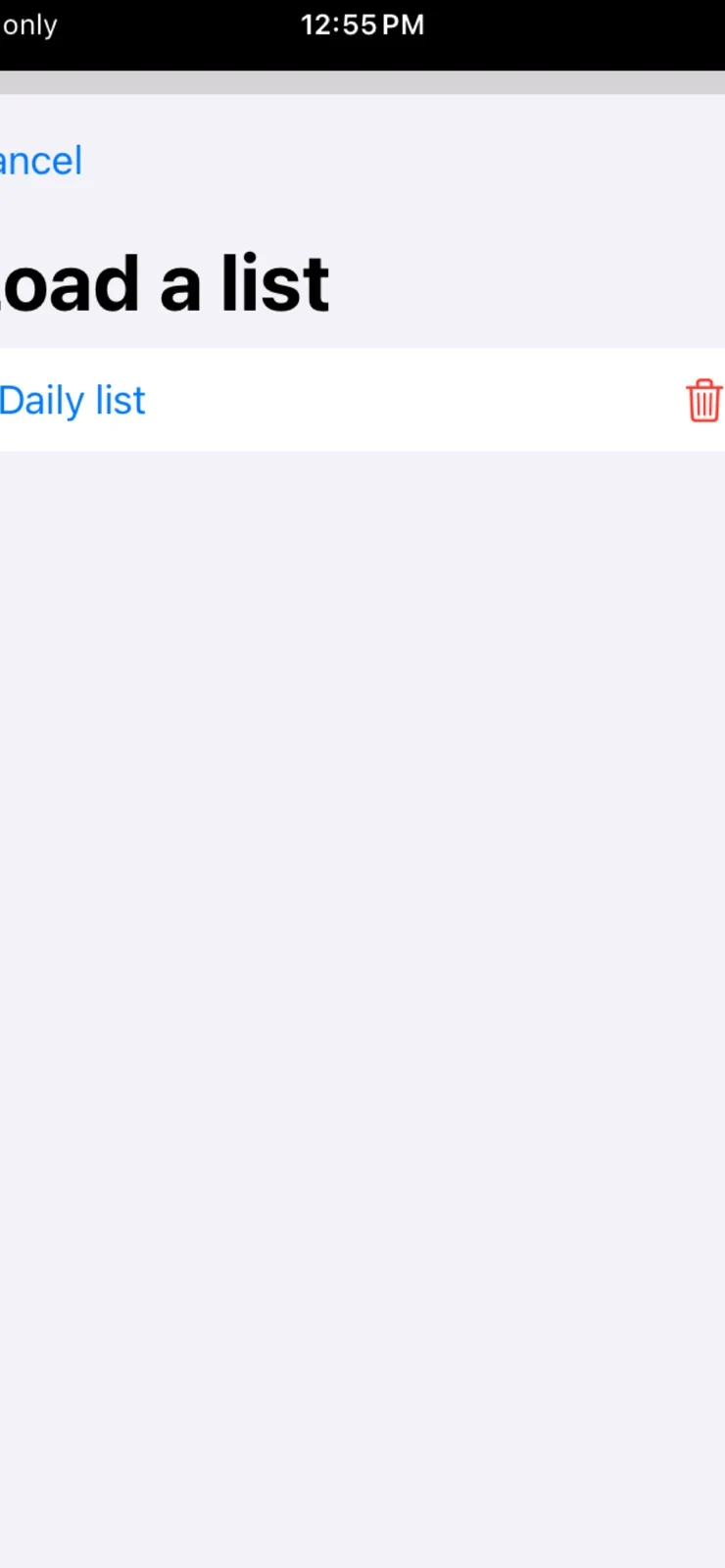
Make one reusable checklist for a routine such as weekly shopping. Save it, reload it when needed and turn on sync only if you want the list to travel between devices.
Keep in mind: The product guide describes platform differences. Some recent controls require current versions on each device. The iPhone edition contains advertising.
Inside the app
Official product images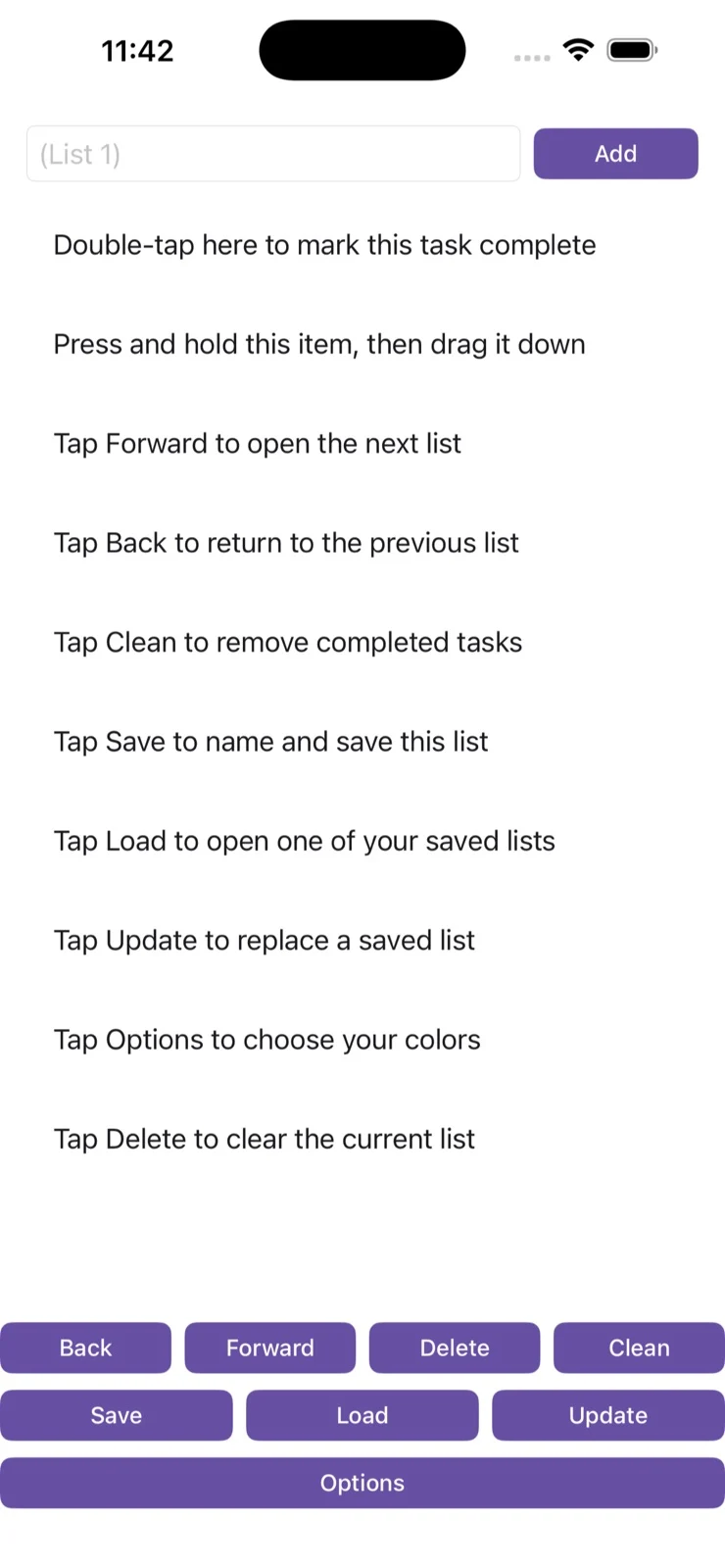



What you can do
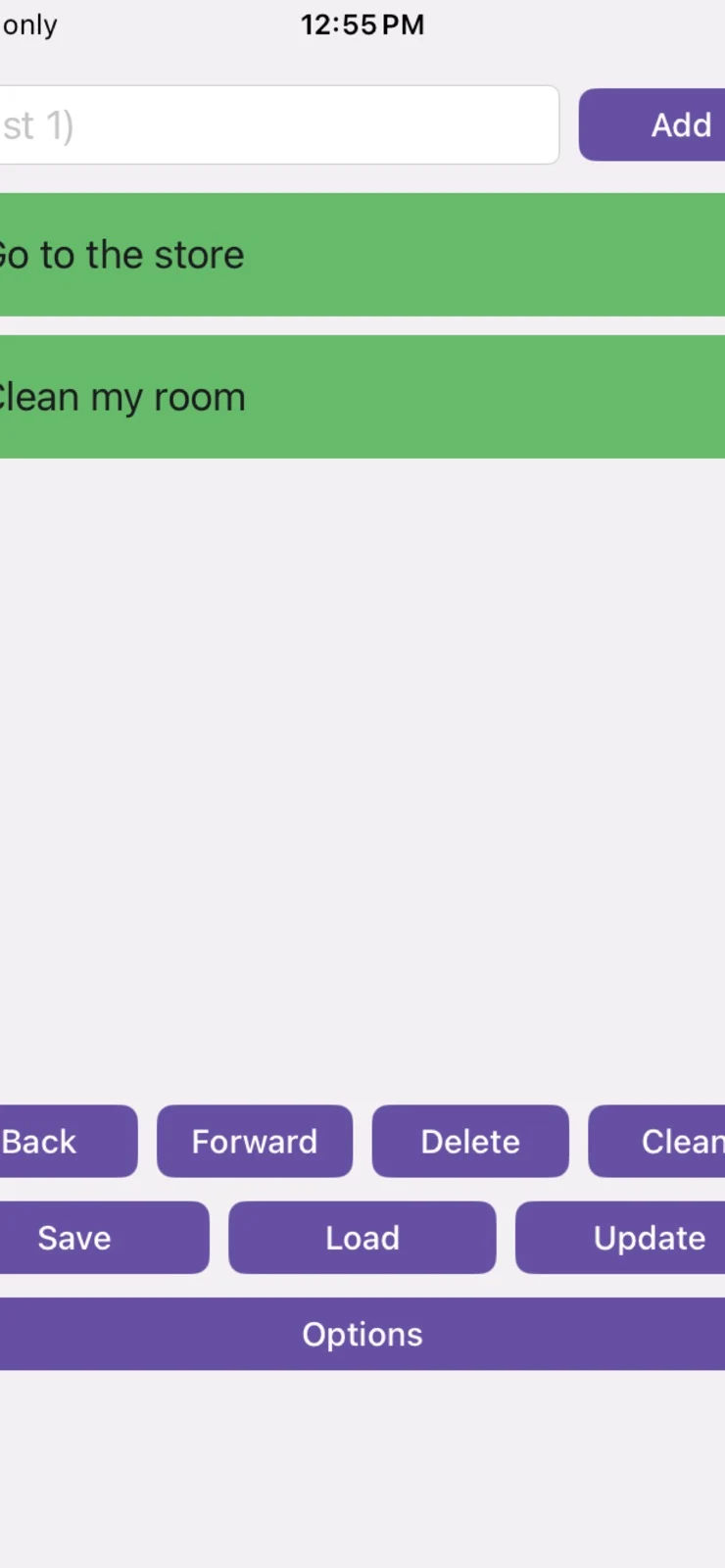
- Add, reorder and check off tasks
- Save reusable checklists and set repeat or postponed tasks
- Optionally sign in to sync and merge lists across platforms
Good for
- People with repeating checklists who also use both a phone and a desktop
Consider alternatives for
- The product guide describes platform differences. Some recent controls require current versions on each device. The iPhone edition contains advertising.
Where it fits
Make one reusable checklist for a routine such as weekly shopping. Save it, reload it when needed and turn on sync only if you want the list to travel between devices.
Limitations & considerations
- The product guide describes platform differences. Some recent controls require current versions on each device. The iPhone edition contains advertising.
Privacy & permissions
Lists work locally without a sign-in. Optional sync uses a verified email account; Apple’s privacy section includes the developer’s advertising and analytics disclosures.
Sources & review notes Updated Nov 28, 2026
Reviewed by iApp4Me Editorial Team. Recommendations use the linked documentation and attributed accounts; device observations are identified separately.
- US App Store
Regional availability, version 1.6, compatibility and published in-app purchase details.
- Official product website
Developer documentation and workflow.
No comments yet. Be the first to share your experience.