
Utilities
DayBetter
DayBetter connects compatible smart lights/devices and selects lighting effects while showing status.
Consider only after verifying the exact hardware
Discovery and status views provide a simple lighting-controller workflow.
Keep in mind: Smart-device compatibility is not universal or guaranteed safe lighting behavior; it is not a replacement for electrical installation controls.
Inside the app
Official product images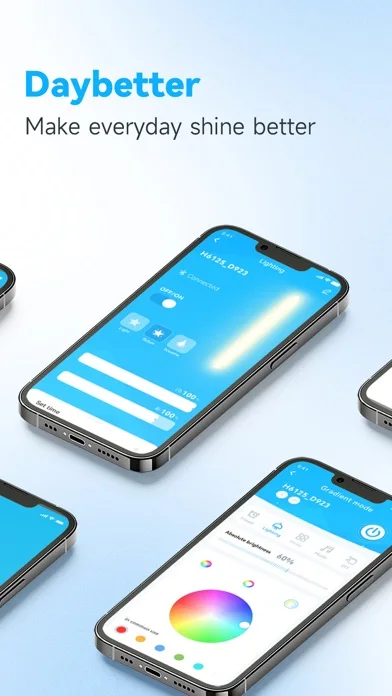
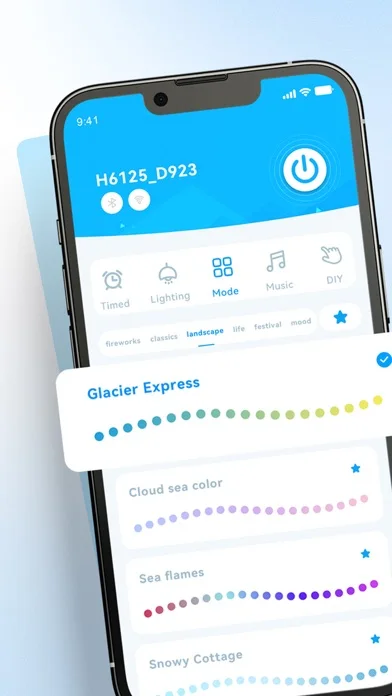
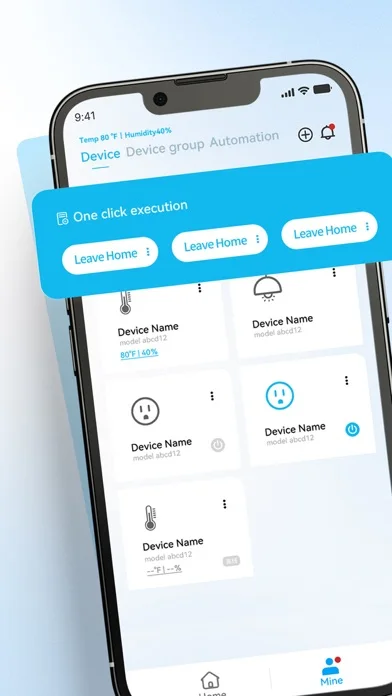
What you can do
- Find/connect supported devices
- Select eligible light effects
- Inspect reported device status
Good for
- Owners of explicitly compatible DayBetter hardware
Consider alternatives for
- Users expecting every smart light or offline/local-only control
Limitations & considerations
- Captured minimum: iOS 15.6.
- Smart-device compatibility is not universal or guaranteed safe lighting behavior; it is not a replacement for electrical installation controls.
Privacy & permissions
Device identifiers and home setup can be sensitive; inspect account/network/location requirements before pairing.
Sources & review notes Updated Nov 11, 2026
Reviewed by iApp4Me Editorial Team. Recommendations use the linked documentation and attributed accounts; device observations are identified separately.
- US App Store developer description
Complete description, download price and compatibility metadata captured 2026-11-02.
No comments yet. Be the first to share your experience.