DCM Viewer
Inspect DICOM images and attributes on a Mac with Finder previews and image/movie export.
Authorized users exploring de-identified DICOM datasets for non-diagnostic inspection.
Inspect DICOM images and attributes on a Mac with Finder previews and image/movie export.
Keep in mind: Clinical certification, modality/compression coverage and measurement accuracy are not established. Exporting a picture does not by itself remove identifying metadata or burned-in text.
Inside the app
Official product images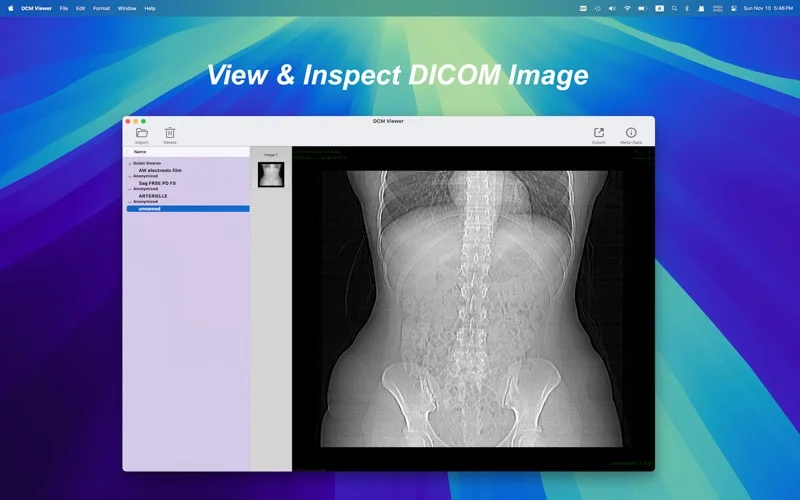
What you can do
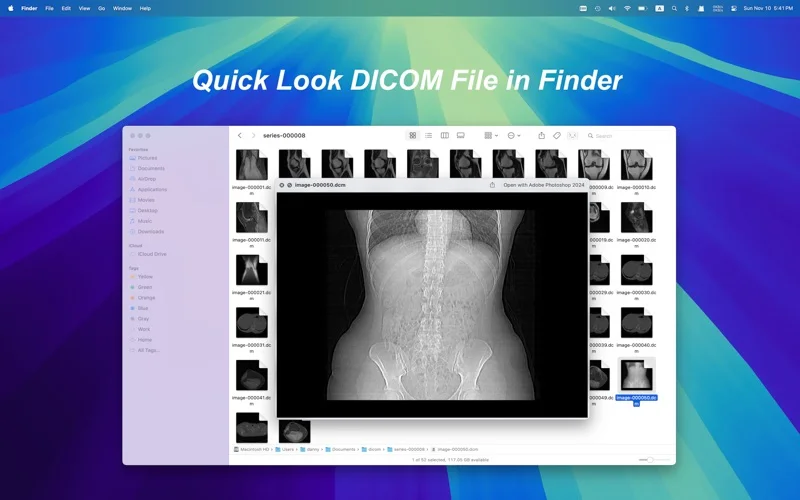
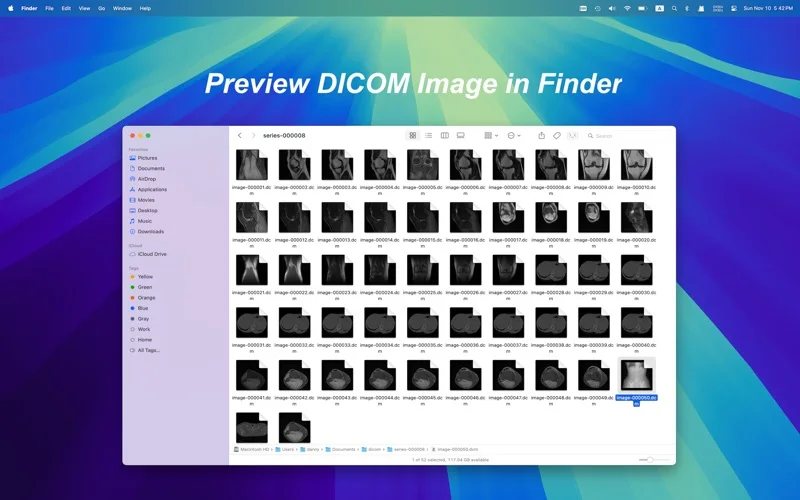
- Preview DICOM files through the advertised Quick Look plug-in.
- Inspect image pixels and DICOM attributes and open multiple files.
- Export to described movie, JPEG or TIFF output.
Good for
- Authorized users exploring de-identified DICOM datasets for non-diagnostic inspection.
Consider alternatives for
- A certified clinical diagnostic workstation or guaranteed anonymization.
Limitations & considerations
- Clinical certification, modality/compression coverage and measurement accuracy are not established. Exporting a picture does not by itself remove identifying metadata or burned-in text.
Privacy & permissions
DICOM headers and pixels can contain patient identifiers. Use authorized de-identified copies and review file, preview and export handling; no secure-storage or local-only guarantee is established.
Sources & review notes Updated Nov 17, 2026
Reviewed by iApp4Me Editorial Team. Recommendations use the linked documentation and attributed accounts; device observations are identified separately.
- US App Store listing
Publisher description and US download price captured 2026-11-02; source-based coverage, not a device test.
No comments yet. Be the first to share your experience.