
Dropbox: Cloud Storage Backup
Cloud file storage and sharing with camera uploads, document scanning, offline access and plan-dependent recovery tools.
Consider it for files used across phones and computers
Link sharing and file previews simplify sending material to people without a Dropbox account.
Keep in mind: The advertised 2 TB and 30-day Rewind belong to the described Plus offer; they are not unlimited free storage.
Inside the app
Official product images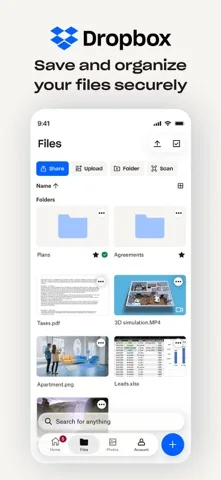
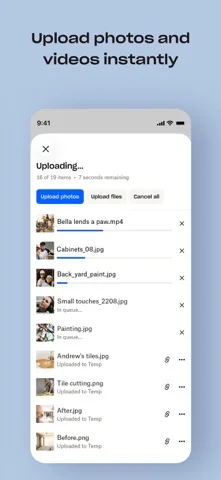
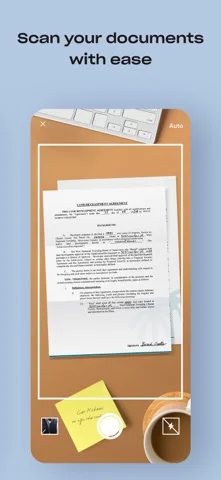
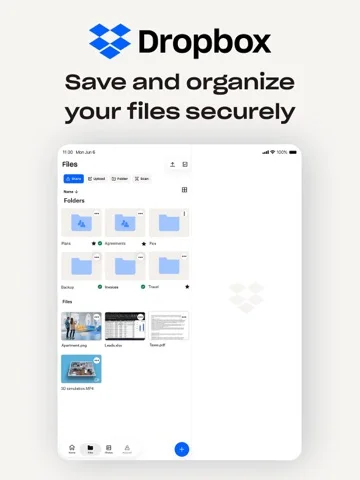
What you can do
- Upload and synchronize photos, videos and files.
- Share large files by link.
- Scan documents into PDFs.
- Make files available offline and recover eligible versions.
Good for
- Users maintaining shared files across desktop and mobile devices.
Consider alternatives for
- Anyone seeking a strictly local document vault or unlimited free backup.
Limitations & considerations
- Captured minimum: iOS 18.0.
- Computer backup involves the desktop service, not a phone-only feature.
- Recovery windows and storage depend on the selected plan.
Privacy & permissions
Uploads place documents and photos in a cloud account. Shared-link permissions determine who can access a file; sensitive scans deserve particular care.
Privacy policySources & review notes Updated Nov 8, 2026
Reviewed by iApp4Me Editorial Team. Recommendations use the linked documentation and attributed accounts; device observations are identified separately.
- US App Store developer description
Complete description, download price and compatibility metadata captured 2026-11-02.
- Dropbox privacy reference
Official reference for cloud and shared-file data.
No comments yet. Be the first to share your experience.