
Productivity
Duet Display
Duet Display uses an iPad or iPhone as an extra computer display with touch and optional Pencil features.
Consider after checking both computer and mobile requirements
A second display can extend a portable workspace.
Keep in mind: Desktop software and compatible connection are required; zero-lag and older OS claims are not current guarantees, and Pro adds separate features.
Inside the app
Official product images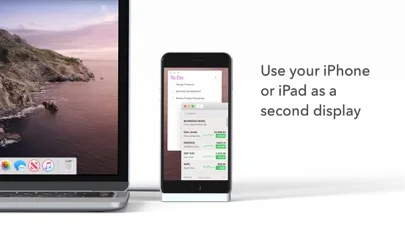
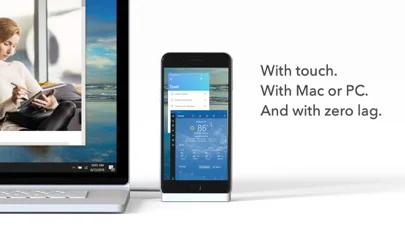
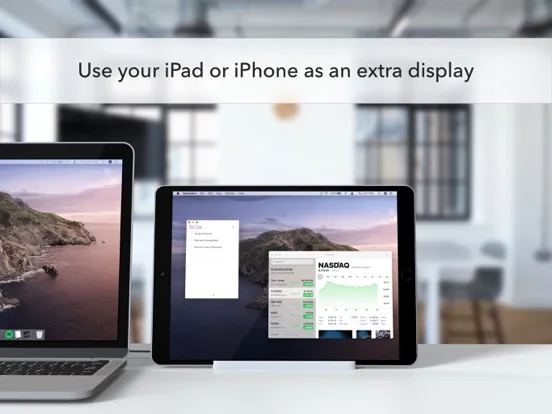
What you can do
- Extend a supported Mac or PC display
- Use touch gestures
- Draw with eligible Pencil and Pro tools
Good for
- Users with compatible computer and Apple hardware
Consider alternatives for
- Users expecting a standalone monitor without desktop software
Limitations & considerations
- Captured minimum: iOS 13.0.
- Desktop software and compatible connection are required; zero-lag and older OS claims are not current guarantees, and Pro adds separate features.
Privacy & permissions
Mirrored screens can expose confidential work; trust connected devices and review permissions.
Sources & review notes Updated Nov 10, 2026
Reviewed by iApp4Me Editorial Team. Recommendations use the linked documentation and attributed accounts; device observations are identified separately.
- US App Store developer description
Complete description, download price and compatibility metadata captured 2026-11-02.
No comments yet. Be the first to share your experience.