Graphics & Design
EDGE touch (pixel art tool)
A pixel-art editor with layers, palette controls, animation and image-file interchange.
Consider for small sprite and icon projects
Actual-size/zoom views connect pixel edits with final appearance.
Keep in mind: The stated canvas maximum is 1024 square. Export fidelity and animated GIF colors need checking.
Inside the app
Official product images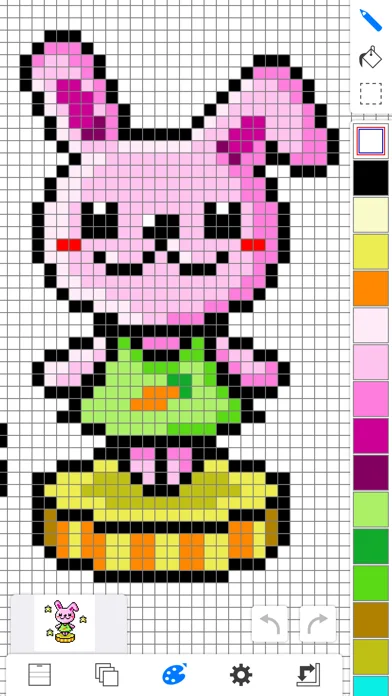
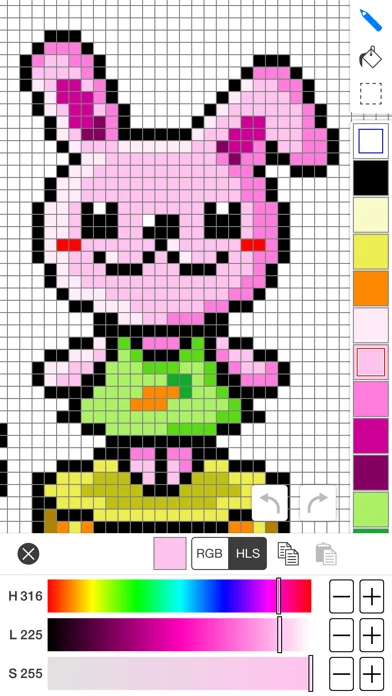
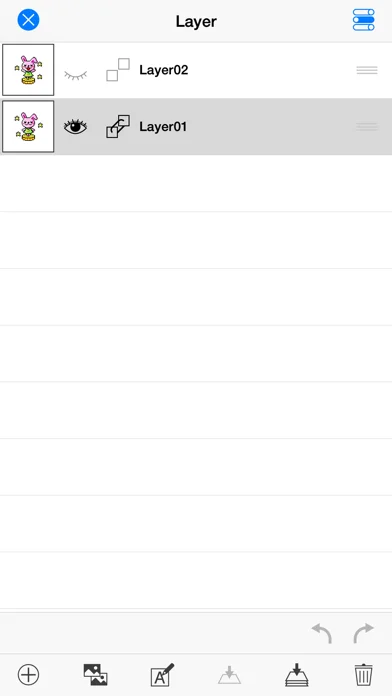
What you can do
- Draw geometric/freehand pixels
- Edit layers/palettes
- Use onionskin
- Export supported PNG/GIF/EDGE files
Good for
- Creators working within small raster canvases.
Consider alternatives for
- People needing vector illustration or unrestricted resolution.
Limitations & considerations
- Captured minimum: iOS 12.3.
- The stated canvas maximum is 1024 square. Export fidelity and animated GIF colors need checking.
Privacy & permissions
Artwork and shared files may contain private work; collection is unspecified.
Sources & review notes Updated Nov 11, 2026
Reviewed by iApp4Me Editorial Team. Recommendations use the linked documentation and attributed accounts; device observations are identified separately.
- US App Store developer description
Complete description, download price and compatibility metadata captured 2026-11-02.
No comments yet. Be the first to share your experience.