
英语轻松读
Read English articles and PDFs with vocabulary hints, tap-to-look-up pronunciation, RSS sources and saved study material.
Read real English with contextual vocabulary support
The documented workflow brings RSS articles, word lookup, sentence reading, PDFs and vocabulary review together. It is best understood as a reading companion rather than a complete language course.
Keep in mind: Use the current Apple-platform requirements and check optional Gold terms; article rights, PDF behavior and learning gains are not independently verified.
Inside the app
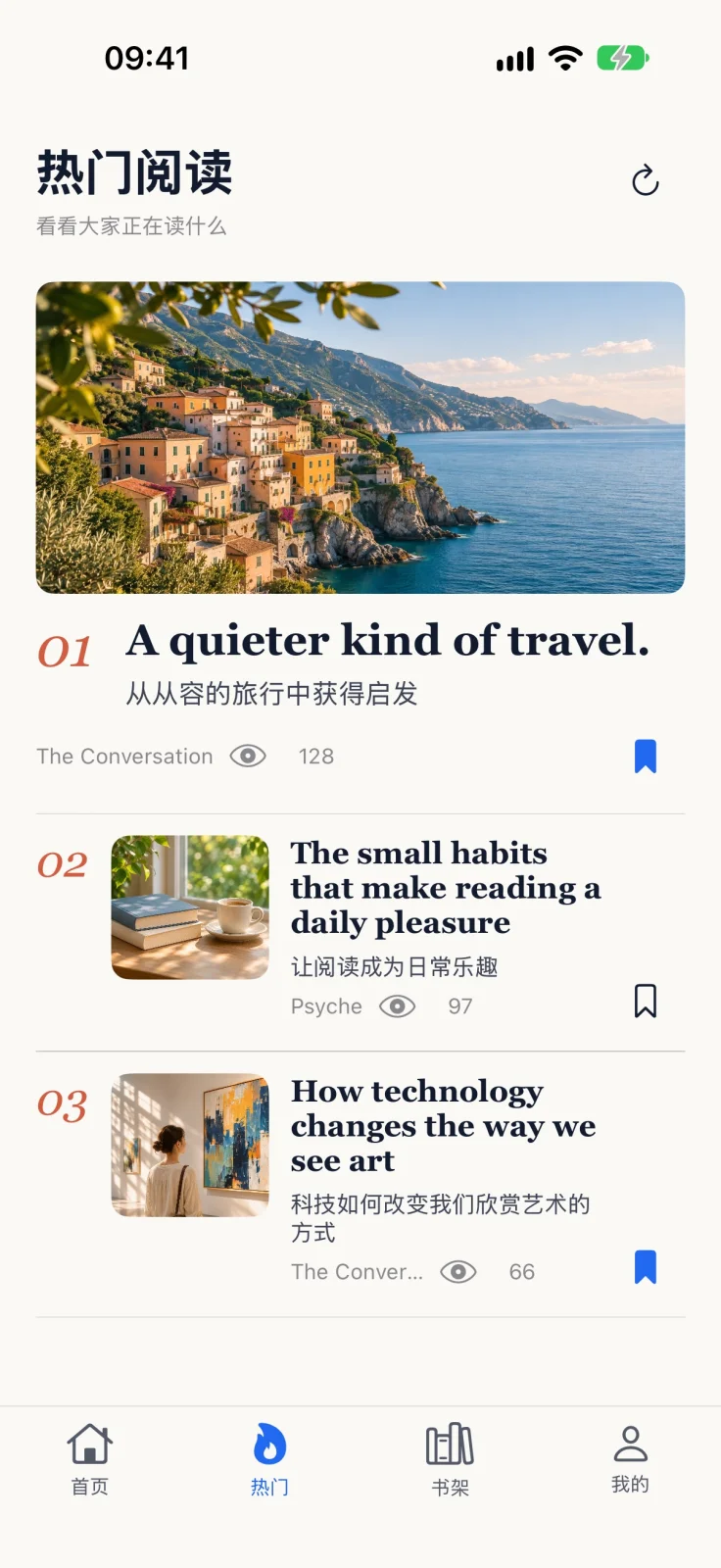
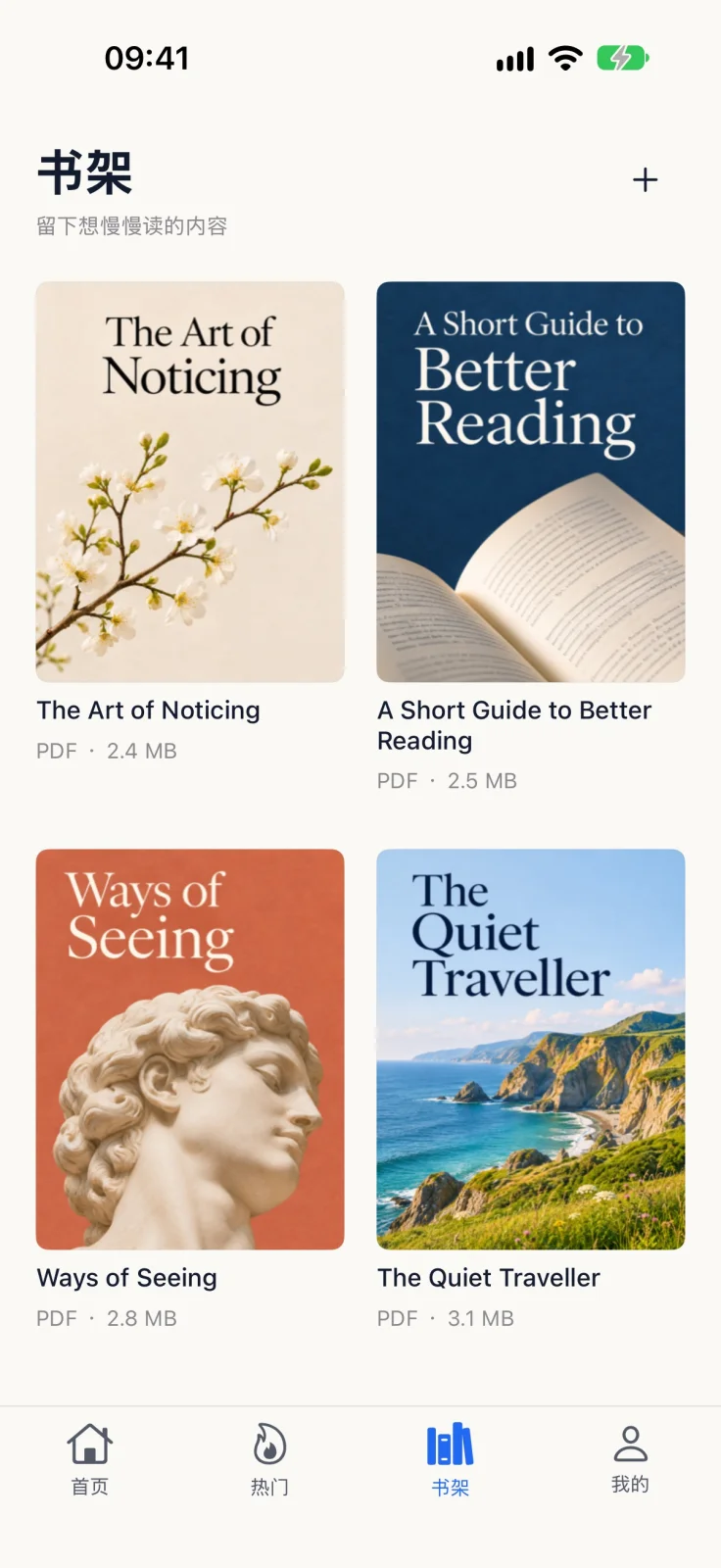
Official product images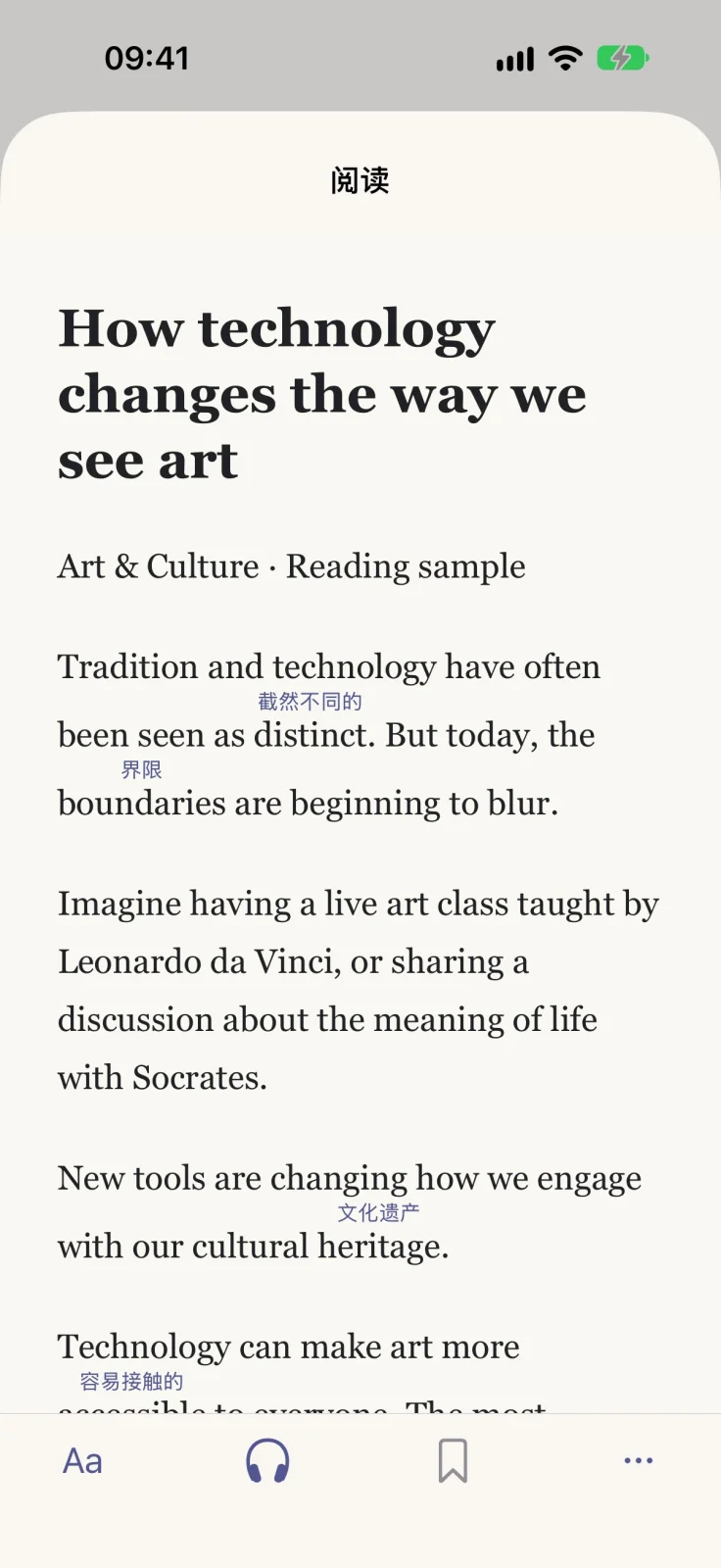



What you can do
- Choose a vocabulary level and see short hints above unfamiliar words; tap another word for meaning and pronunciation.
- Follow RSS sources and use article discovery, reading history, saved articles and Safari-assisted reading.
- Read PDFs through the publisher-described bookshelf or reflow workflow, and use sentence reading and saved examples.
- Record looked-up words and export vocabulary to Anki or plain text, as described on the official website.
- Choose among the classic, paper-like intensive and native light reading styles introduced in version 1.27.
Good for
- Chinese- or Japanese-interface readers with some English foundation who want to read real articles with less dictionary switching.
- Readers combining RSS or permitted PDFs with vocabulary and sentence review.
Consider alternatives for
- A complete beginner English course or a guarantee of vocabulary/fluency gains.
- A maintained Android release or support for Intel Macs.
Reading workflow
Select a vocabulary level, read a permitted article or PDF, tap unfamiliar words, and revisit vocabulary or saved sentences. The official site documents Anki/plain-text word export and sentence-based listening; no complete study session or export was reproduced for this profile.
Version 1.27
The November 5, 2026 release describes redesigned article pages and a cover-based PDF bookshelf, three reading appearances, and changes to vocabulary, example sentences, font and line-height handling. Release notes describe intended behavior rather than a new independent device test.
Editorial relationship
Tinyfool, who works on iApp4Me, is one of this app’s developers alongside Sycx. This profile uses attributed publisher sources and does not claim an independent hands-on evaluation.
Limitations & considerations
- The current listing requires iOS/iPadOS 16.6+ or macOS 13.5+ on an Apple M1-or-later Mac. The website FAQ lists older minimums; use the current store requirements.
- The publisher FAQ says the current app is unavailable in mainland China and no longer maintains Android. Confirm availability in the relevant App Store region.
- Article access remains subject to the source publisher. PDF reflow, dictionary accuracy, Anki export and learning outcomes were not independently tested; scanned-PDF OCR is not established.
- Gold membership is optional in the published offering. The public pages do not enumerate every membership benefit or free-use limit; confirm the current purchase screen.
Privacy & permissions
The current App Store disclosure lists product-interaction usage data and crash/performance diagnostics as data not linked to identity for analytics. These are developer declarations, not verified by Apple. Articles, looked-up words and imported PDFs can be sensitive; no independent local-only processing or security audit is claimed.
Sources & review notes Updated Nov 17, 2026
Reviewed by iApp4Me Editorial Team. Recommendations use the linked documentation and attributed accounts; device observations are identified separately.
- US App Store listing, version 1.27, purchase options and privacy disclosure
Current listing and Apple lookup checked November 17, 2026. Version 1.27 was released November 5. Publisher declarations; no installed-device test.
- 英语轻松读 official feature overview
Official RSS, PDF, sentence reading and vocabulary-export descriptions checked November 17, 2026.
- Official platform and regional-availability FAQ
FAQ checked November 17, 2026. Its older OS minimums are superseded here by the current store listing.
No comments yet. Be the first to share your experience.