
Photo & Video
Epson iPrint
Epson iPrint printing, scanning and sharing with compatible Epson hardware.
Check the supported printer list
Local/eligible remote printing and all-in-one scanning support several document paths.
Keep in mind: Remote use requires email-enabled/Epson Connect support; duplex, media and file functions vary by model.
Inside the app
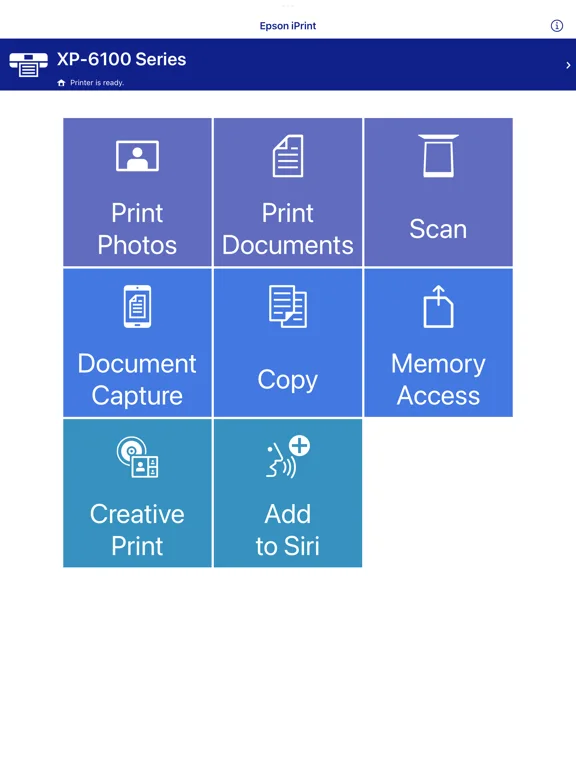
Official product images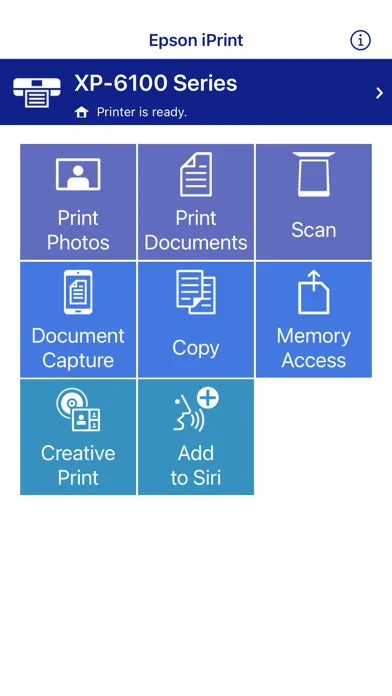
What you can do
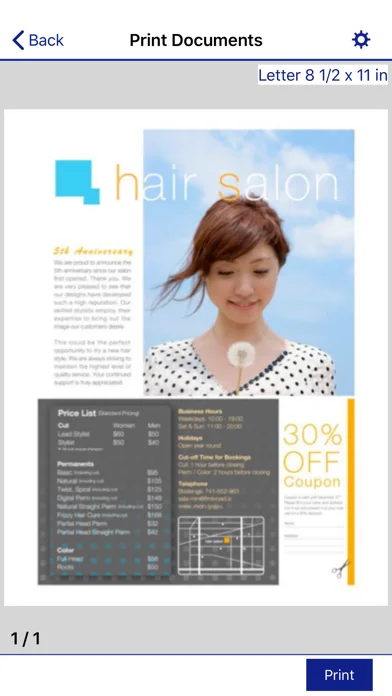
- Print supported photos/PDF/Office files.
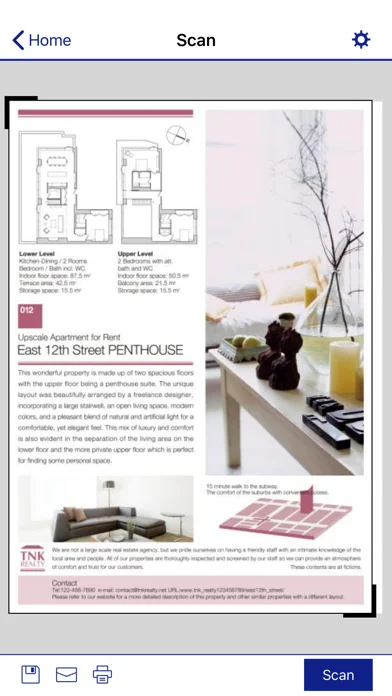
- Scan or copy with eligible Epson hardware.
- Manage print settings, status and remote printers.
Good for
- Owners of compatible Epson printers.
Consider alternatives for
- Anyone expecting a universal printer driver.
Limitations & considerations
- Captured minimum: iOS 16.0.
- Remote use requires email-enabled/Epson Connect support; duplex, media and file functions vary by model.
Privacy & permissions
Documents and remote print destinations can contain sensitive information; location permission is described as supporting Wi-Fi discovery.
Sources & review notes Updated Nov 9, 2026
Reviewed by iApp4Me Editorial Team. Recommendations use the linked documentation and attributed accounts; device observations are identified separately.
- US App Store developer description
Complete description, download price and compatibility metadata captured 2026-11-02.
- Official supported printers
Developer-provided compatibility reference.
No comments yet. Be the first to share your experience.