Photo & Video
Epson Smart Panel
Setup and control for specifically supported Epson wireless printers and scanners.
Check the compatibility list before installing
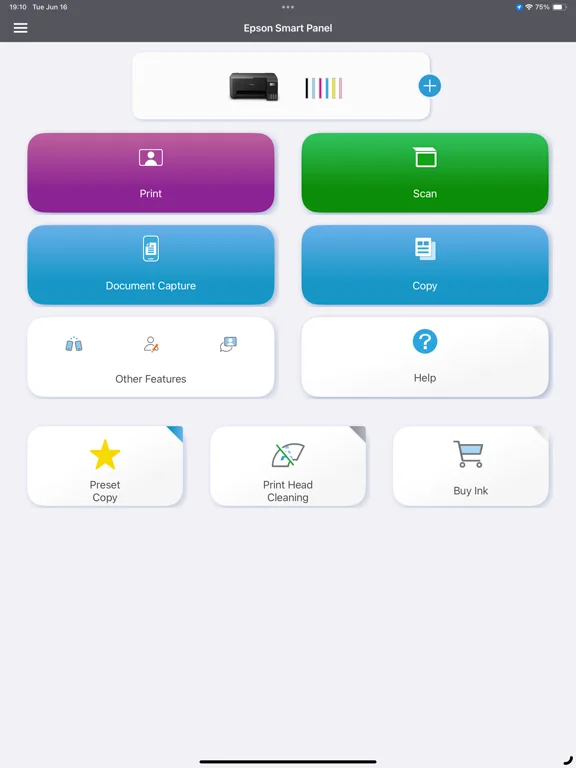
Device-tailored action tiles combine setup, operation and support.
Keep in mind: Unlisted hardware cannot connect through Smart Panel; use Epson iPrint or Document Scan where appropriate.
Inside the app
Official product images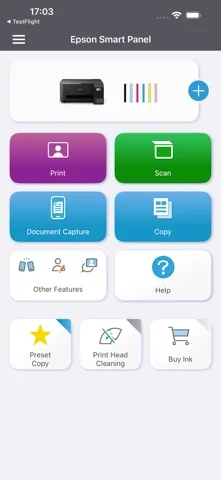
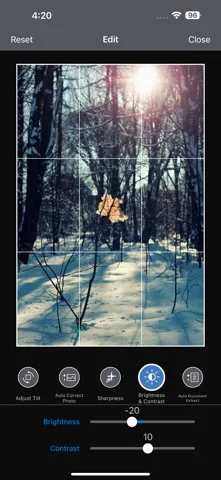
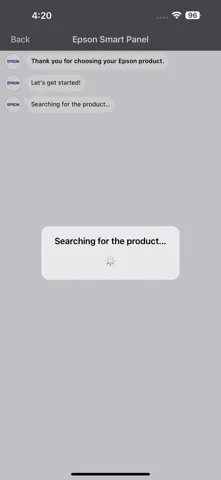
What you can do
- Set up supported Wi-Fi devices.
- Operate/monitor printer or scanner.
- Find registration, supplies and help.
Good for
- Owners of listed Epson hardware.
Consider alternatives for
- Anyone expecting universal Epson or third-party printer support.
Limitations & considerations
- Captured minimum: iOS 16.0.
- Unlisted hardware cannot connect through Smart Panel; use Epson iPrint or Document Scan where appropriate.
Privacy & permissions
Printed/scanned documents and device registration can contain personal information.
Sources & review notes Updated Nov 8, 2026
Reviewed by iApp4Me Editorial Team. Recommendations use the linked documentation and attributed accounts; device observations are identified separately.
- US App Store developer description
Complete description, download price and compatibility metadata captured 2026-11-02.
- Official supported-device guide
Developer-provided compatibility reference.
No comments yet. Be the first to share your experience.