Medical
Espresso Ray
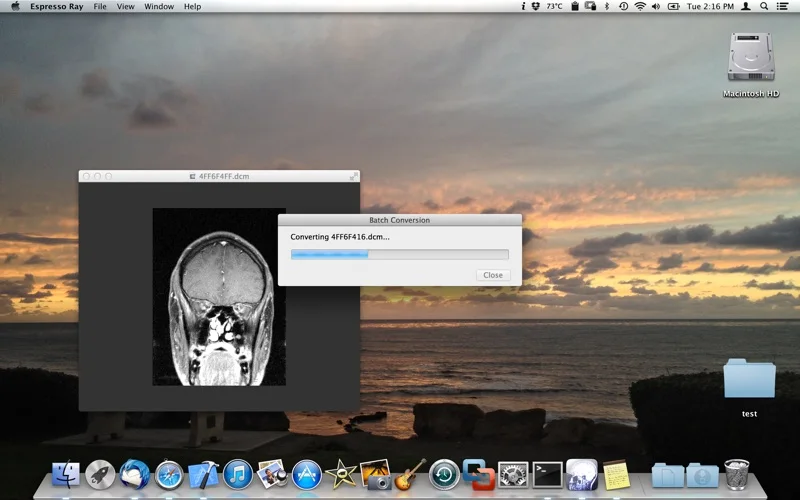
View supported DICOM images and batch-convert them to PNG or JPEG.
Someone exploring copies of their own medical images.
View supported DICOM images and batch-convert them to PNG or JPEG.
Keep in mind: Image interpretation, calibration, transfer syntax support and export fidelity were not validated. Keep original DICOM files; common-image exports may not retain clinical metadata.
Inside the app
Official product images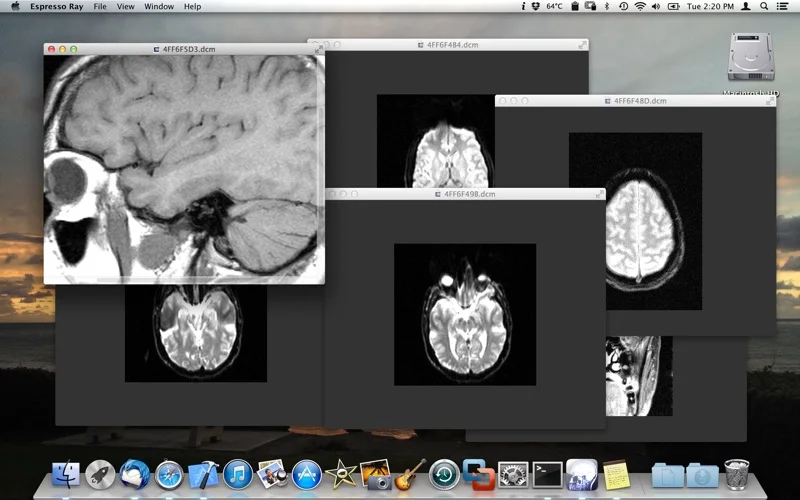
What you can do
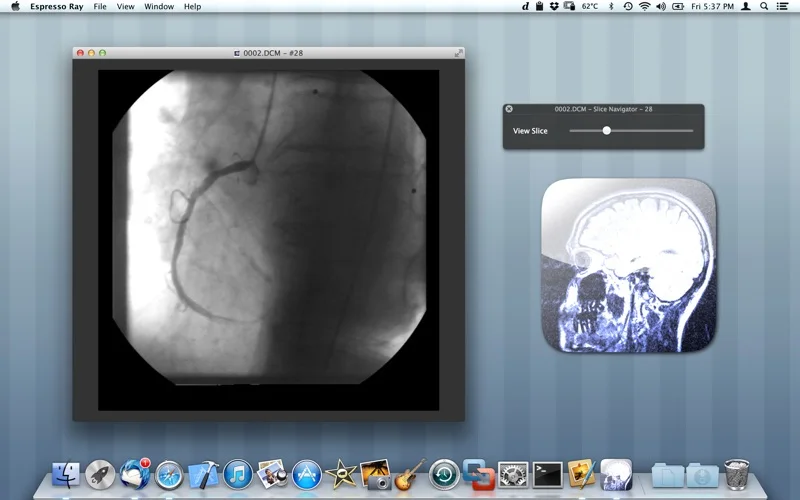
- Open described 2D or 3D-volume DICOM inputs.
- View grayscale or color image content.
- Export image batches in the listed common formats.
Good for
- Someone exploring copies of their own medical images.
Consider alternatives for
- A validated diagnostic workstation or preservation of all DICOM metadata in exports.
Limitations & considerations
- Image interpretation, calibration, transfer syntax support and export fidelity were not validated. Keep original DICOM files; common-image exports may not retain clinical metadata.
Privacy & permissions
DICOM can embed patient identifiers. Protect source/export files and inspect metadata before sharing; de-identification is not established.
Sources & review notes Updated Nov 19, 2026
Reviewed by iApp4Me Editorial Team. Recommendations use the linked documentation and attributed accounts; device observations are identified separately.
- US App Store listing
Full publisher description, version and US download price captured 2026-11-02; source-based coverage, not a device test.
No comments yet. Be the first to share your experience.