
Photo & Video
FaceScreen: Floating Camera
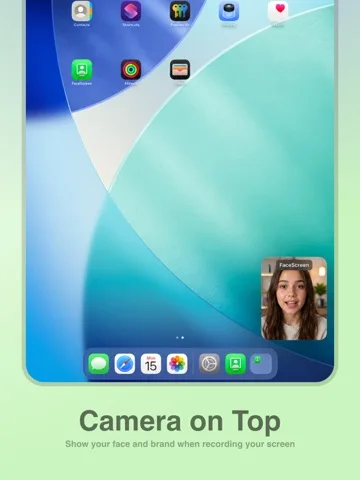
A floating live-camera overlay with optional text for supported recording or presentation workflows.
Consider after testing the overlay with your capture app
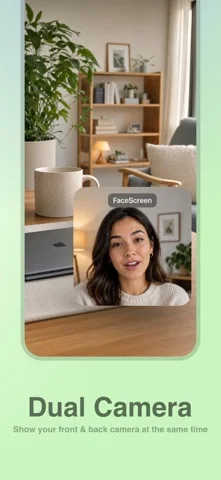
Shape, position and dual-camera choices can keep a presenter visible beside other content.
Keep in mind: It is not itself a recorder, and all-app/fullscreen compatibility is untested. Dual-camera support depends on hardware.
Inside the app
Official product images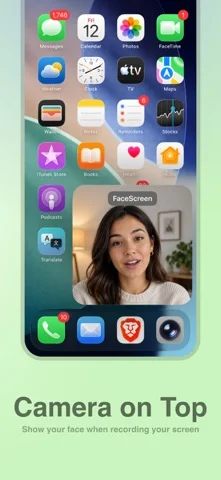
What you can do
- Show an eligible floating camera
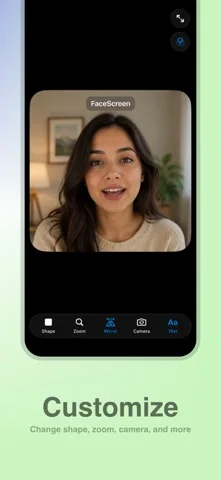
- Adjust size and appearance
- Add a text label
- Use supported single or dual views
Good for
- Presenters who can rehearse the exact app and device setup.
Consider alternatives for
- People expecting video editing or guaranteed compatibility with every stream.
Limitations & considerations
- Captured minimum: iOS 26.0.
- It is not itself a recorder, and all-app/fullscreen compatibility is untested. Dual-camera support depends on hardware.
Privacy & permissions
The publisher says it does not record/store video. A separate recorder or stream can still capture faces and private on-screen content.
Sources & review notes Updated Nov 11, 2026
Reviewed by iApp4Me Editorial Team. Recommendations use the linked documentation and attributed accounts; device observations are identified separately.
- US App Store developer description
Complete description, download price and compatibility metadata captured 2026-11-02.
No comments yet. Be the first to share your experience.