
FeedsBar
Keep selected RSS and Atom headlines scrolling along the edge of a Mac display, with phrase filters and a separate full-screen browser board.
Glancing at selected headlines while working on a Mac
Consider FeedsBar for ambient headlines you glance at while working. It is a different reading habit from managing an unread queue: personal feeds are limited to 20, and settings do not sync between computers.
Keep in mind: This is source-based coverage; installation, resource use and refresh reliability were not tested.
Inside the app
Official product images

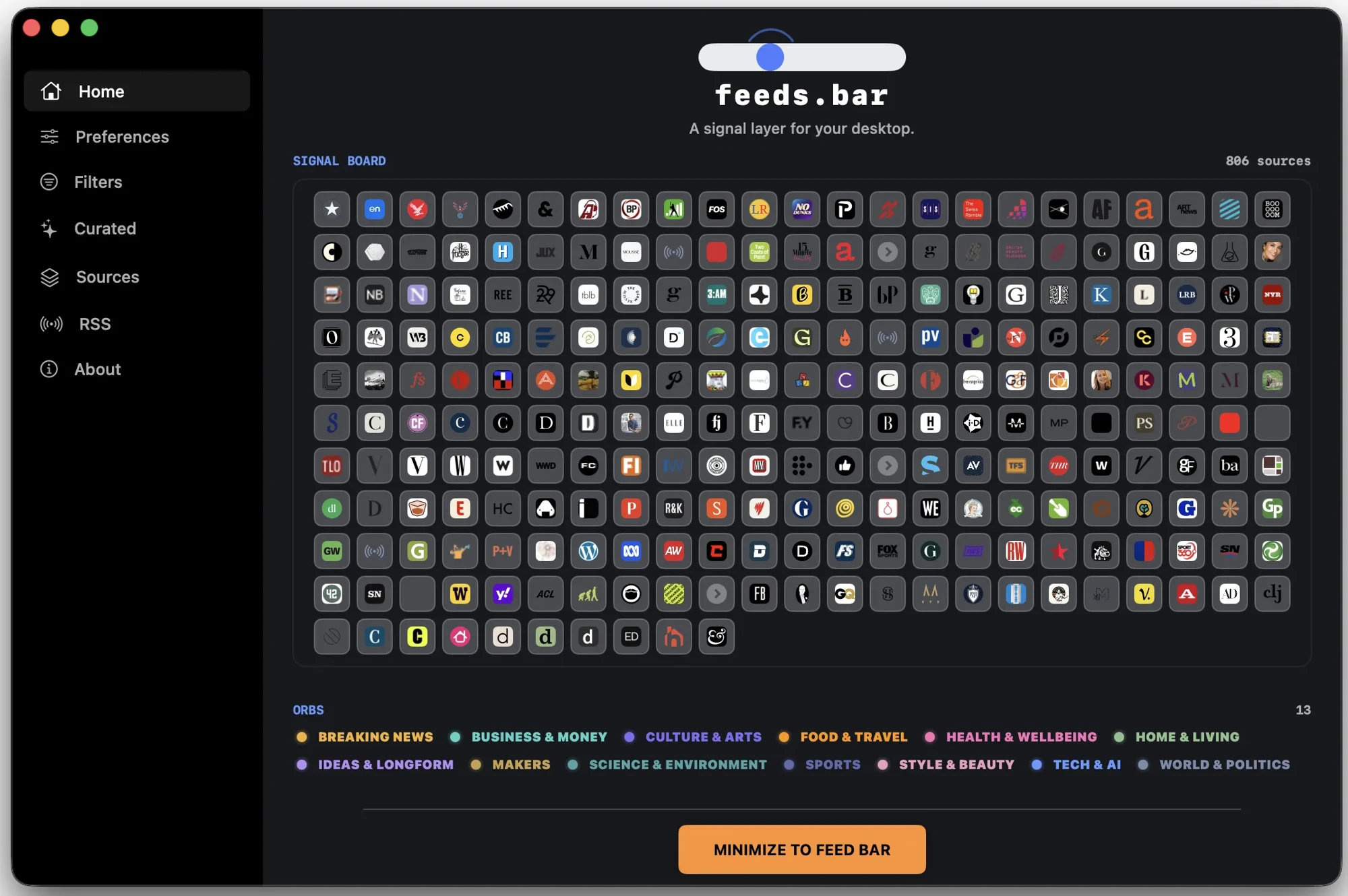
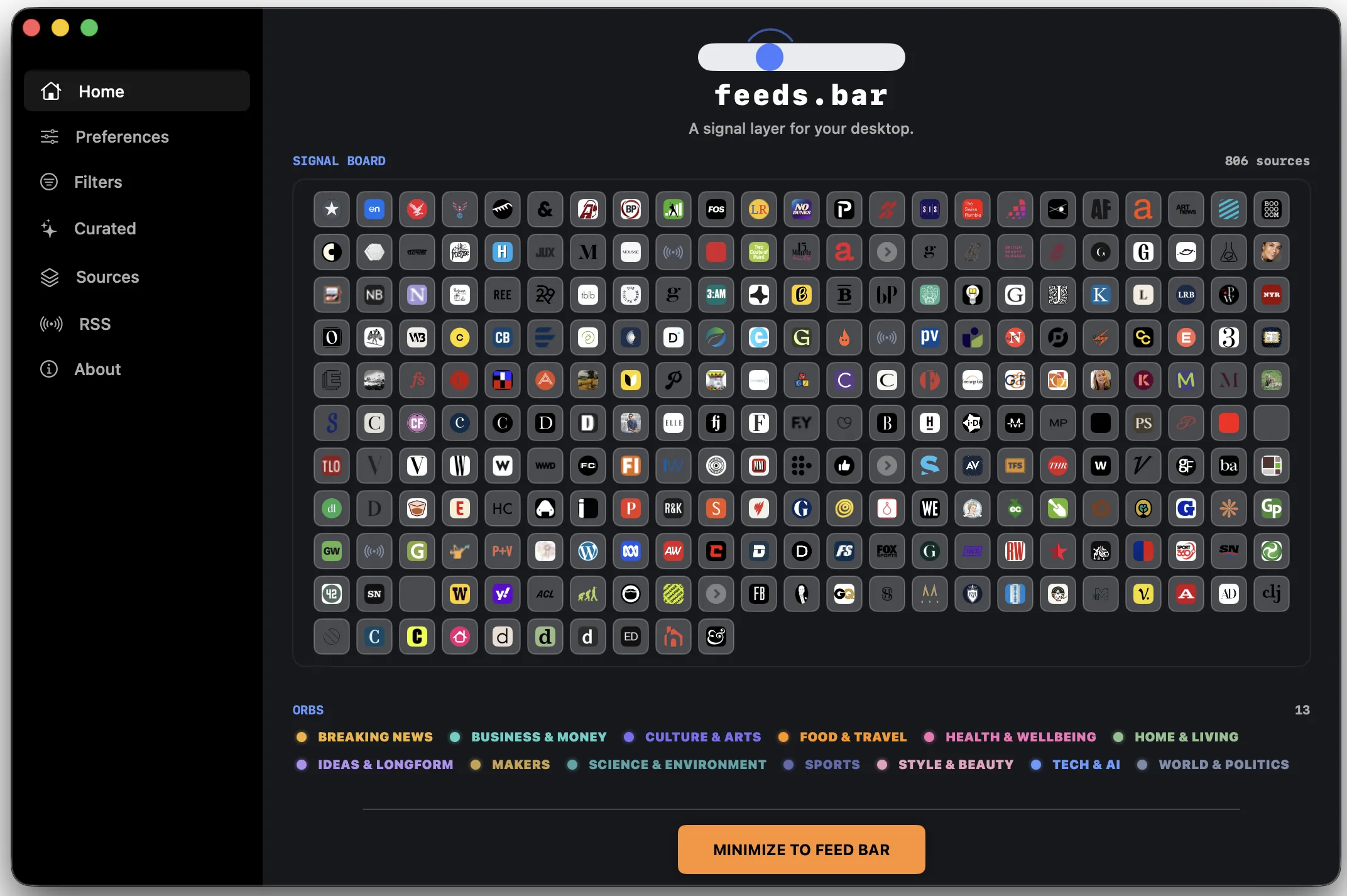
What you can do
- Add up to 20 personal RSS or Atom feeds, refreshed at 15-minute intervals
- Position a ticker at the top or bottom of a chosen display; adjust speed and pause on hover
- Follow or mute phrases and dim headlines already opened
- Add a second ticker with its own mix and display settings
Good for
- Glancing at selected headlines while working on a Mac
- A visible news strip instead of an unread-count workflow
Consider alternatives for
- An unlimited personal-feed library
- Automatic settings and reading-history sync between Macs
Start with a small feed set
Paste a valid RSS or Atom URL into the RSS settings, choose a display edge and tune the speed. Hover to pause and open a headline in your browser. The official setup guide describes the workflow; we have not tested it on a Mac.
Mac ticker and browser board
The press kit identifies version 1.2.20 and supports Intel and Apple Silicon Macs on macOS 14 or later. Its full-screen browser board is a separate presentation on the same license, rather than an additional Mac desktop window.
Limitations & considerations
- This is source-based coverage; installation, resource use and refresh reliability were not tested.
- The 20-personal-feed limit is distinct from the curated catalog. Local preferences do not sync between computers.
Privacy & permissions
The policy says feed choices, filters and reading history remain local. This does not mean the app makes no network requests: catalog requests, daily license checks and a six-hourly install-use ping are disclosed.
Some article images load from publishers directly. Optional music, weather and market features have additional data flows; review their permissions separately.
Privacy policySources & review notes Updated Nov 7, 2026
Reviewed by iApp4Me Editorial Team. Recommendations use the linked documentation and attributed accounts; device observations are identified separately.
- Submitted developer guide
Submitted by the product team; attributed product information, not an independent device test.
- Product privacy policy
Publisher disclosure; data-flow claims have not been independently audited.
- FeedsBar press kit
Current version, platform, purchase terms and original press screenshots.
No comments yet. Be the first to share your experience.